Porsche PIWIS Tester 2 V15.1VCI configuration error solution
2015/07/01 16:53
瀏覽272
迴響0
推薦0
引用0
Here is the Porsche PIWIS Tester 2 diagnostic tool with V15.100 software VCI configuration error and solution provided.
Problem:
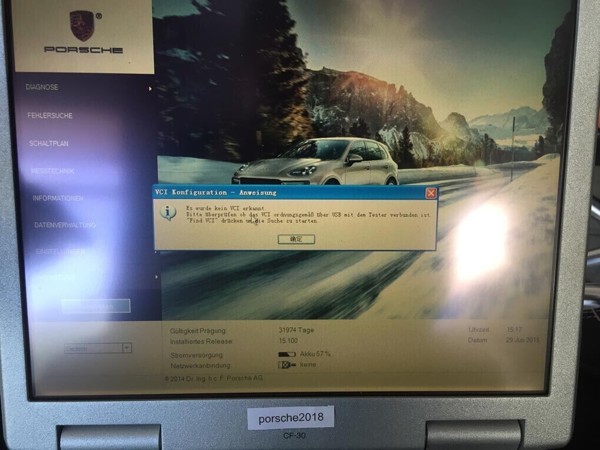
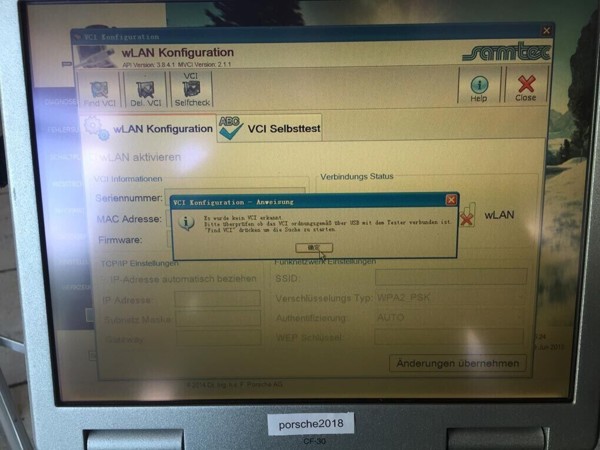
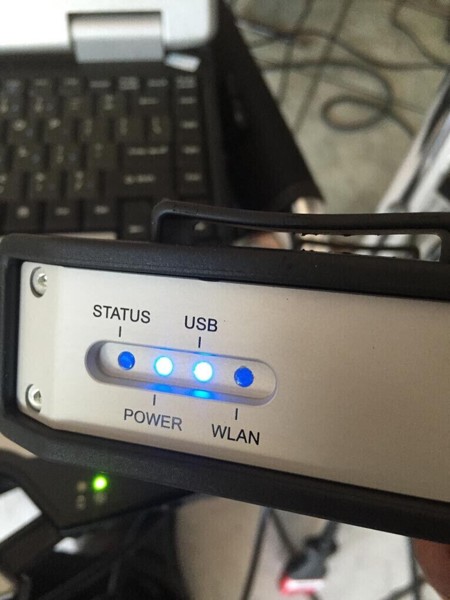
A Porsche tester ii (with power-on password porsche2018) owner reported that he had difficulty in using the V15.1 PIWIS software on Panasonic CF30 laptop. The device’s USB and Power indicators turned on which means the well communicated has been built. But the Porsche PIWIS displayed an error message: “VCI configuration error. There is no VCI was recognized.”
Following are some screenshots of his operation.
Possible reason:
Incorrect operation. Porsche tester II users do not need to enter into VCI self-test procedure.
Solution:
Please follow the correct operation procedure provided below:
1) Turn ignition to ON and start the engine
2)Connect Porsche Tester II system to the car, wait until the indicator light flashes then connect the device with computer using USB cable.
3)Select your Porsche model and year
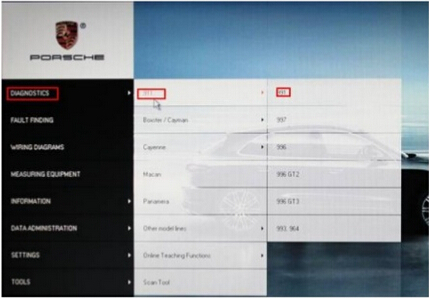
4)Enter PIWIS diagnostics interface.
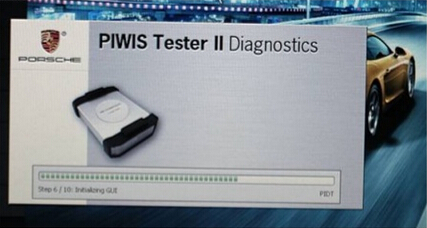
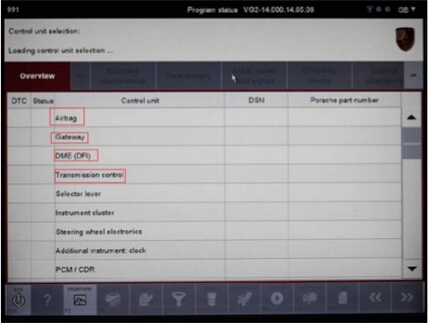
5) If the system displays “Control unit selection: Loading control unit selection”, the PIWIS software is working.
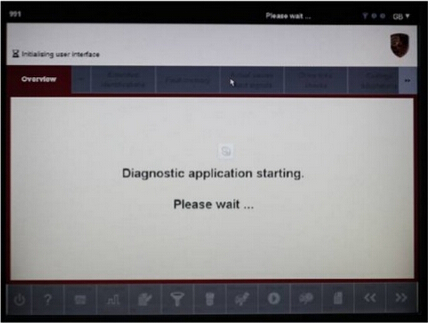
NOTE: you won’t see control unit list if piwis tester is not connected properly or the device is damaged.
6) If the system cannot detect vehicle ECU modules, there is no good communication among the vehicle, device and computer or the PIWIS tester 2 tool is damaged.
自訂分類:不分類
上一則: China UPA USB programmer V1.3: bad VS good下一則: (Fixed)BMW 428i 2014 Left side xenon not fire
你可能會有興趣的文章:
- FAQ and solution of Renault CAN CLIP v157 Diagnostic Tool
- Truck Version KESS V2 v4.036 and V4.024,which the better?
- YanHua Digimaster 3 Updated to 1.8.1604.20
- Autel Maxidas DS708 Software update Instructions
- How to do Mercedes W221 W204 all key lost with VVDI MB BGA Tool
- Braking system maintenance and troubleshooting
限會員,要發表迴響,請先登入


