How to update OBDSTAR X300 PRO3 software online?
2016/06/07 16:27
瀏覽405
迴響0
推薦0
引用0
OBDSTAR X300 PRO3 key master features with the immobiliser key programming function of SKP900,as well as new function e.g. Odometer adjustment, EEPROM/PIC and OBDII.
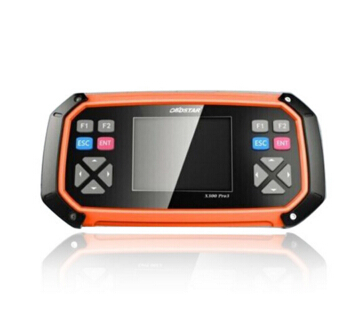
OBDSTAR X300 PRO3 software Via official website online, free update for 1 year,, after one year, the cost is 250USD.Here is the instruction on X300 Pro3 software upgrade.
Update Tool software installation
Download the update tool and diagnostic software on www.obdstar.com, double click,then go to the next step:
Step 1:Click “Next”
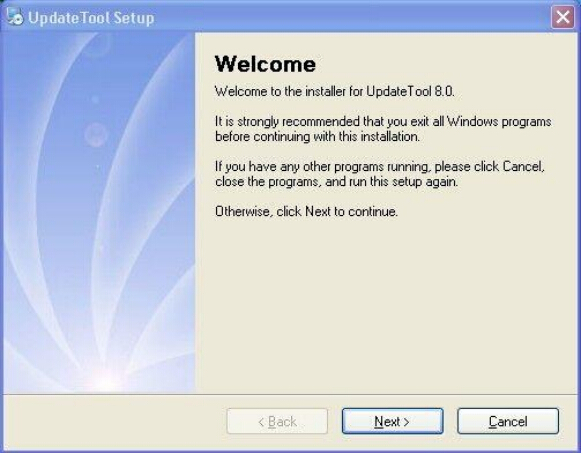
Step 2: Click “Next
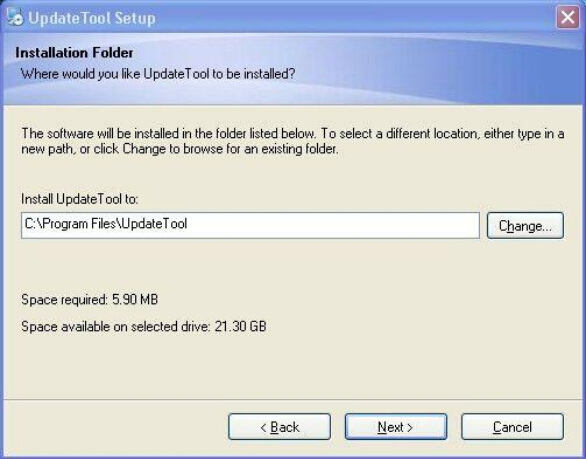
Step 3: Click “Next”
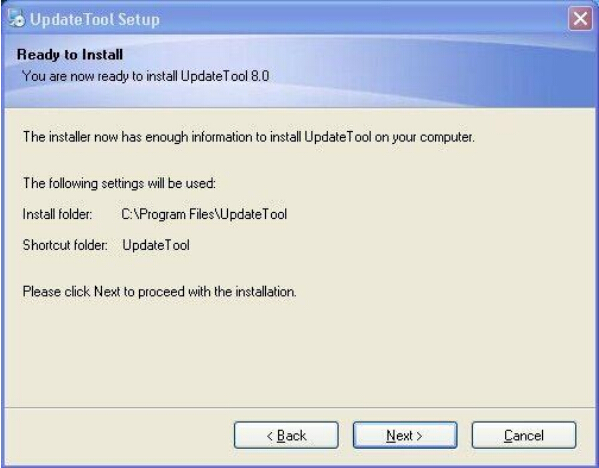
Step 4: Click “Finish”
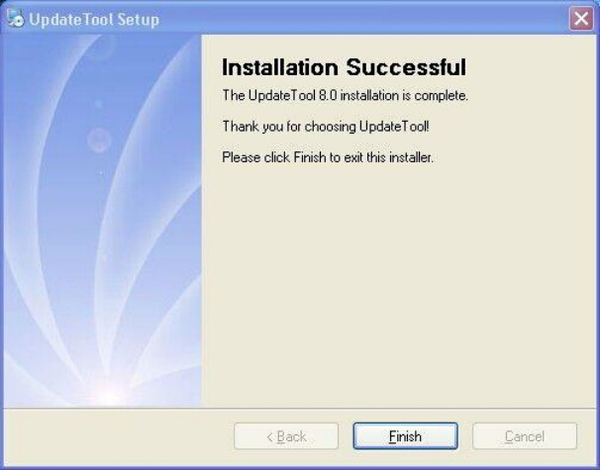
Software Updating
After Update Tool installation completed, click the Update Tool software icon on desktop to start the update tools. Operation steps as following:
Step 1:Open update tool
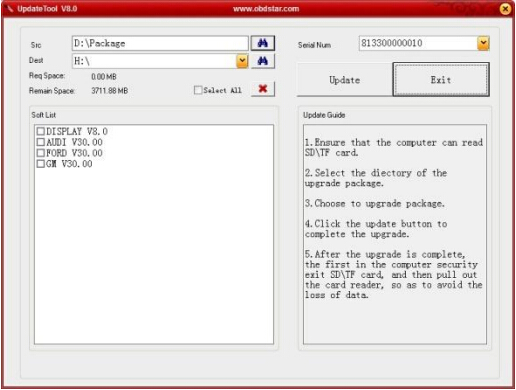
Step 2: Click the source menu, choose the program you want to update, click it and confirm
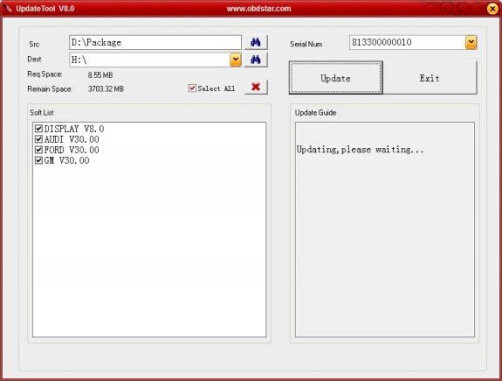
Step 3: Click and select all the software then click “update”
Step 4: Wait for several minutes then the updating finished
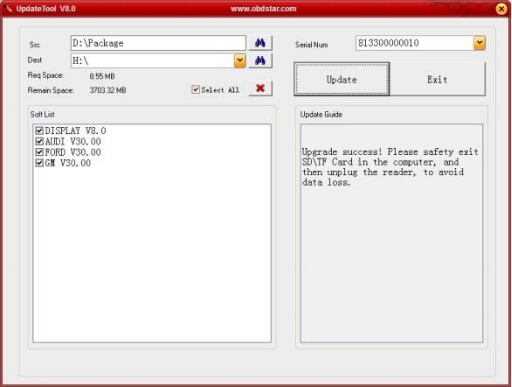
For new update software and questions during updating, please contact us:
E-mail:sales@obd2express.co.uk
Skype:obd2express.co.uk
你可能會有興趣的文章:
- Truck Version KESS V2 v4.036 and V4.024,which the better?
- Autel Maxidas DS708 Software update Instructions
- Braking system maintenance and troubleshooting
- Xhorse VVDI2 Update Online for VW Audi BMW Porsche Coming Soon
- Volvo VCADS pro problem and solution
- Solution for 2002 Mercedes Benz CLK 430 Conv Top Issue
限會員,要發表迴響,請先登入


