How to Solve Kess v2 error “External exception EEFFACE”
2015/05/18 17:14
瀏覽394
迴響0
推薦0
引用0
There is a feedback from one of our customer, he said he replaced chip and reset tokens, then get connection error “External exception EEFFACE” as following picture shows:

What’s the reason?
You may connect the kess V2 with internet or make it online update, causing the interface destroyed/broken.
How to repair it?
Method 1:
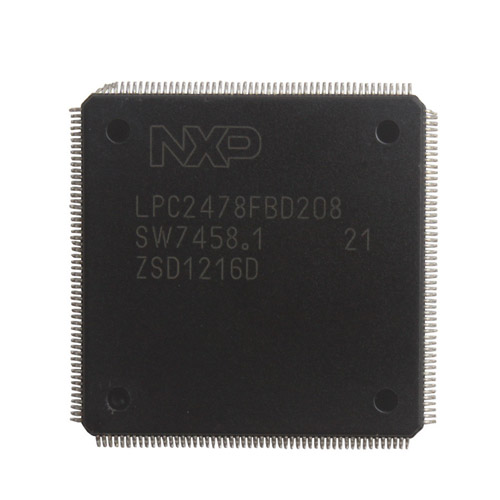
Buy a new NPX Fix chip (or called CPU Repair Chip) with 60 tokens inside. Desolder the old NPX and change it with the new.
Note: NPX is out of stock in some sites now, because the newest KESS V2 has the NPX preinstalled on the machine.
Method 2:
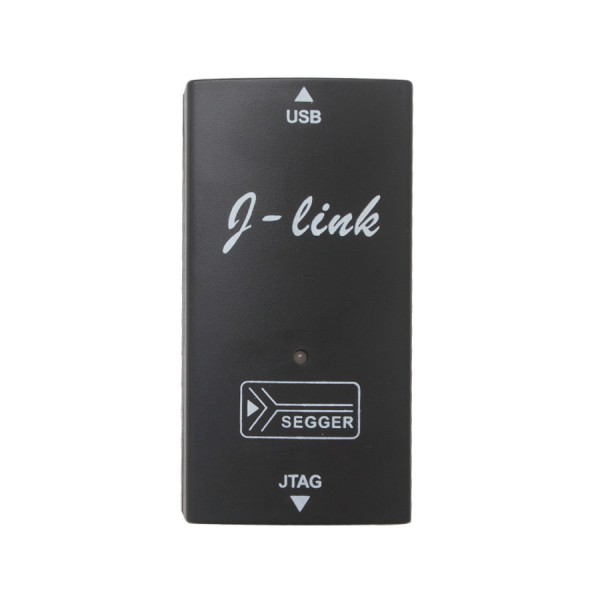
you have to weld a connector on the backside of interface , and plug the J-link programmer to reset the Kess v2 to be virgin.
Note: the newest KESS V2 is packed with J-link V8 programmer, no need buy additional one.
自訂分類:不分類
上一則: How to use SKP-100 Key Programmer Remote Key Programming下一則: Can u read your CN1 chip with TM100 Transponder Key Programmer?
你可能會有興趣的文章:
- How to do Mercedes W221 W204 all key lost with VVDI MB BGA Tool
- Volvo VCADS pro problem and solution
- Mercedes-Benz S600 an acceleration of the engine fault light will light
- Porsche PIWIS Tester 2 V15.1VCI configuration error solution
- How to change the language for VDM UCANDAS to the one you want?
- Can u read your CN1 chip with TM100 Transponder Key Programmer?
限會員,要發表迴響,請先登入


