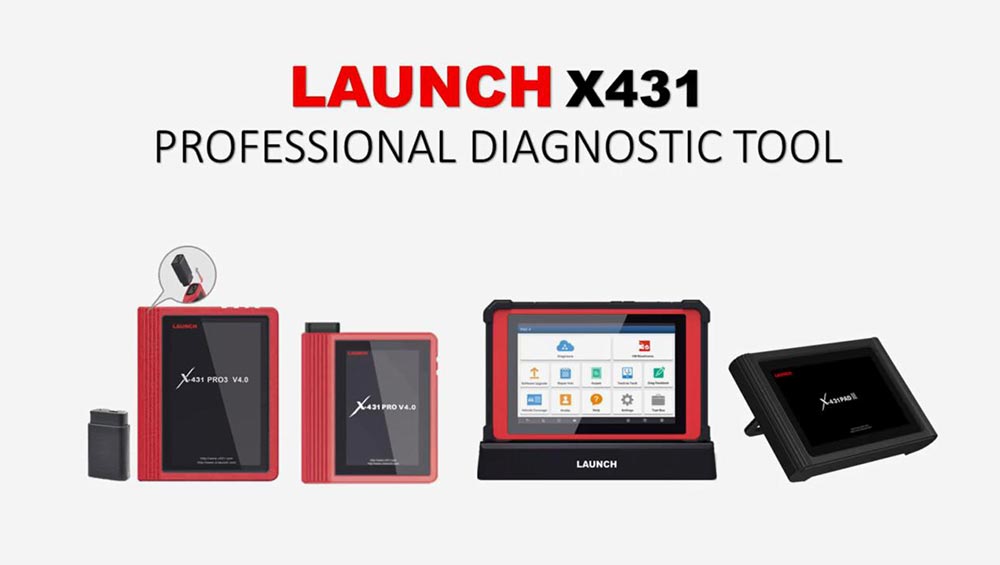
Used Launch X431 PAD V on Mercedes Benz C200 (W204), replace new TCM module, Teach-in Drive Authorization System and Teach-in selection range sensor. Actually, X431 Pro3, X431 PRO, X431 PADIII etc is working too.
Only work with un-authorization or new control module.
After done TCM programming, Teach-in Drive Authorization System.
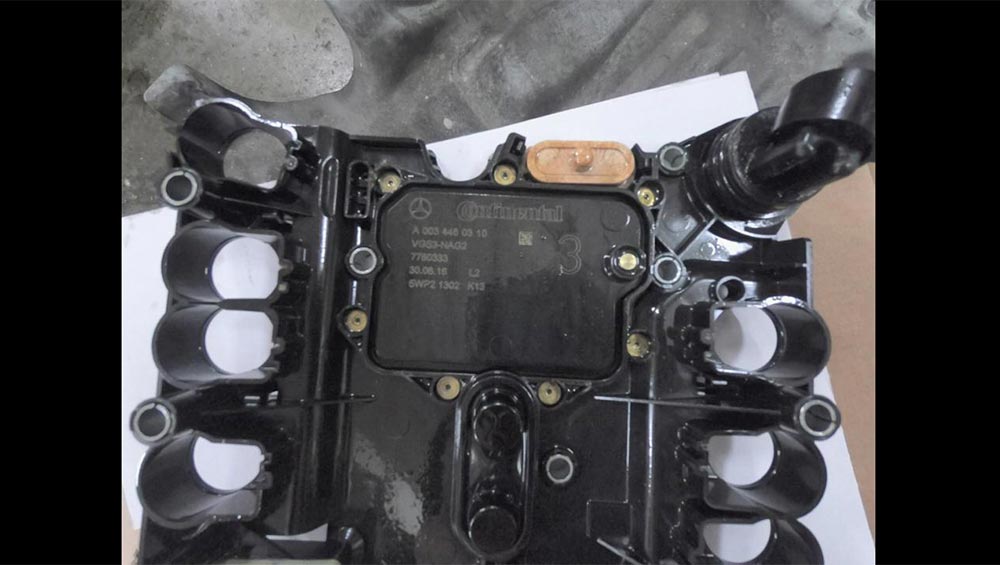
Part 1: Teach-in Drive Authorization System
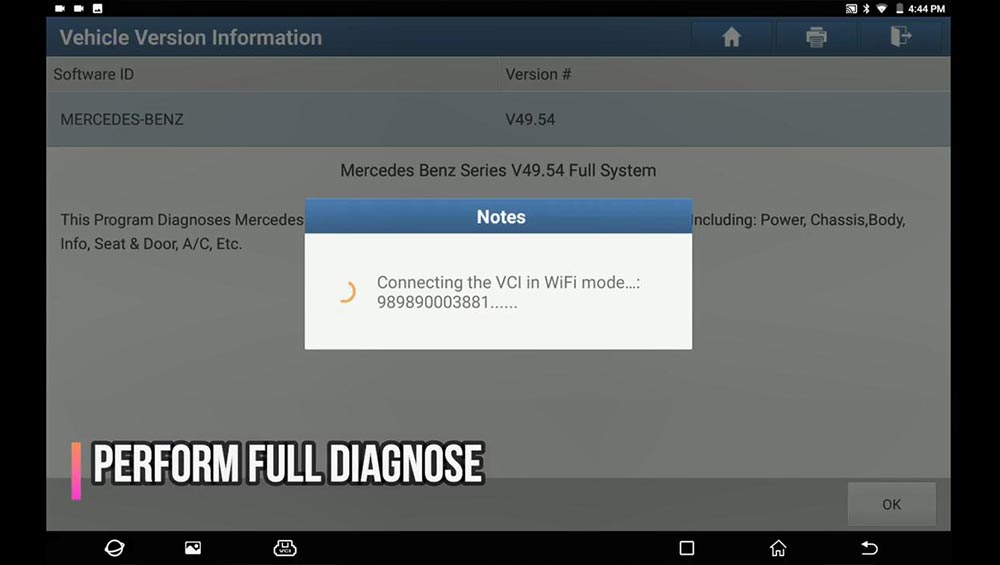
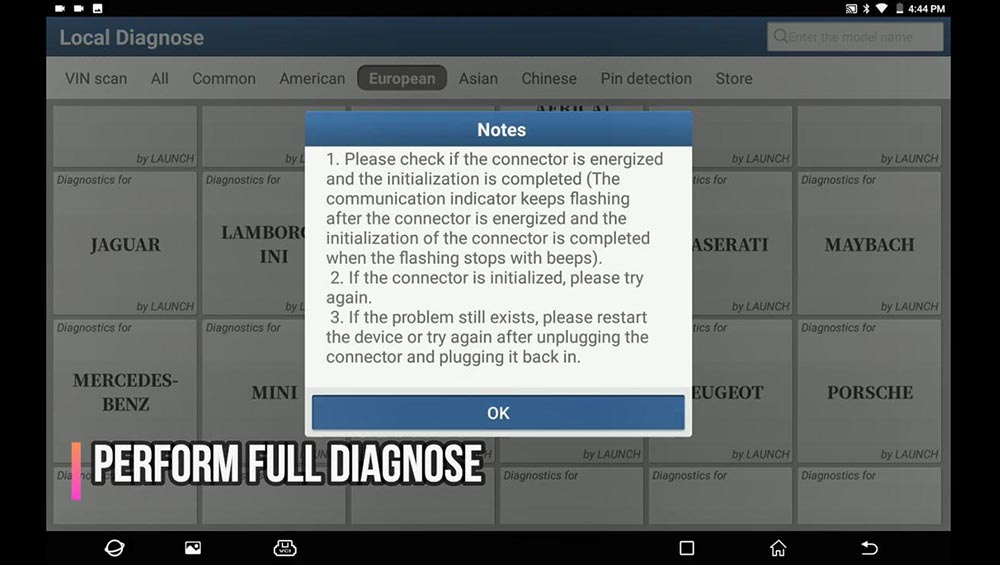
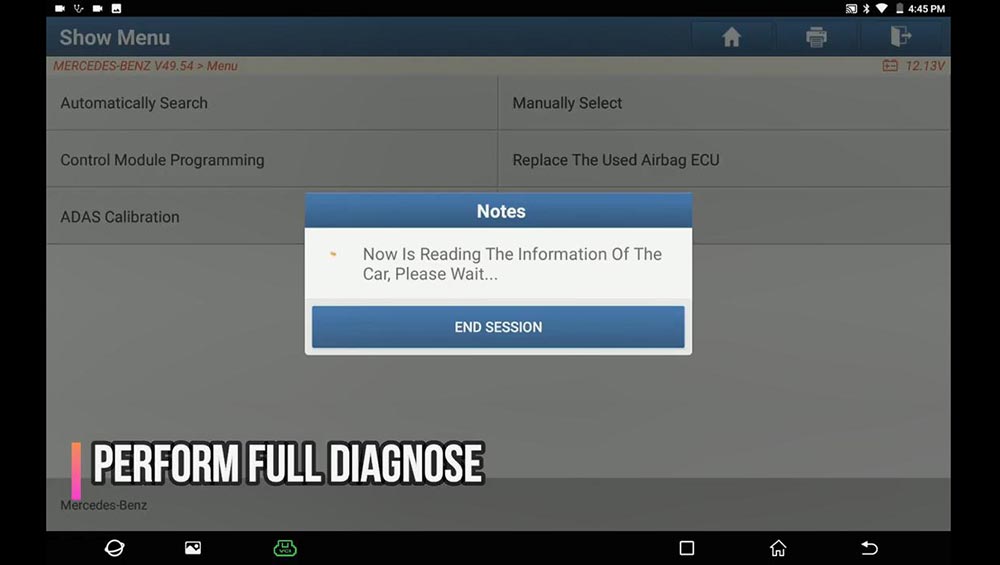
Perform full diagnose.
Path: full diagnose -> Mercedes Benz -> Menu -> Automatically Search -> Scan the ECU (Abnormal: IC, ESAF, AUDIO…) -> Save the inspection result ->
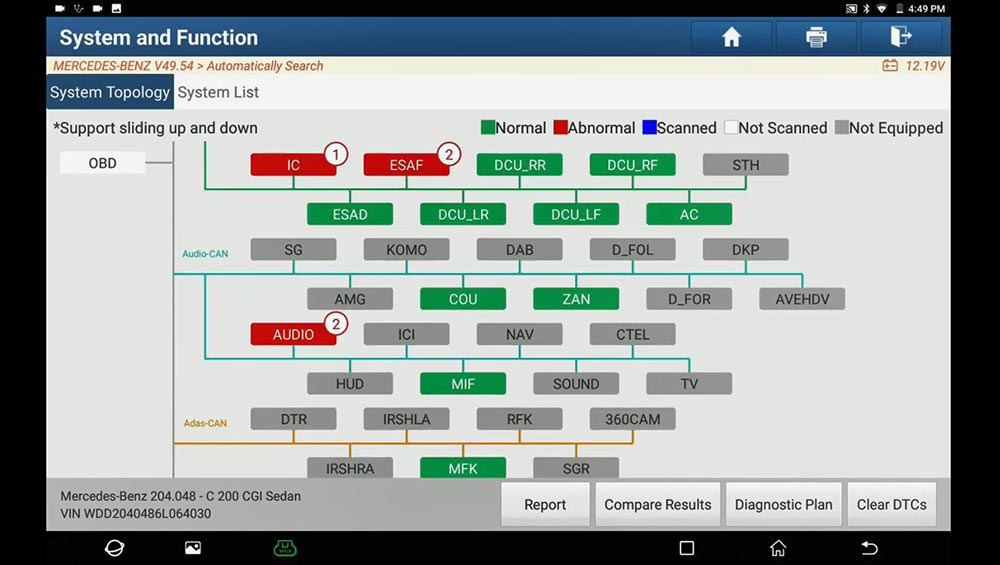
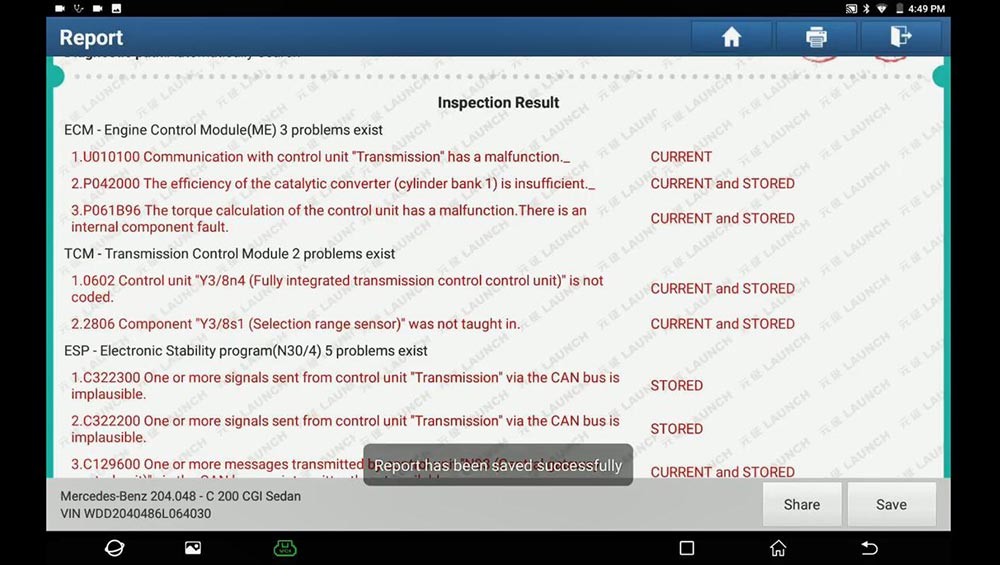
Go to the system list to choose “TCM” and then “Transmission Control Module”.
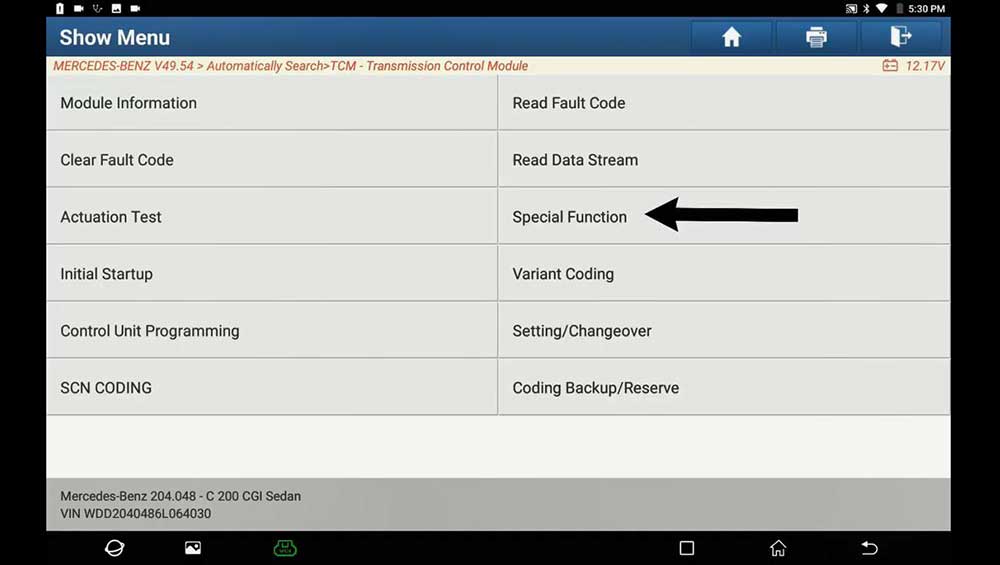
Click on “Special Function”.
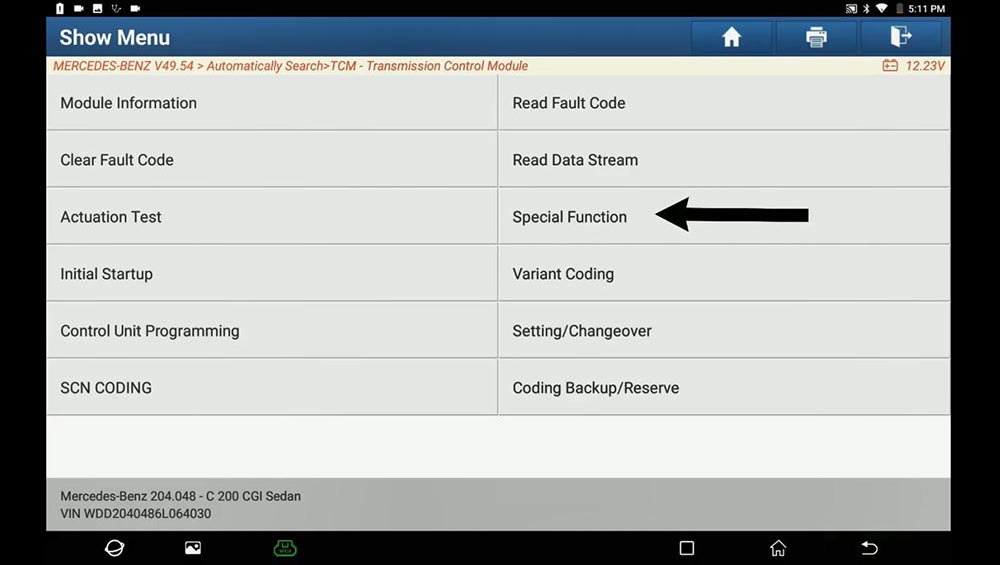
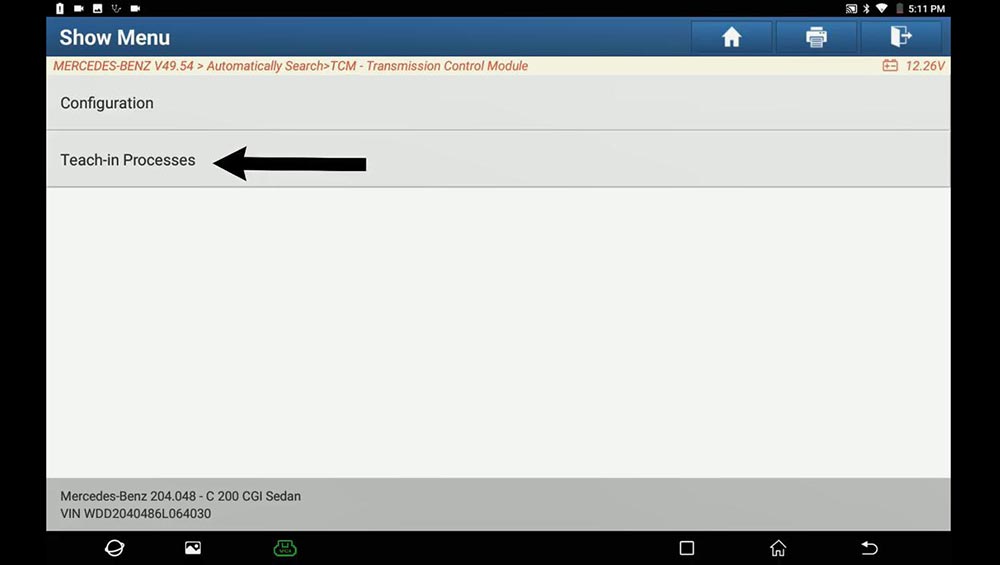
Select ” Teach-in Processes”.
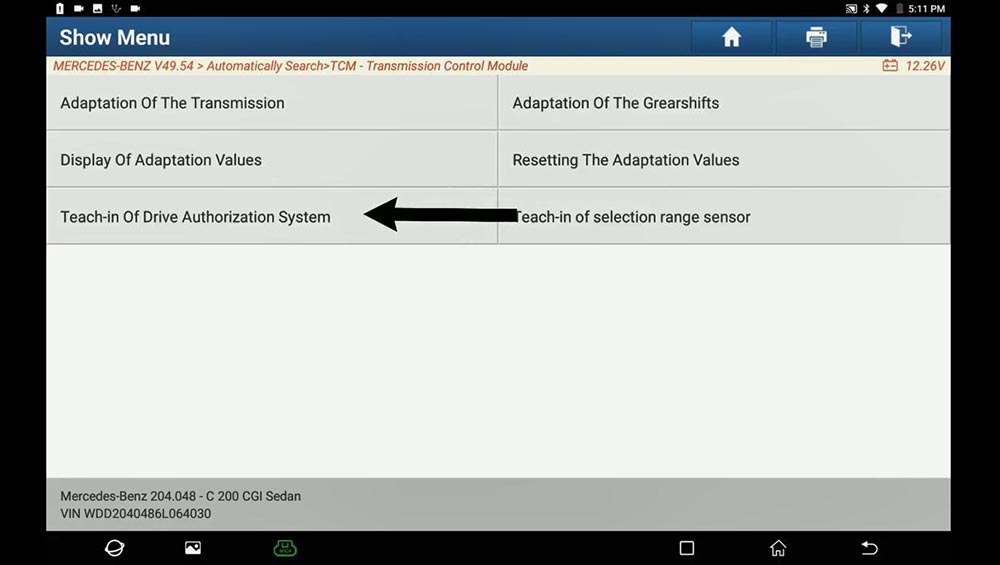
Select ” Teach-in of Drive Authorization System”.
It will perform 3 steps:
Deactivate transport protection
Personalization
Activation
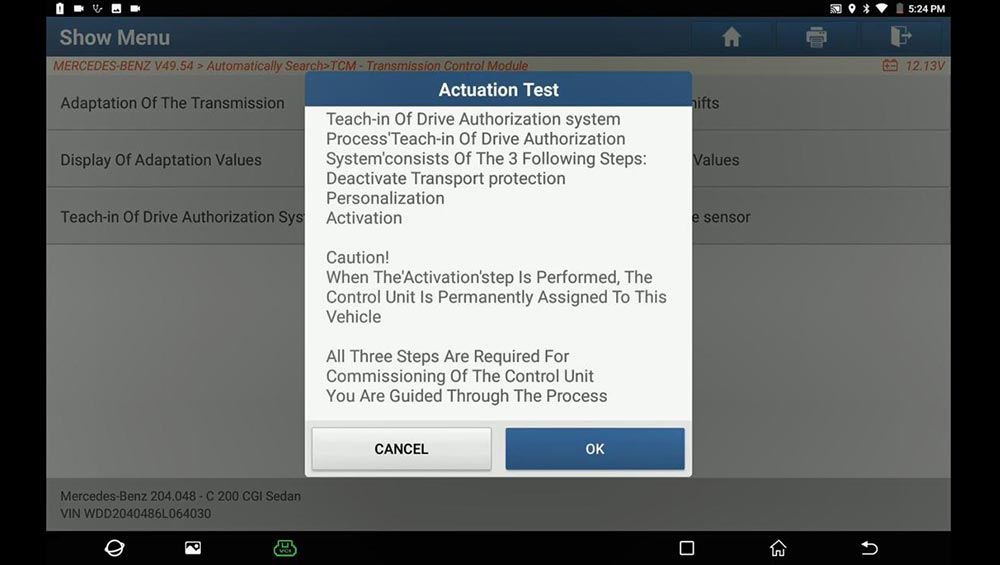
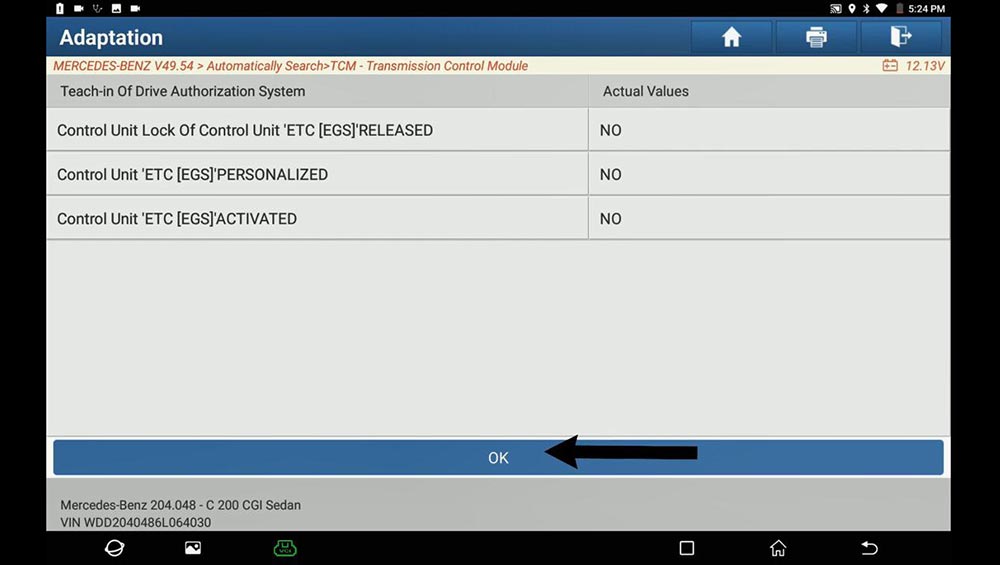
Click on “OK”.
Click on “Yes”.
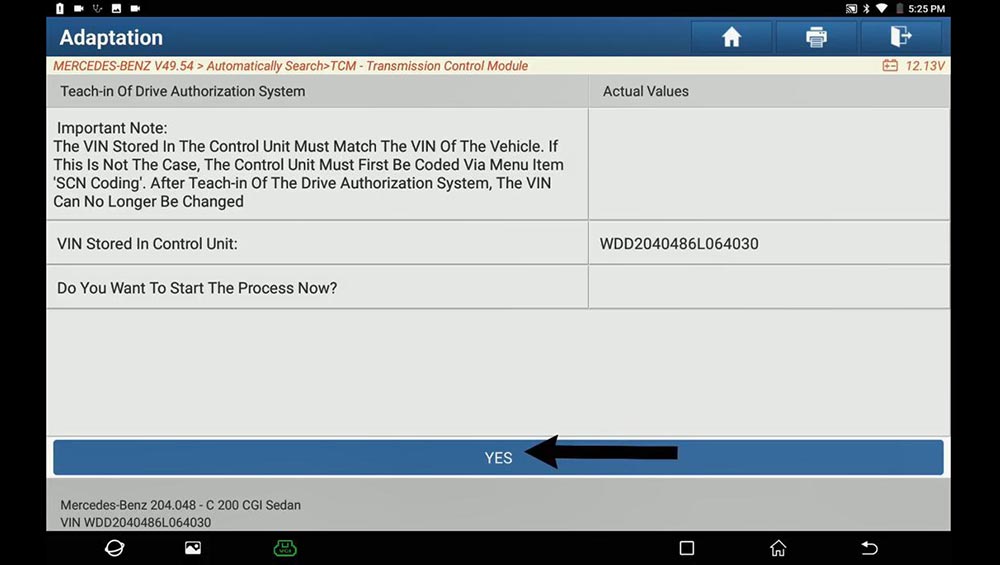
Click on “YES” to Deactivate the transport protection.
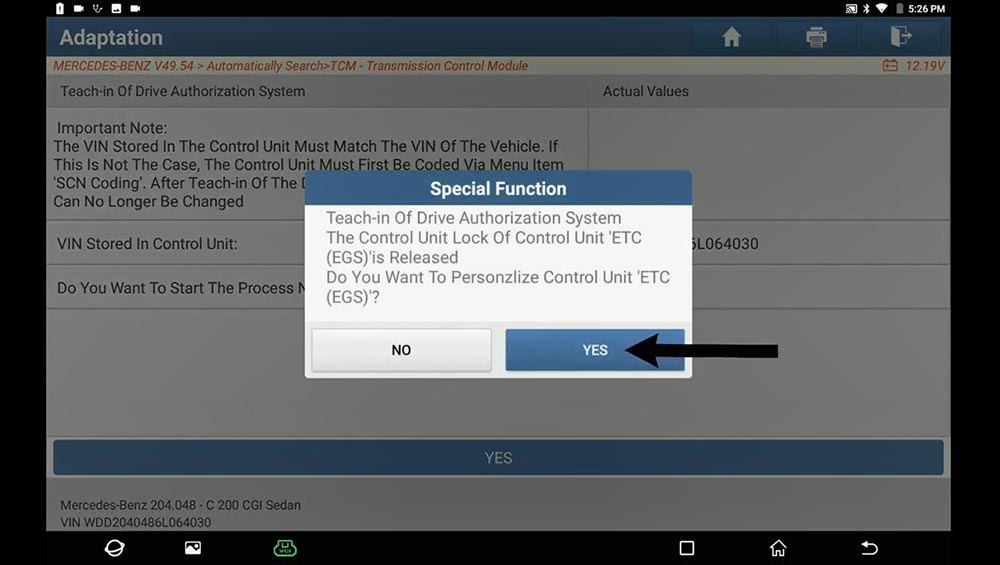
Click on “YES” to Personalize Control Unit “ETC (EGS)”.
Click on “Yes” to agree that you want to activate Control Unit “ETC (EGS)”.
Click on “Yes” to confirm again.
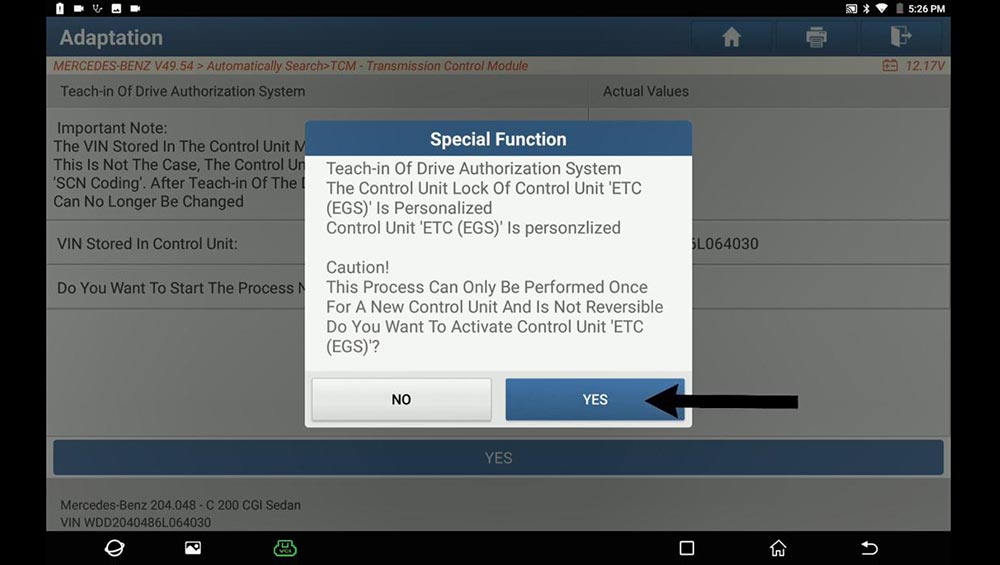
Teach-in of Drive Authorization System Control Unit ‘ETC (EGS)’ is firmly assigned to the vehicle and can No longer be personalized, click on “Yes”.
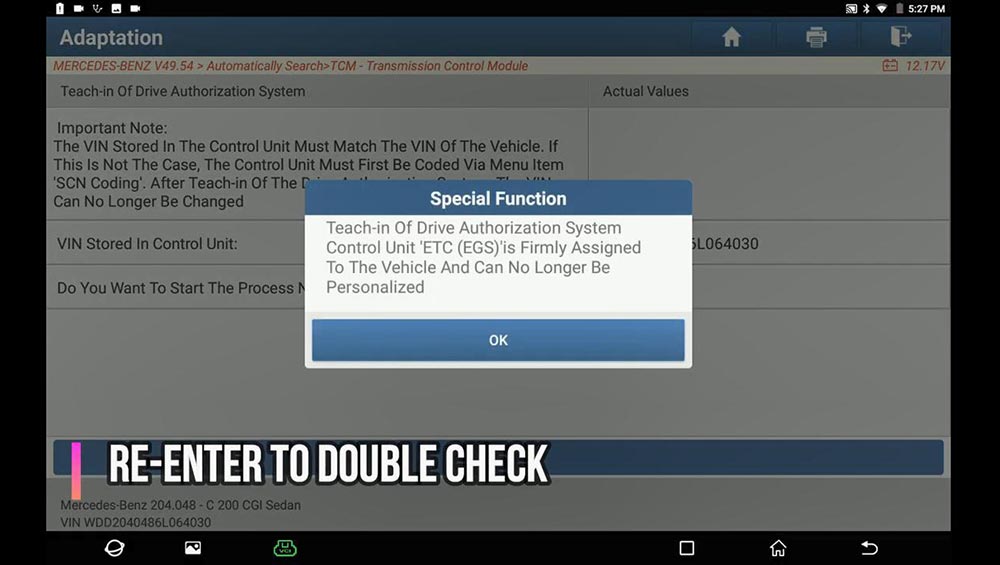
Re-enter to double check.
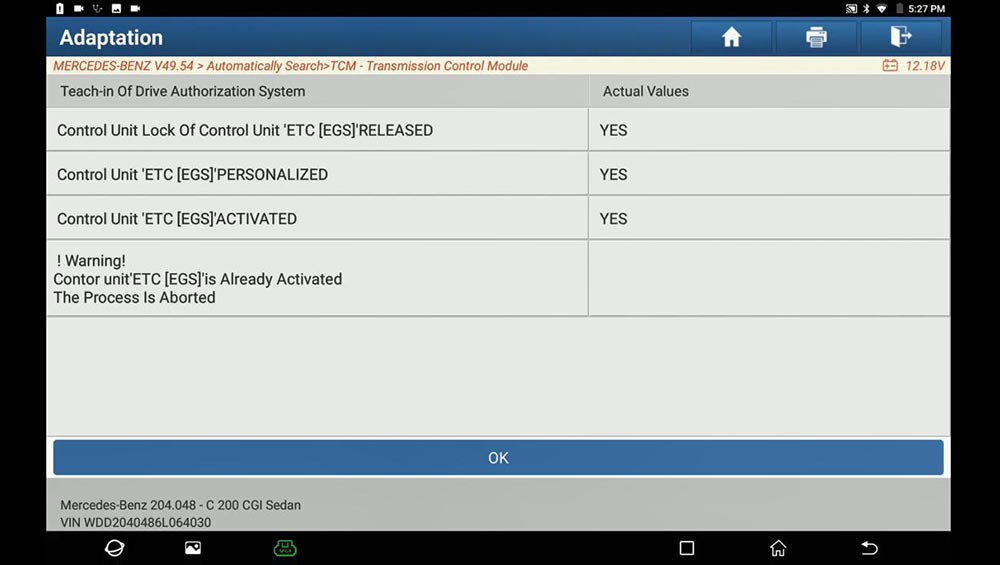
Back to select “Teach-in of Drive Authorization System”, click on “OK”, you will see:
Control Unit Lock of Control Unit “ETC (EGS)” Released : Yes
Control Unit “ETC (EGS)” Personalized: Yes
Control Unit “ETC (EGS)” activated: Yes
Part 2: Teach-in selection range sensor
Path: full diagnose -> Mercedes Benz ->Automatically Search -> TCM -> Transmission Control Module -> Teach-in selection range sensor -> Teach-in Processes.
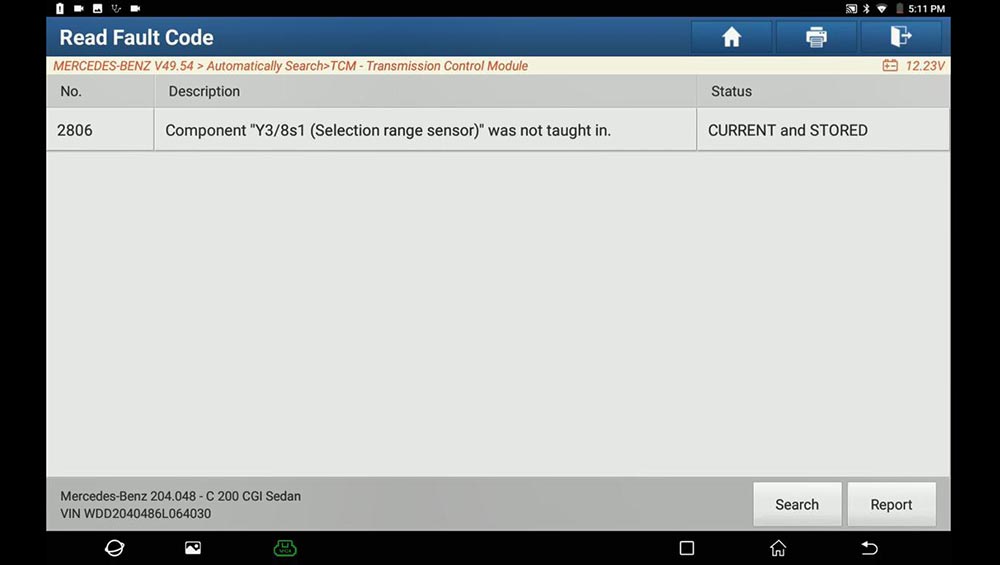
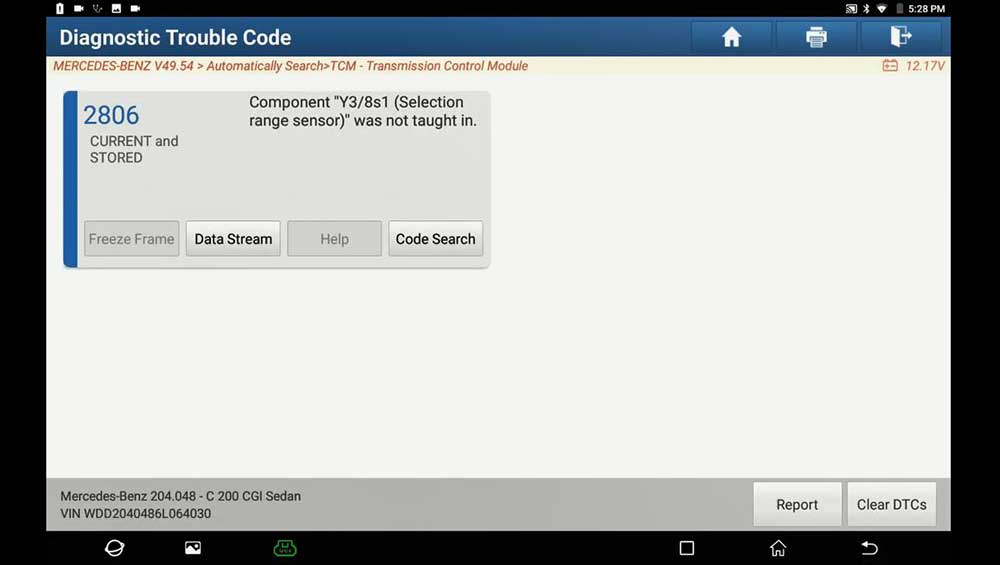
Select “Read Data Stream” and have fault code 2806.
Back to select “Special Function”.
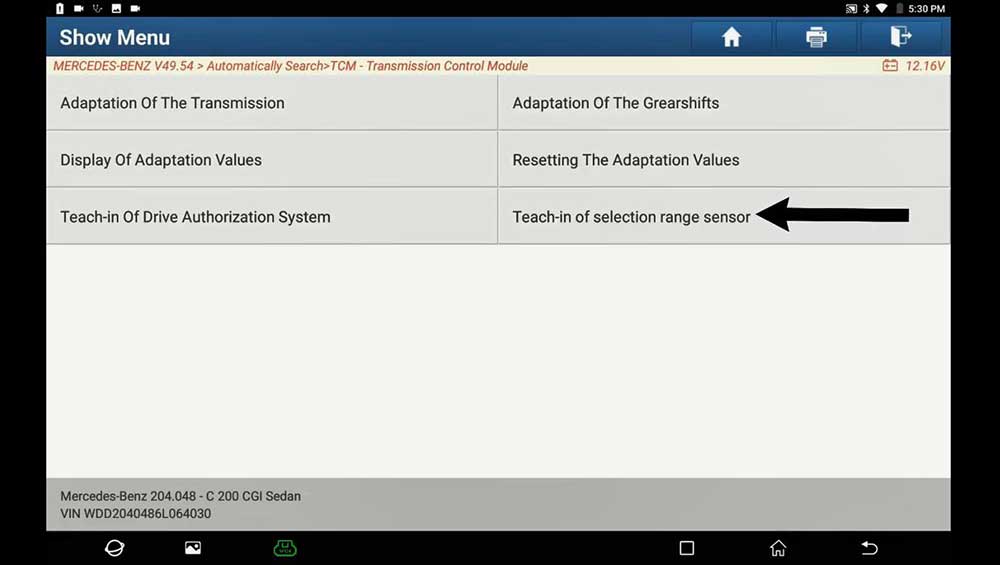
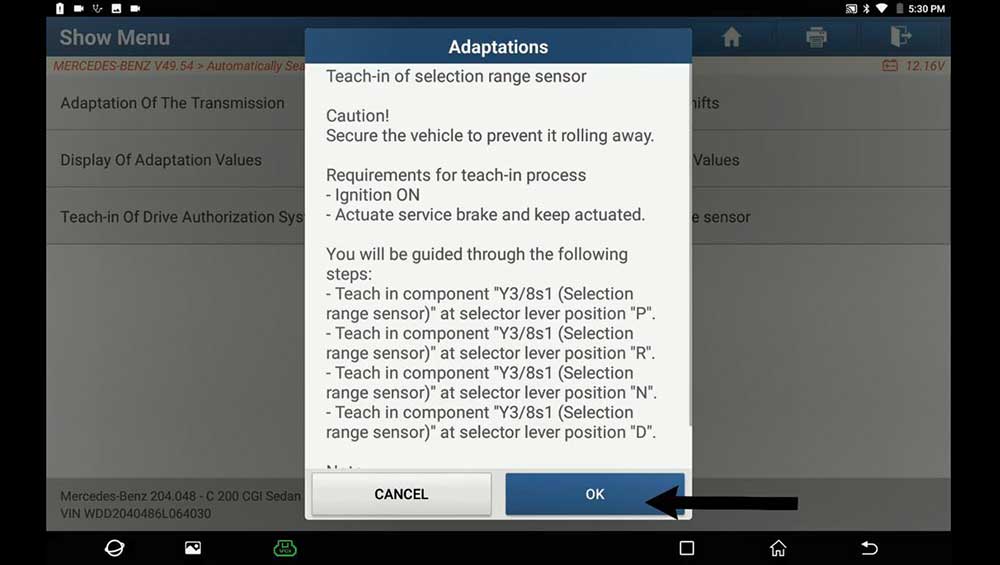
Enter Teach-in Processes -> Teach-in selection range sensor, read the tips to follow.
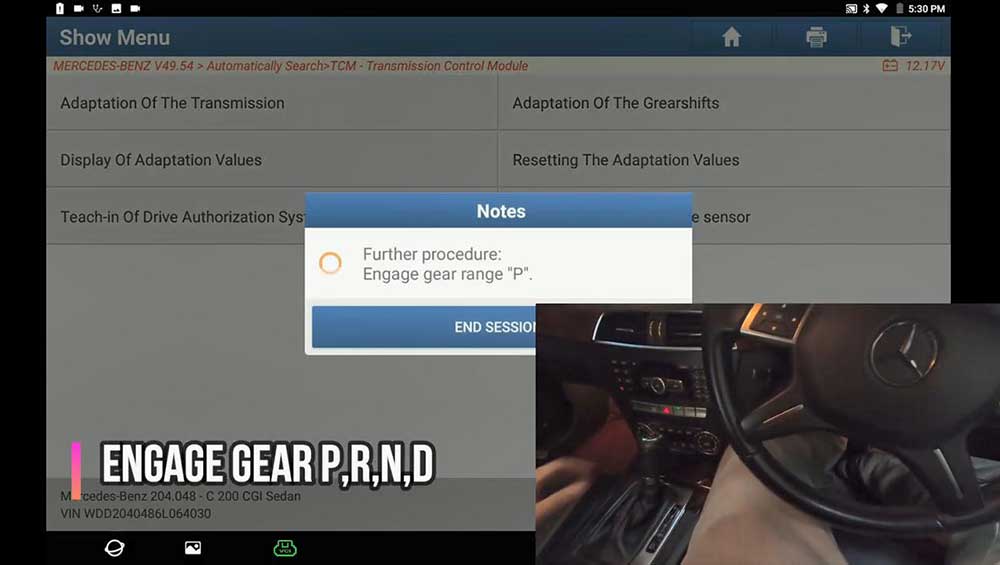
Engage gear range P, R, N, D.
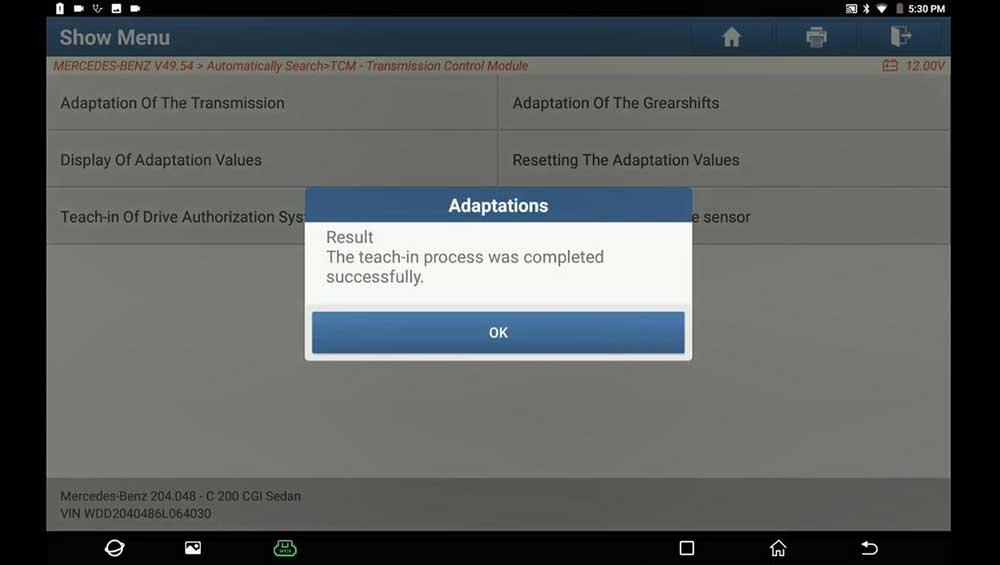
Alright, the teach-in process was completed successfully.
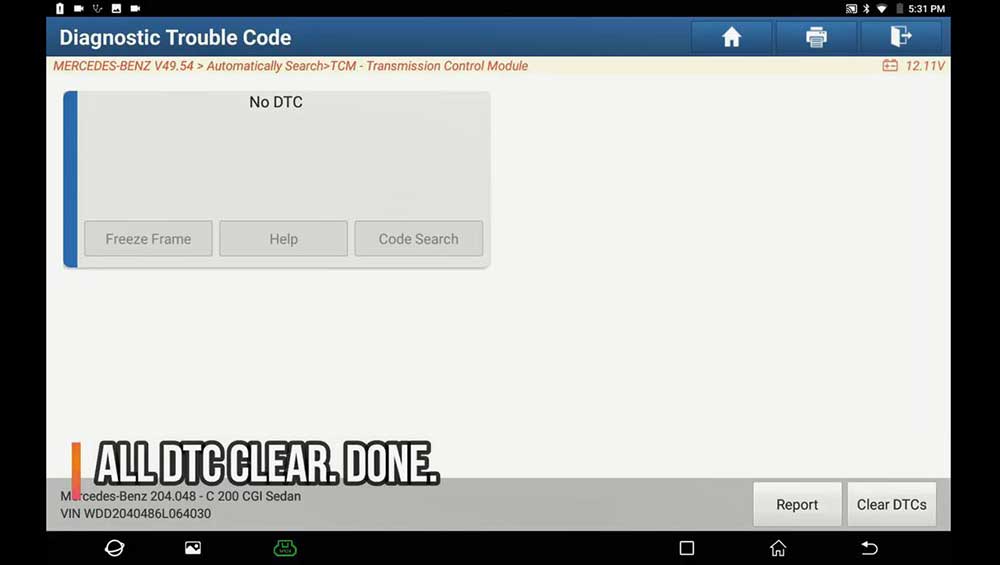
Alright, all DTC cleared.
Job is done.
Thumb up Launch X431 PAD V.
If you want to know more about Launch X431 Scan Tools, please visit our website www.obd2tool.com
下一則: HOW TO UPDATE MB SD CONNECT C4 FIRMWARE
- Which car models can work with VOCOMII
- Fix Mercedes Air Conditioning W222 Not Working
- How to upgrade BMW ICOM Next A firmware step by step
- Jungheinrich EJD 220 Travel Acceleration Parameter Setting by CanCode
- Guide to use CG FC 200 ECU Programmer
- Program Nissan Sylphy B18 2020 Proximity Bypass PIN Code by OBDSTAR X300 DP Plus
限會員,要發表迴響,請先登入


