How to upgrade BMW ICOM Next A firmware step by step
1. When you update the BMW ISTA diagnostic software and connect to a BMW car, the connection manager displays the firmware, indicating that your ICOM needs to be upgraded. I will show you how to upgrade the ICOM firmware through the WEB page;
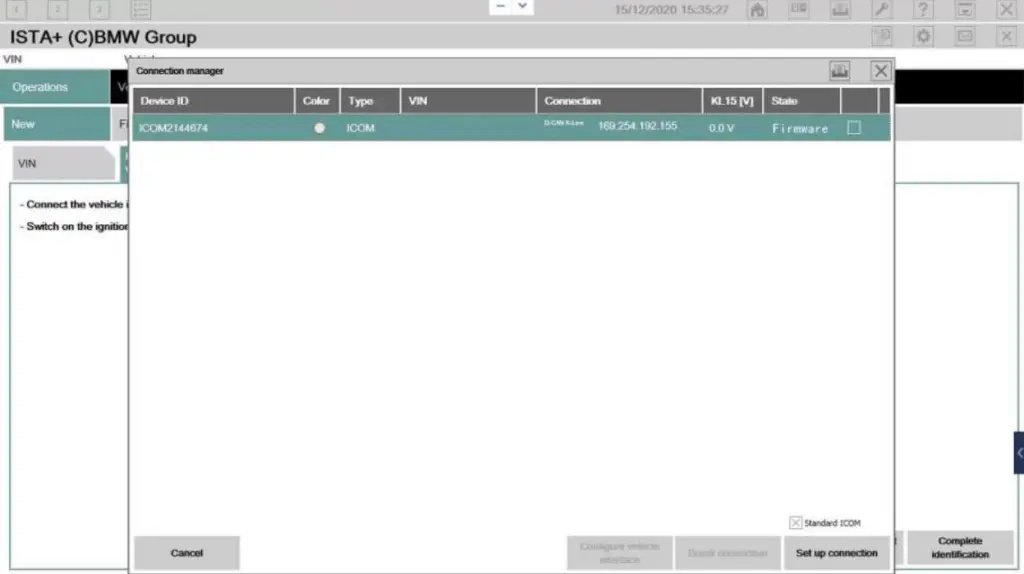 1
1
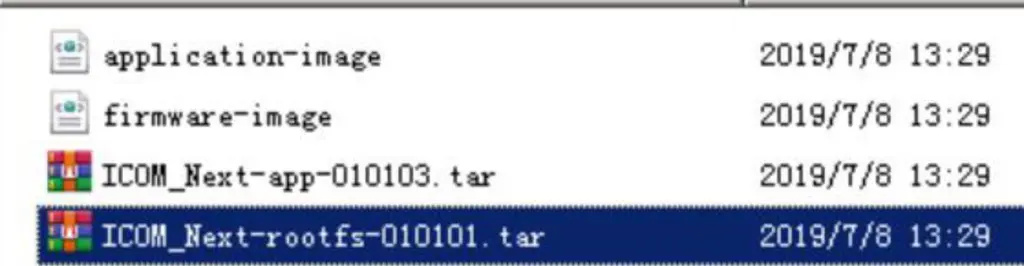
2. ICOM NEXT Firmware file
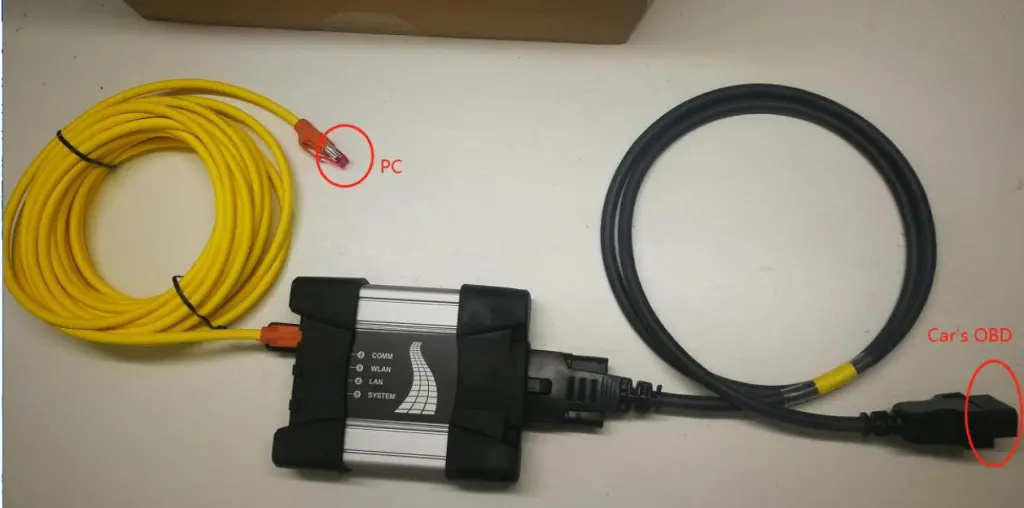
3. ICOM NEXT connect car;
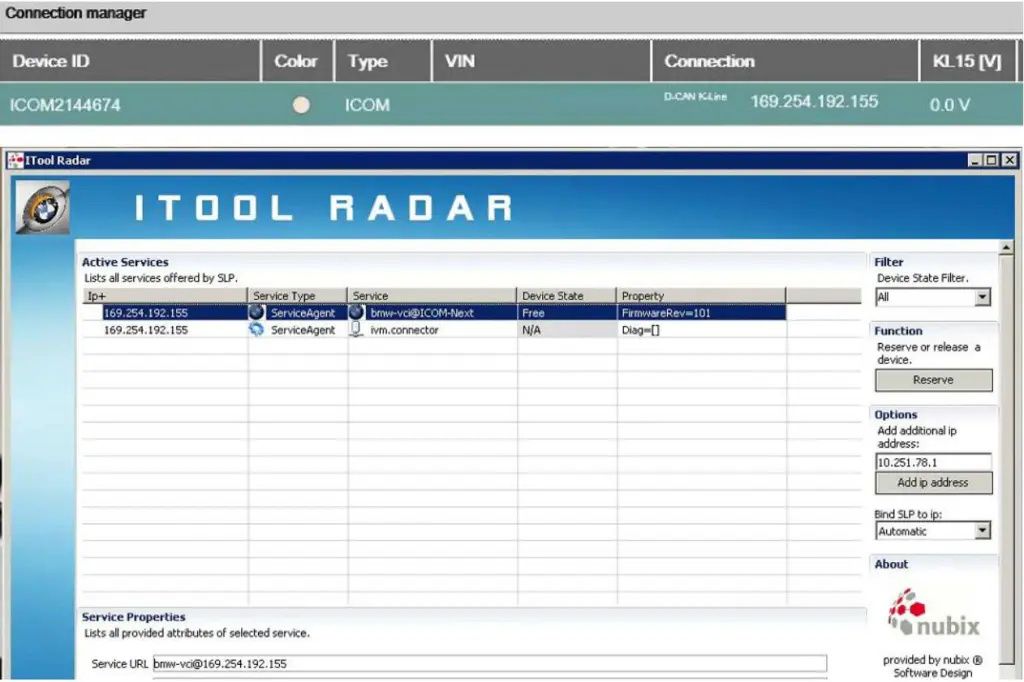
4. ICOM NEXT IP;
5.WEB Login:http//169.254.X.X:60080,user:admin,password:NZY1150263;
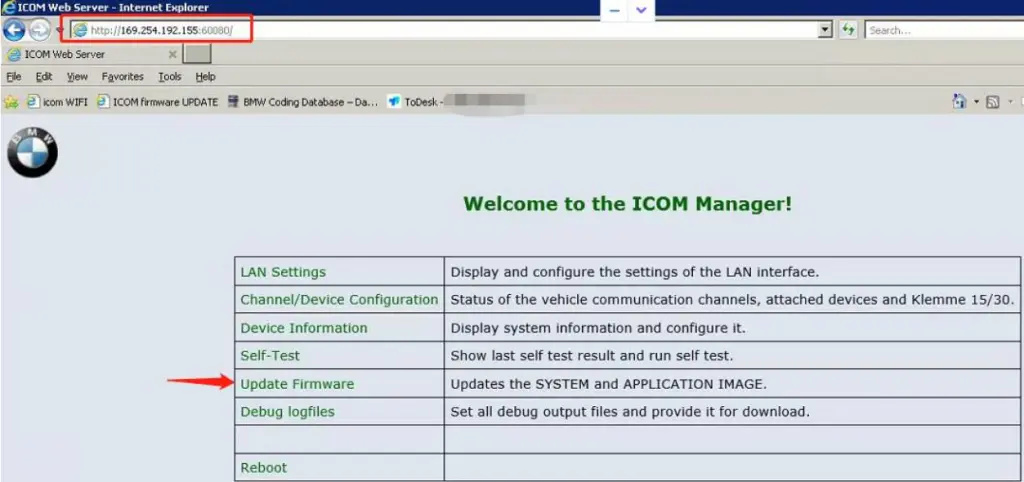
6.Select firmware file;
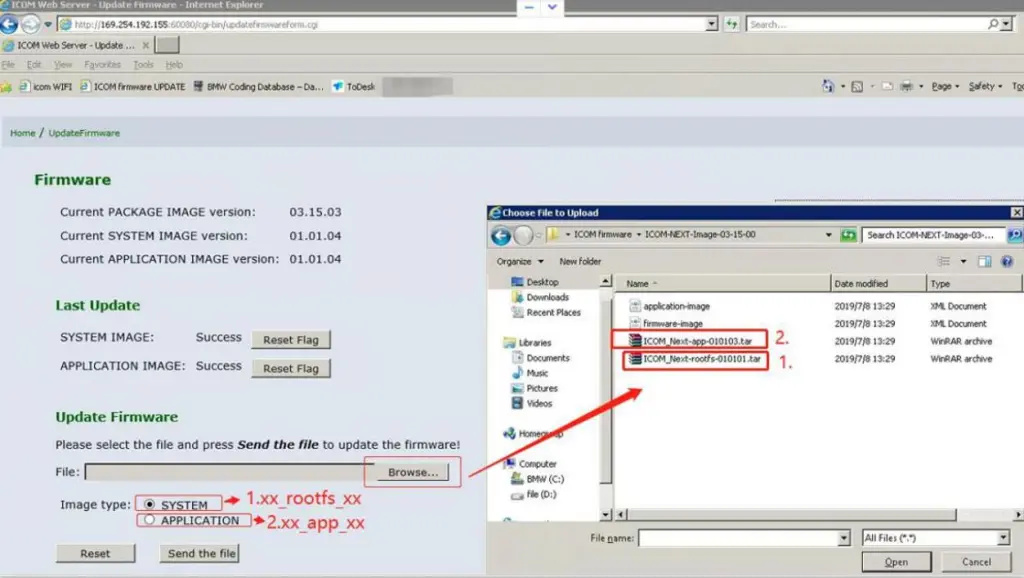
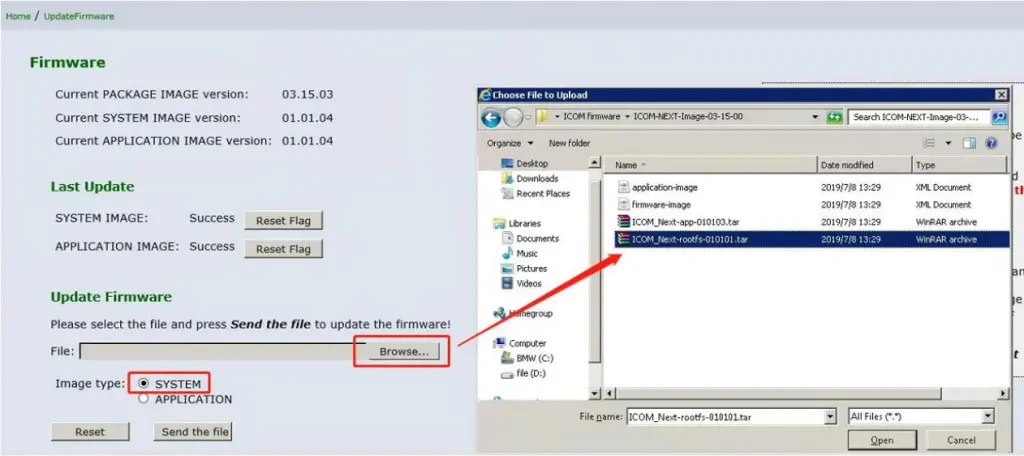
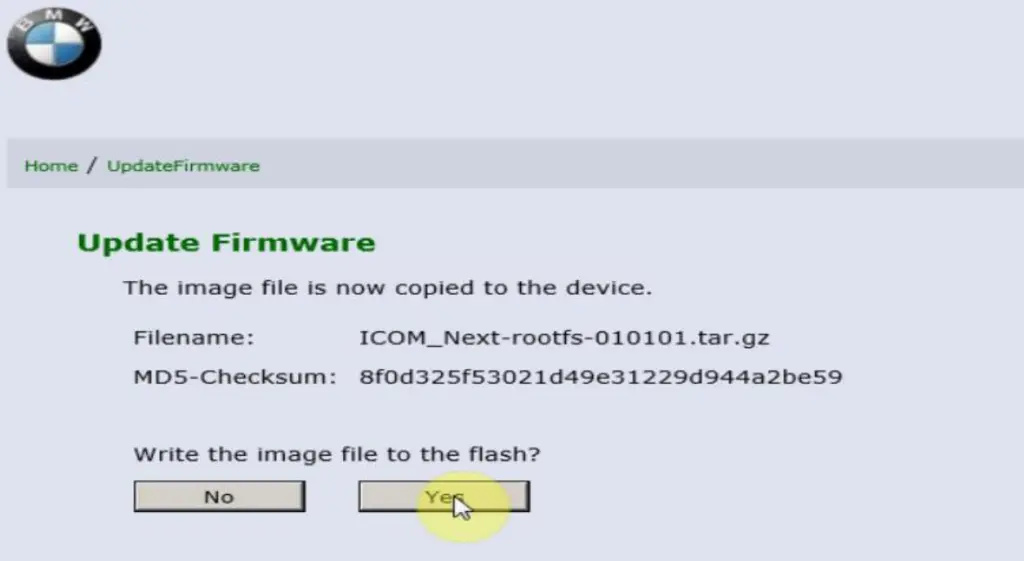
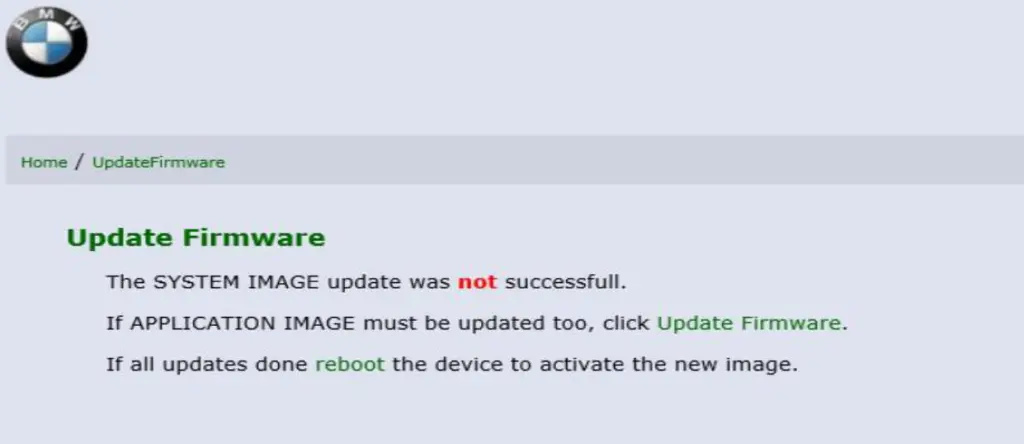
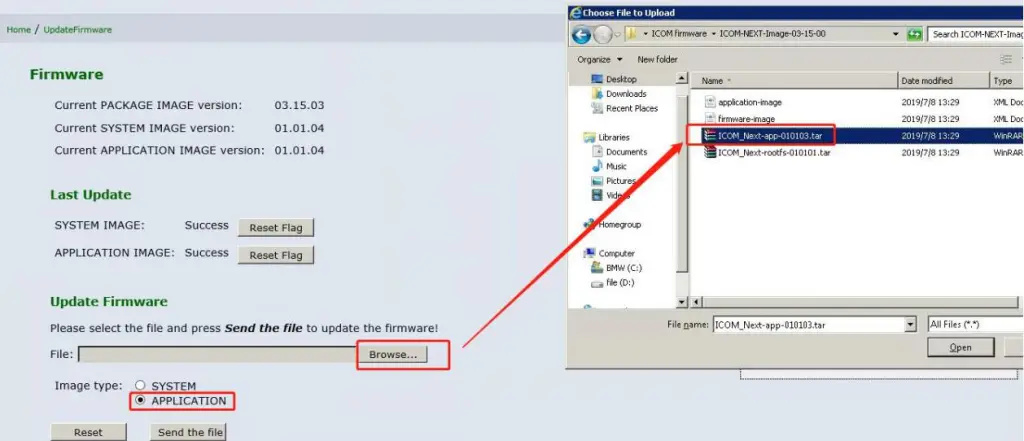
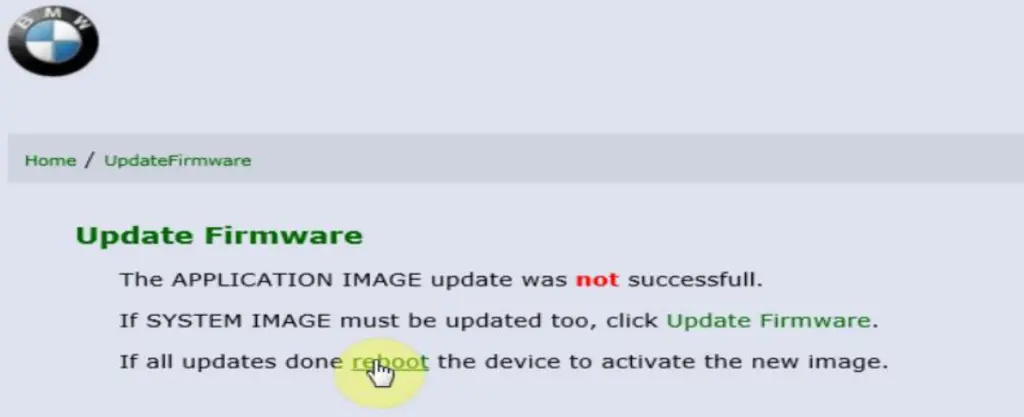
7. After the firmware file is sent, click XX to upgrade. At this time, the ICOM NEXT LED will display red. After the upgrade is completed, the ICOM NEXT will automatically restart. After five minutes, the ICOM NEXT indicator will be green and the upgrade is complete.
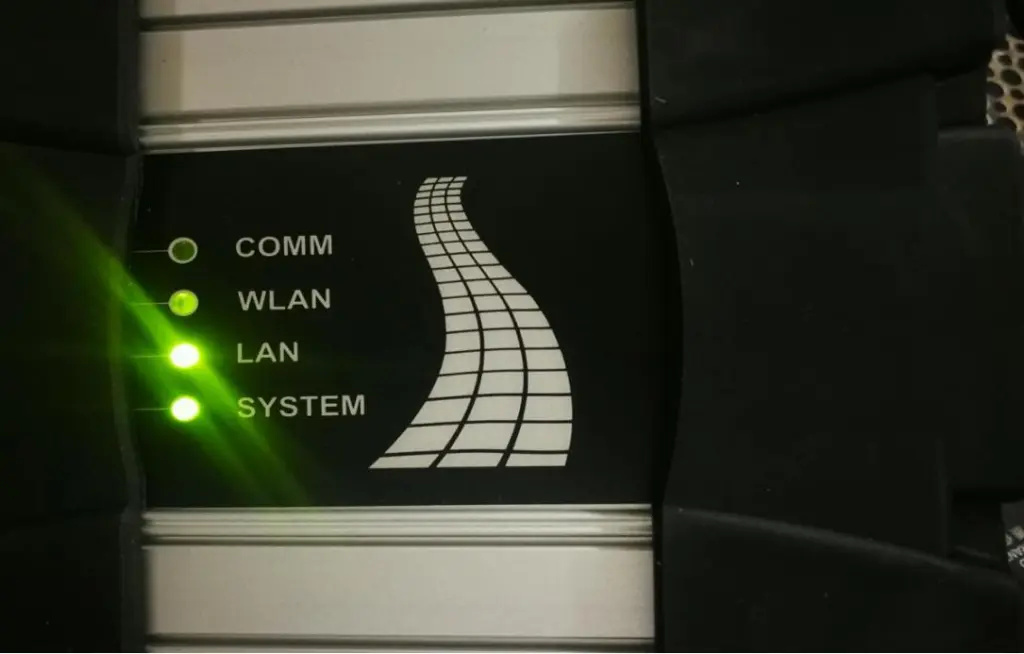
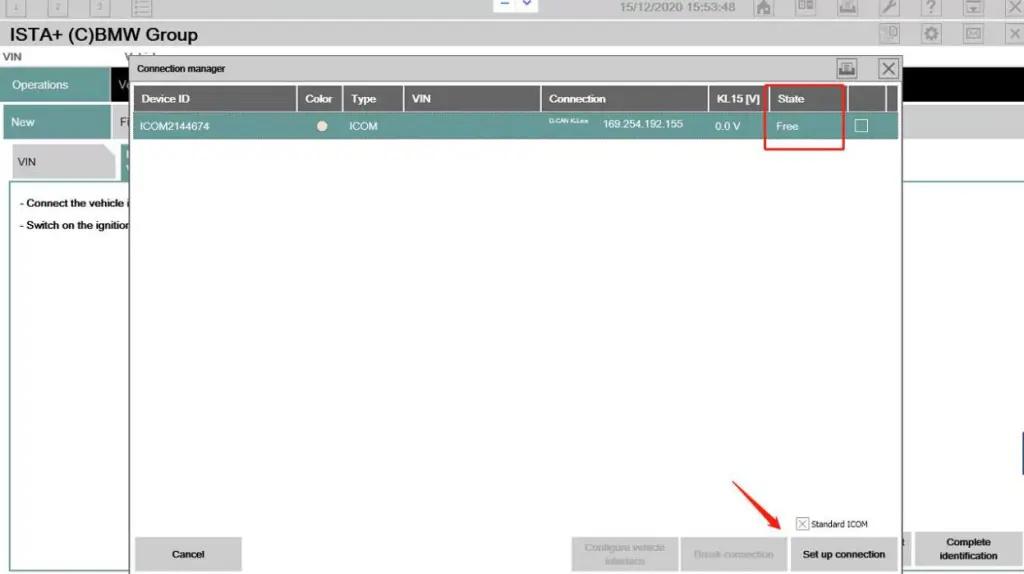
8. State is free, connect BMW car.
下一則: Autocom CDP+ Diagnostic tool for trucks and cars with bluetooth
- Which car models can work with VOCOMII
- Fix Mercedes Air Conditioning W222 Not Working
- Autocom CDP+ Diagnostic tool for trucks and cars with bluetooth
- How to Solve XTOOL PAD2 can not do BMW Key programming
- VXDIAG Benz C6 Export & Program HU05 Control Module Data
- AUTEL OTOFIX IM1 AUTOMOTIVE KEY PROGRAMMING
限會員,要發表迴響,請先登入


