Today I will show you DPF Regeneration with Launch X431 HDIII module and working together with the Launch Throttle tablet. And we have 2013 International truck with Maxxforce engine.The diagnostic software can test maxxforce engine systems that meet SAE J1939 and SAE J1708, the coverage is from 1996 to 2019.
Let’s go.
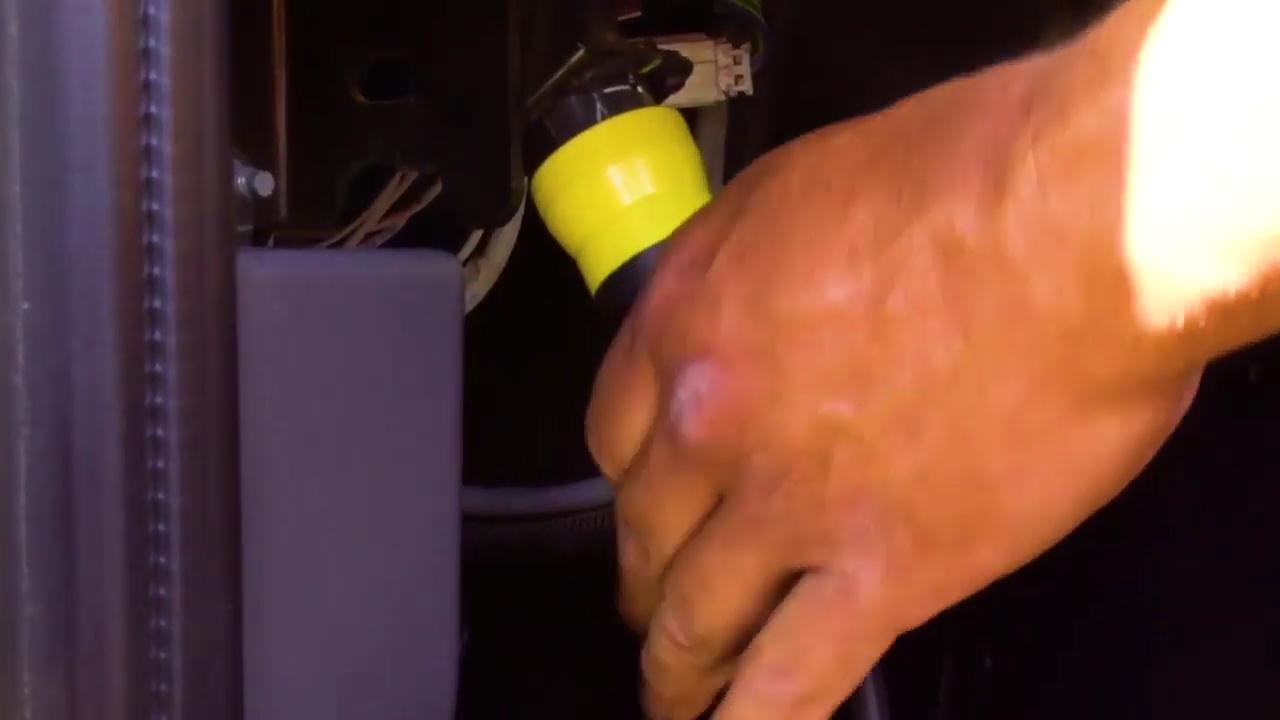
Plug the machine cable into the port of the truck.
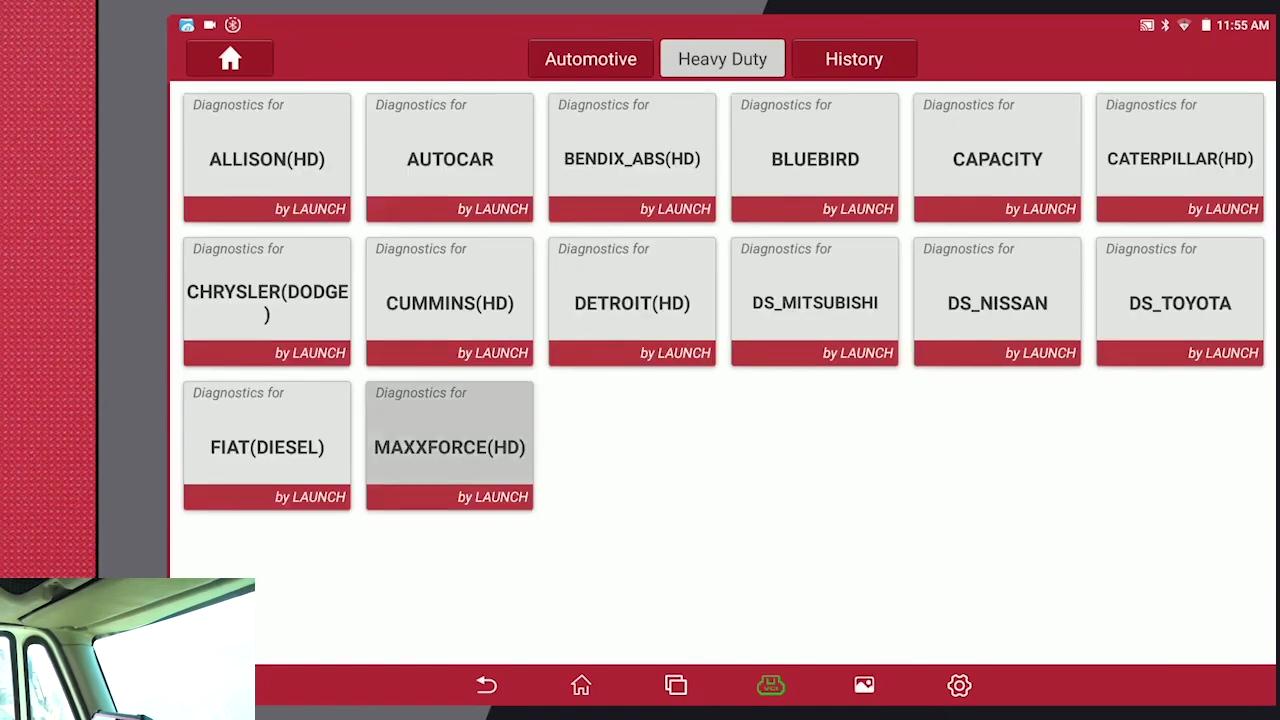
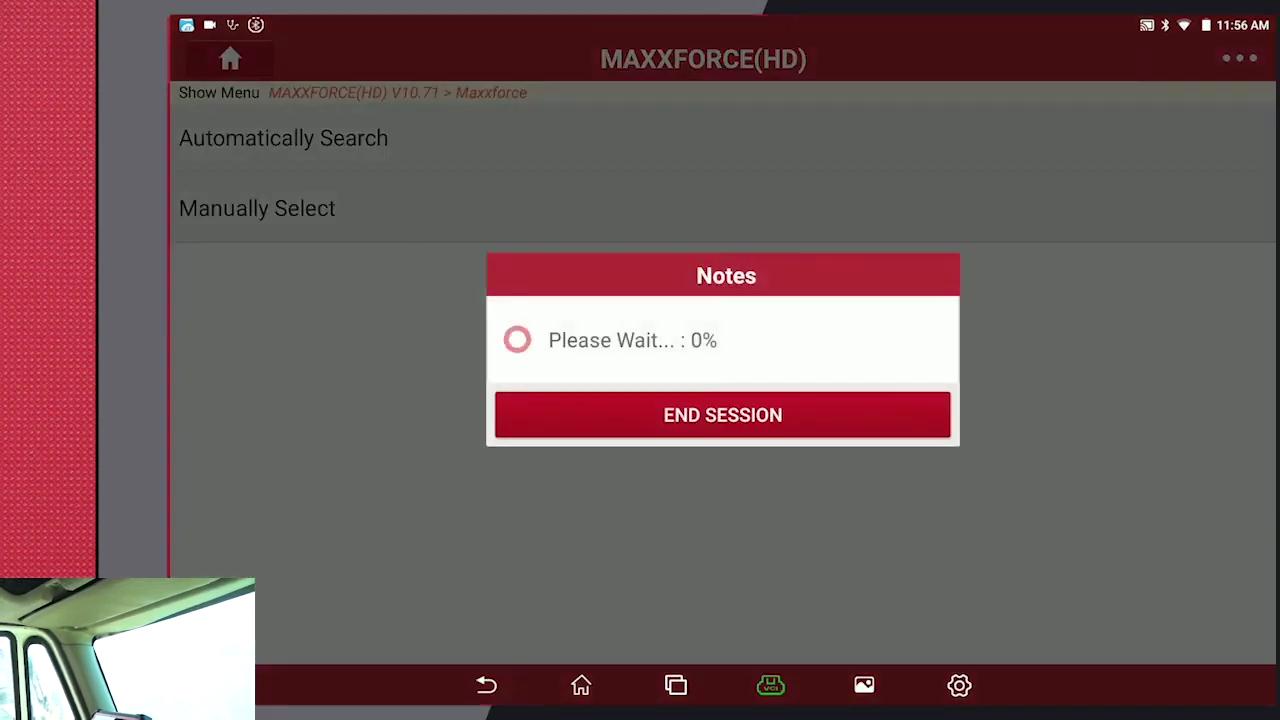
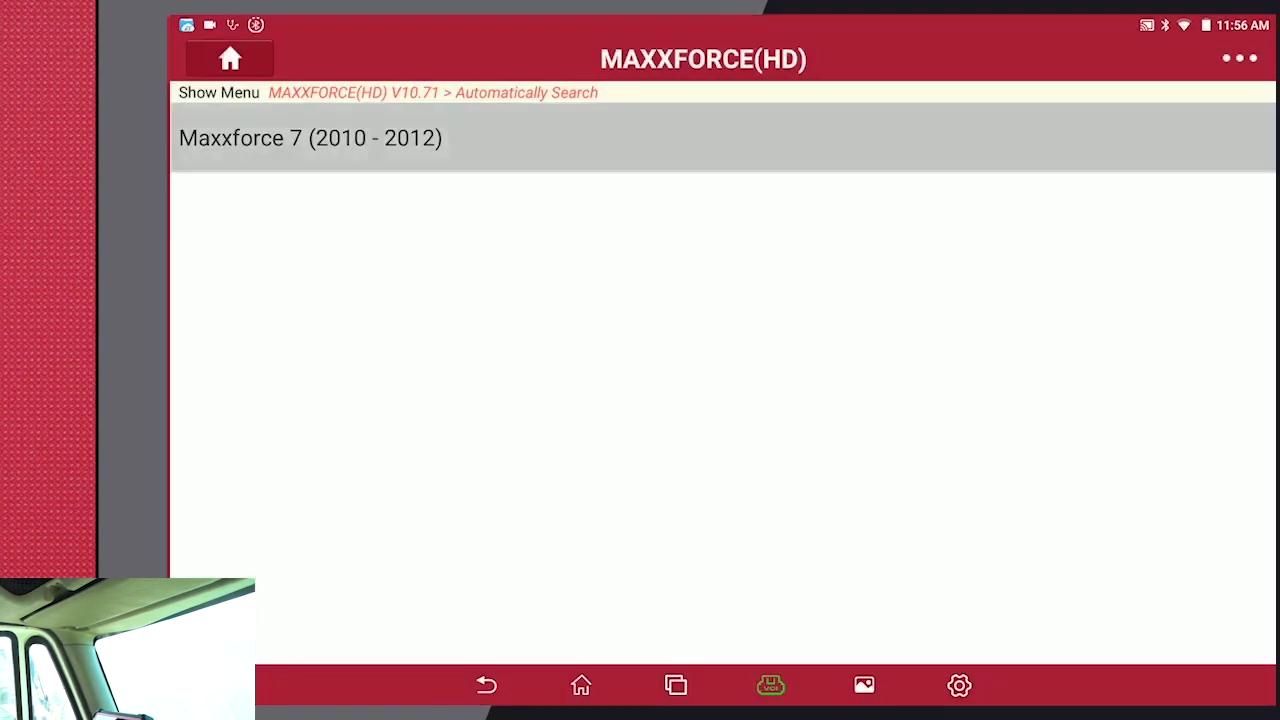
Tap “Diagnose” -> Heavy Duty -> Maxxforce(HD) -> Ok -> Automatically Search -> Maxxforce 7 (2010 – 2012) ->

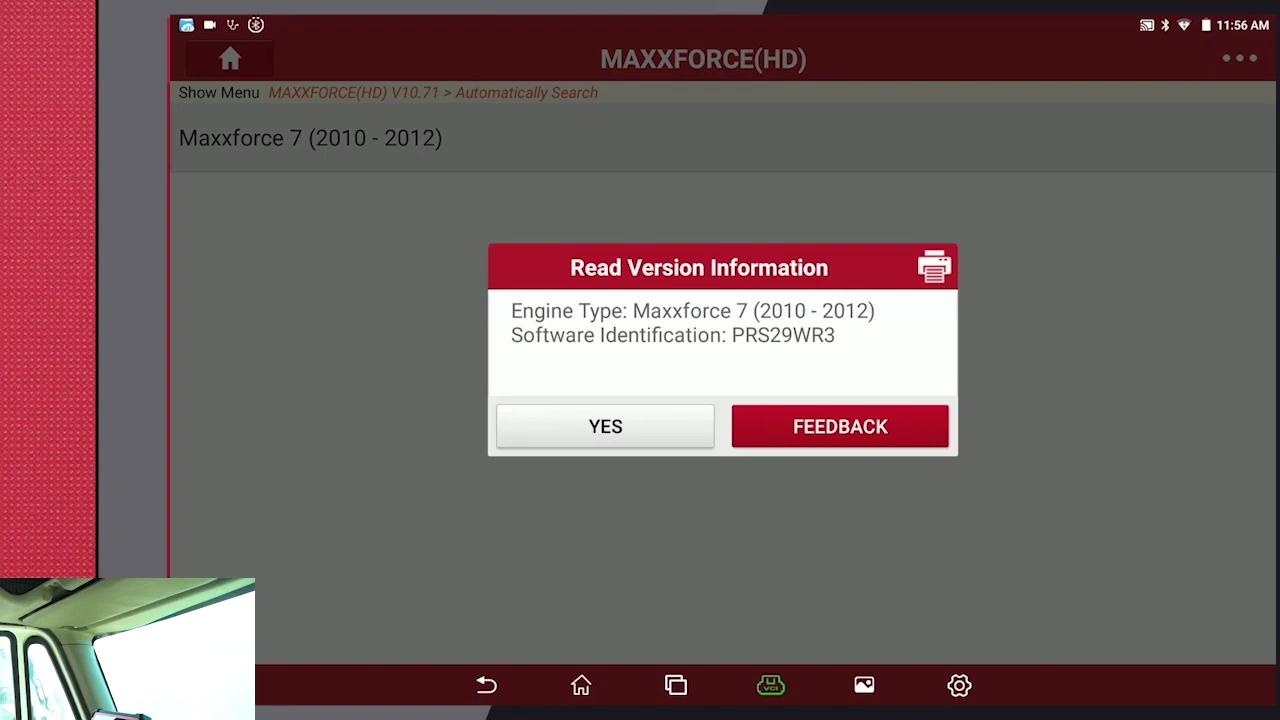
Enter “Actuation Test”.
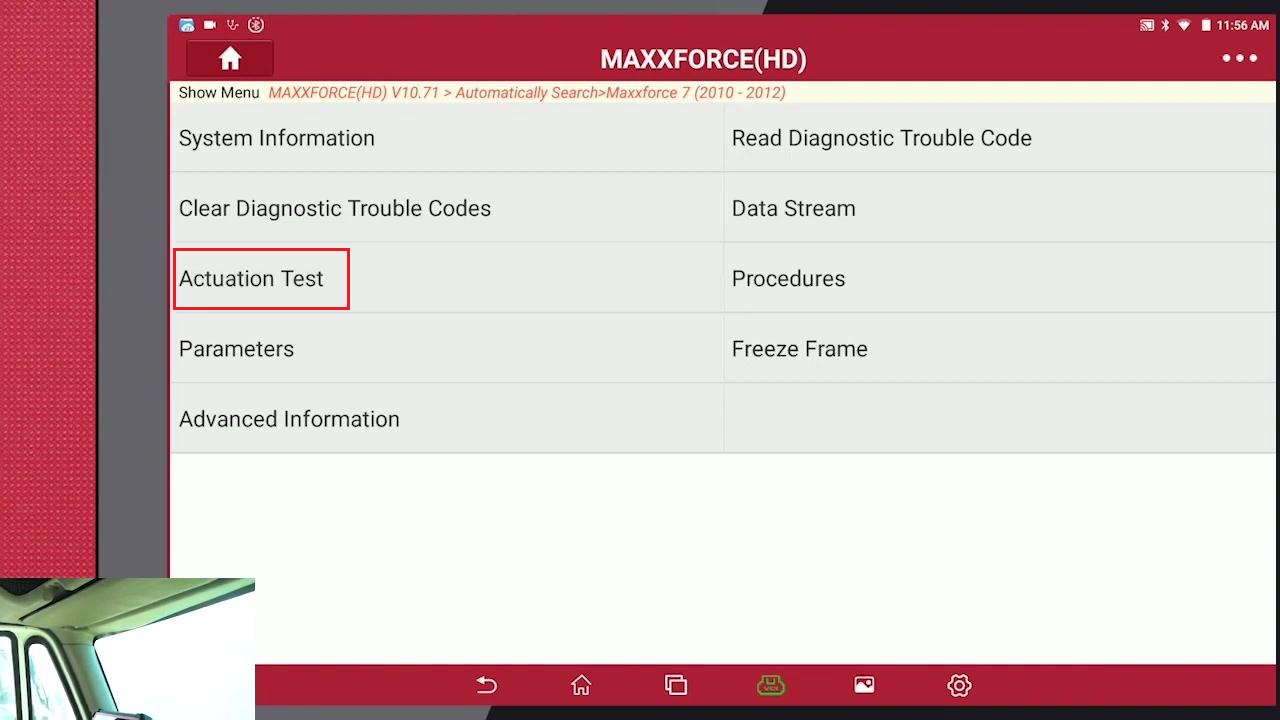
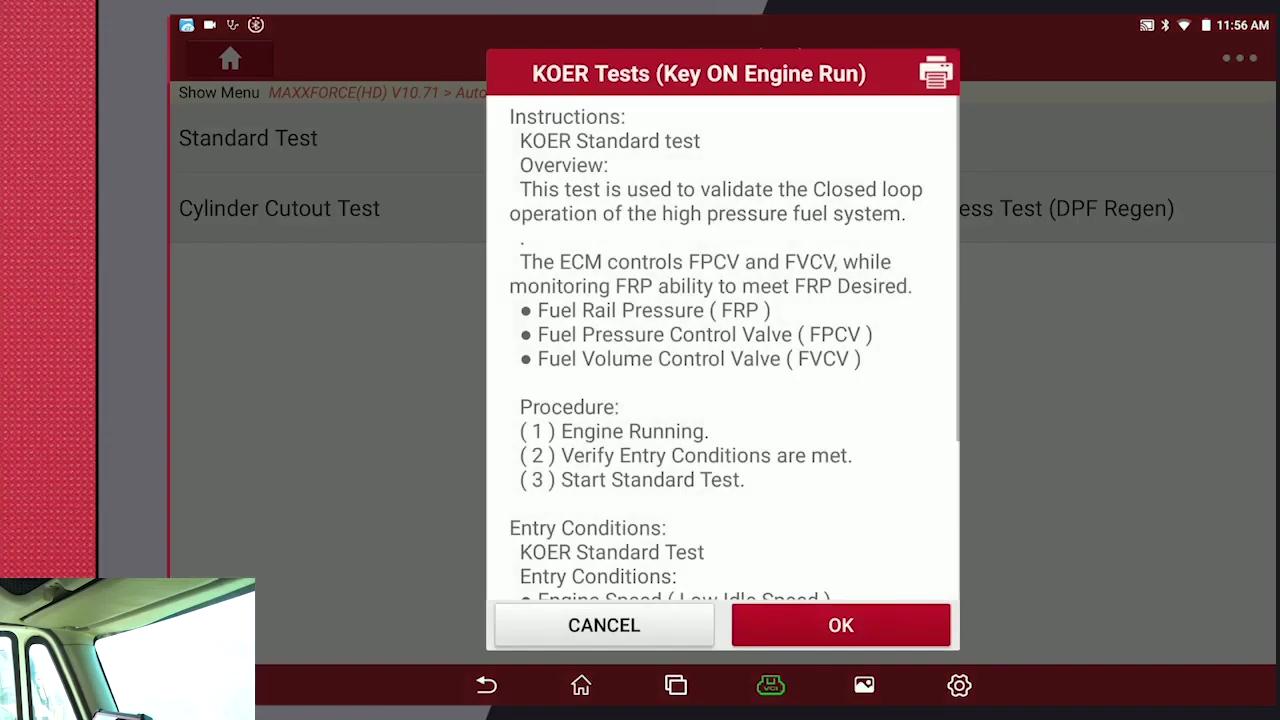
Tap “Koer tests (Key on engine run)”.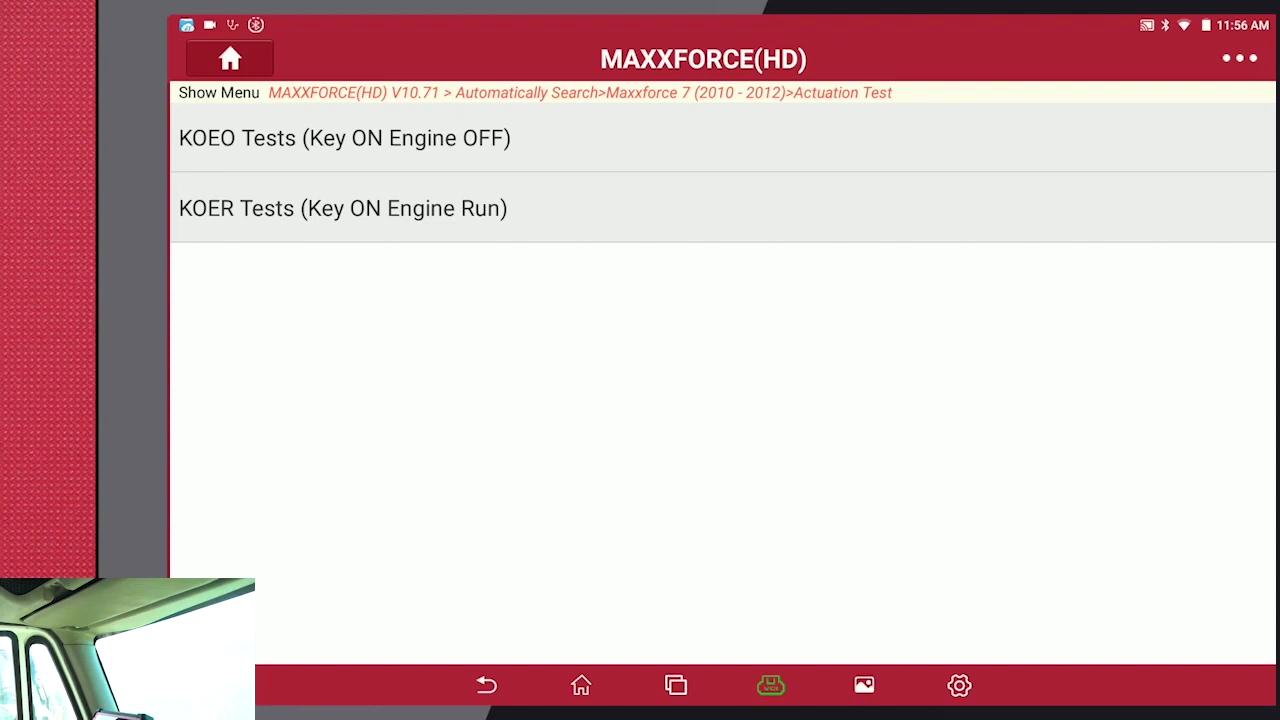
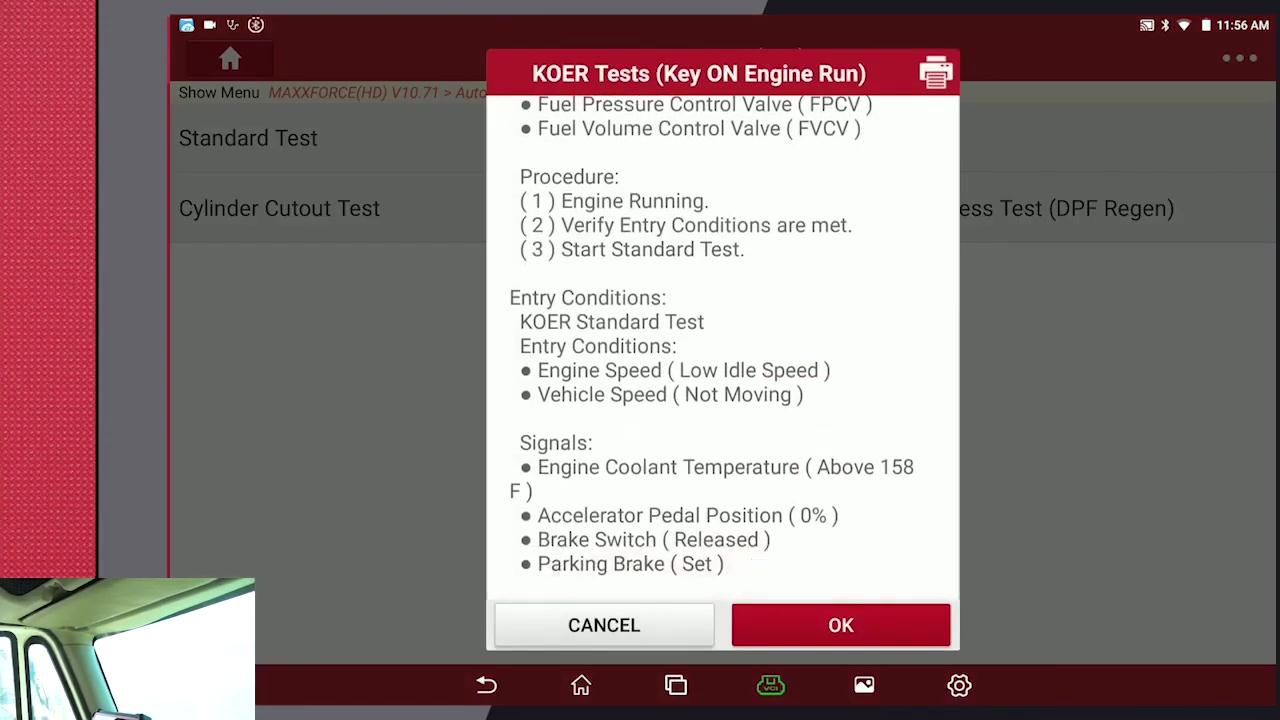
Standard test and read the instruction to follow.
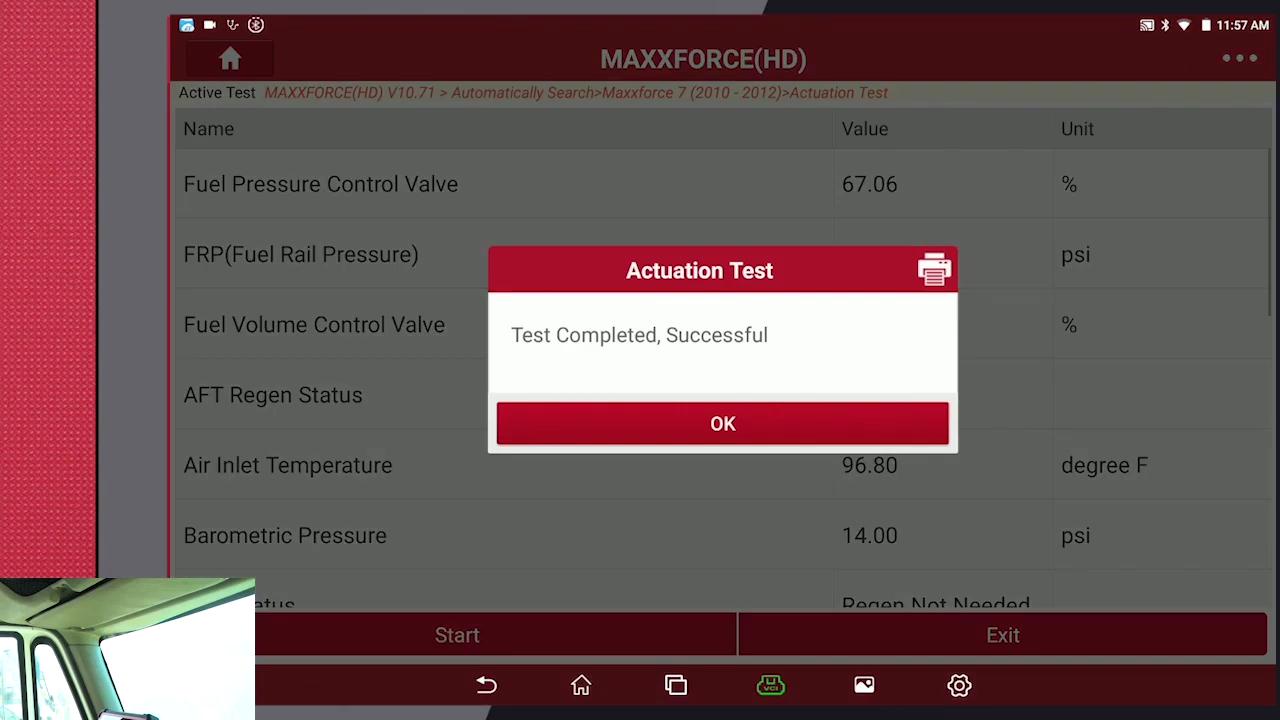
Make sure all your parameters are met, click OK and then click “start” to test, it will tell “Test completed, successful”, click on “OK” and exit the standard test.
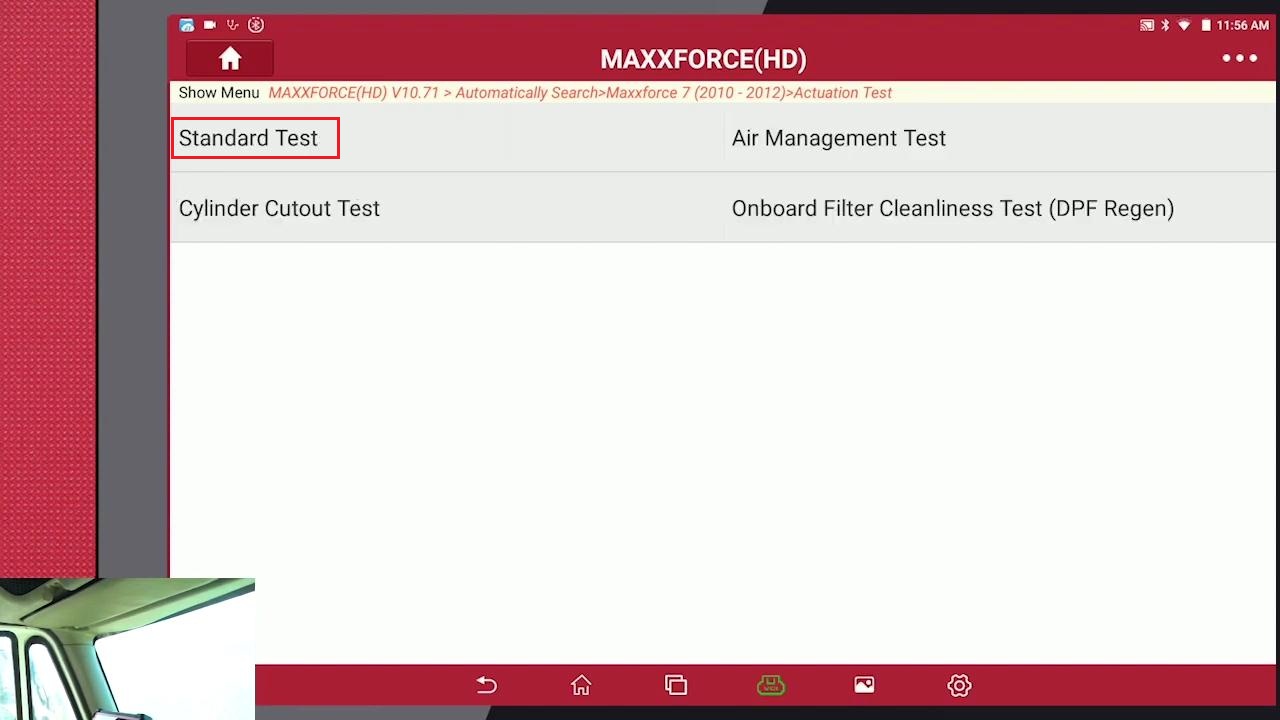
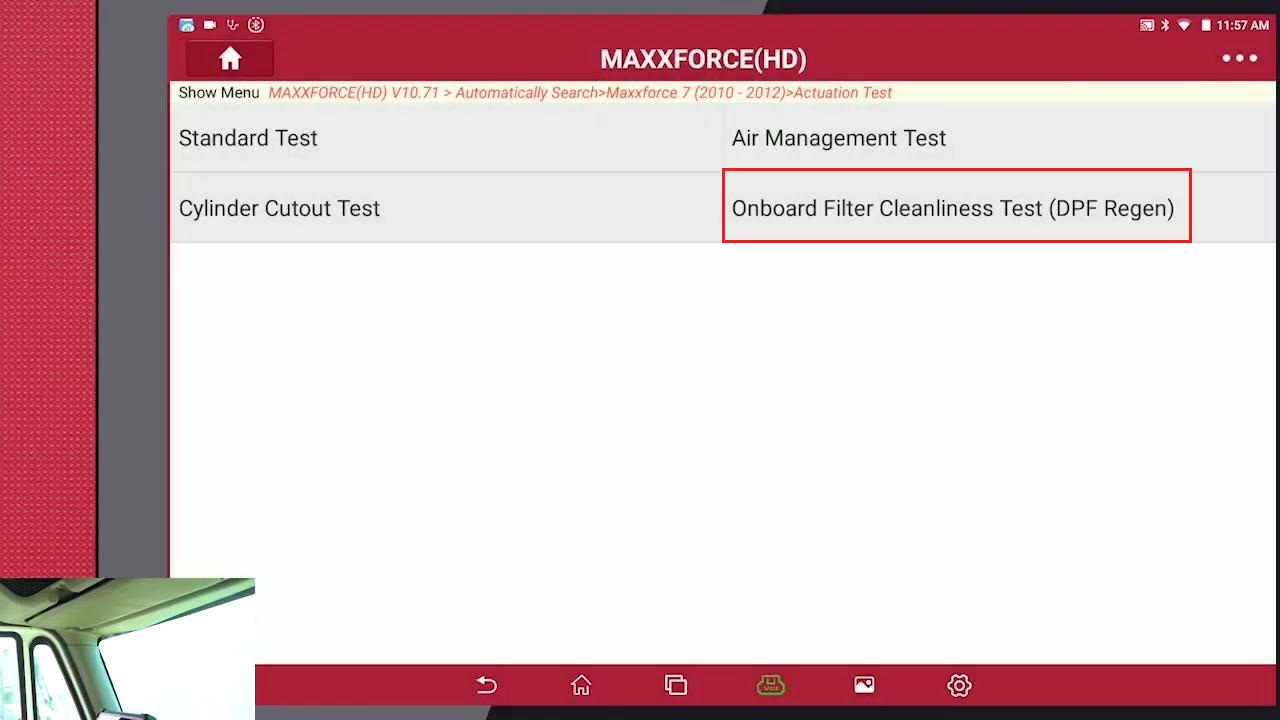
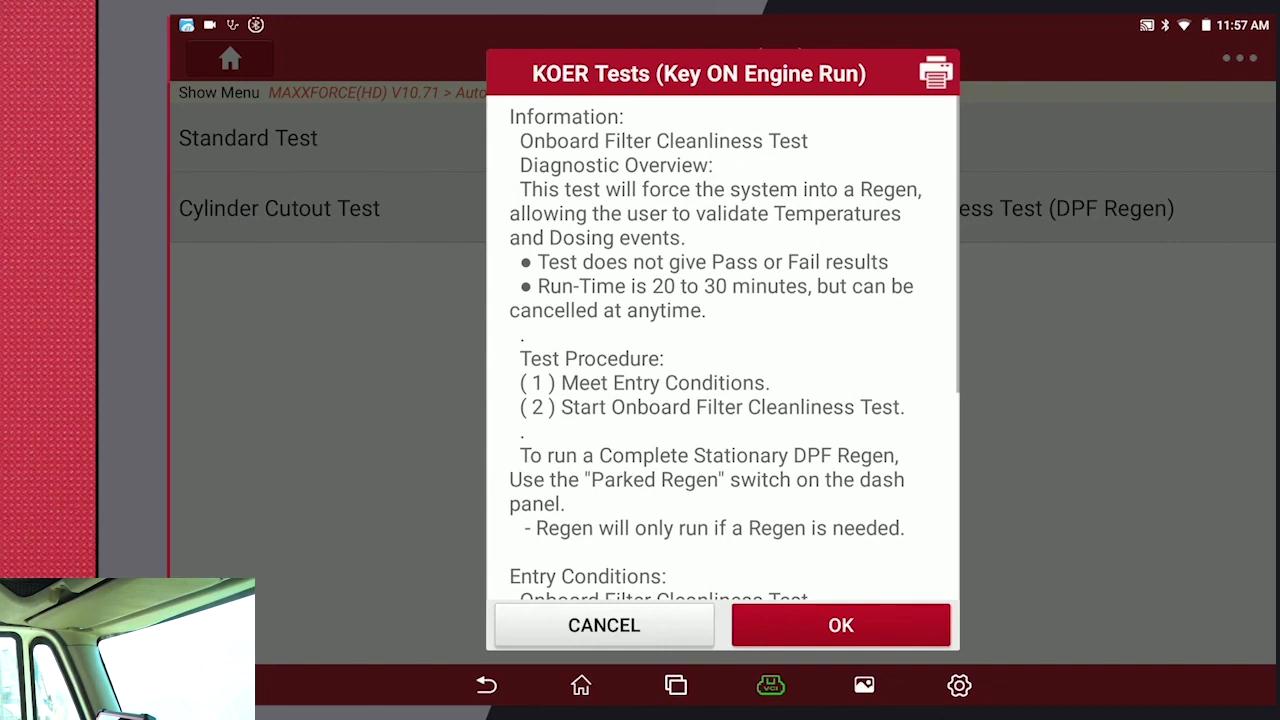
Going to “Onboard Filter Cleanliness Test (DPF Regen)”.
Make sure all parameters are correct, tap “Ok”.
And you can select more data you like, we have what we need here and we’re going to hit start. This process will take about 20 minutes, as long as an hour and a half or to depend on how dirty the filter is.
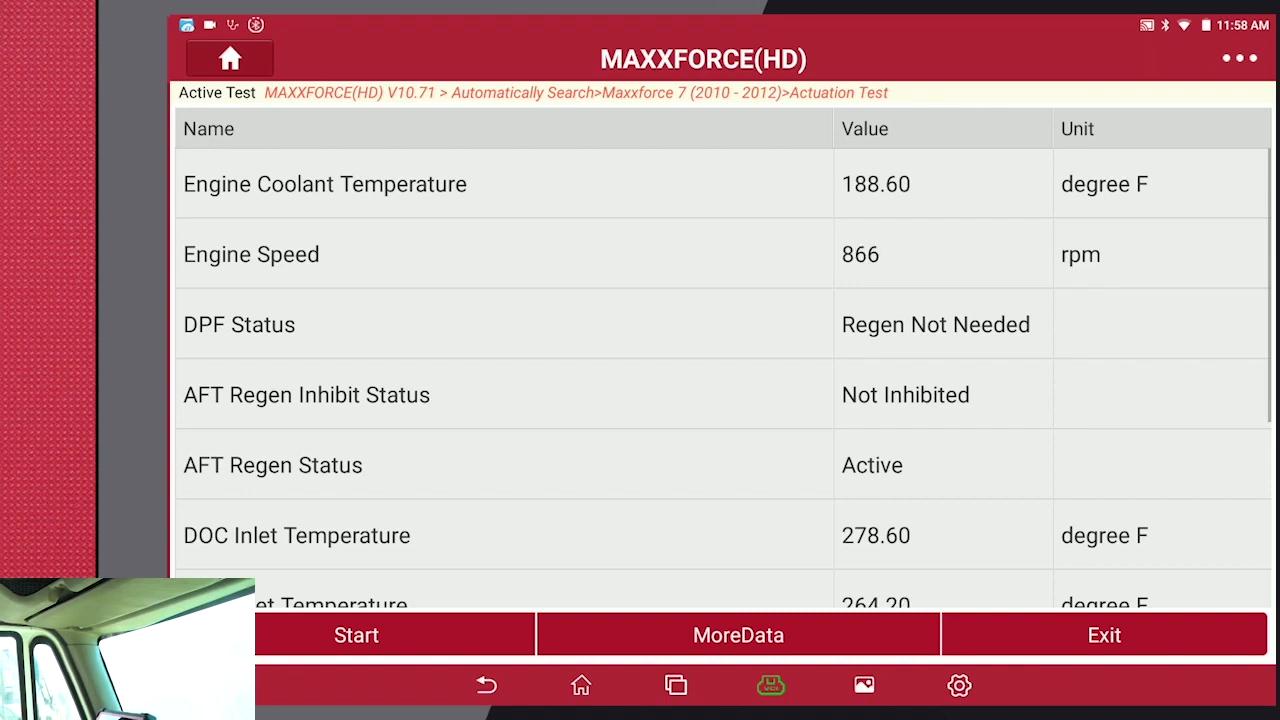
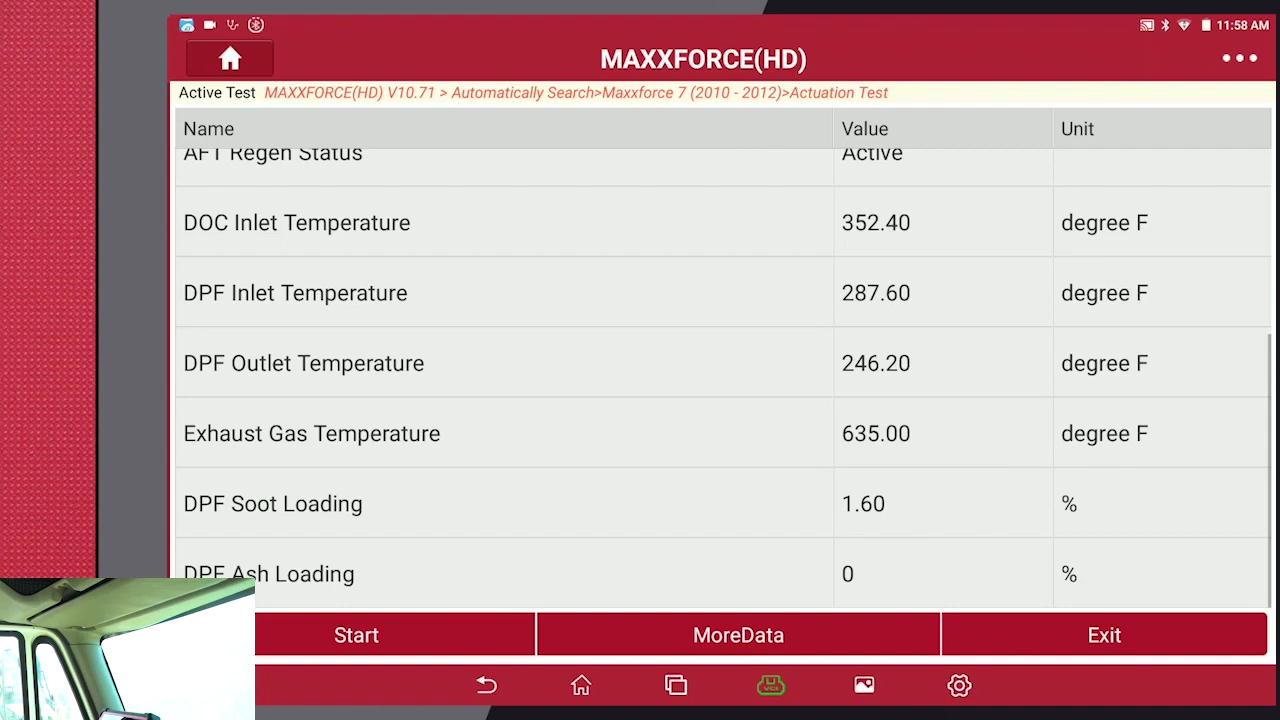
So, once the Regeneration has finished, the idle will cool down.
If you want to learn more about Launch X431 Scan Tools, please visit our website obd2tool.com
下一則: How to select range sensor on Mercedes Benz C200 by X431 PAD V
- Free Download Ford Mazda IDS V128 Software
- How to configure a VOCOM to WLAN wireless mode using an access point
- Fix Mercedes Air Conditioning W222 Not Working
- Tacho Programmer Digital Tachograph Programmer CD400 TRUCK TACHO Speedometer
- Autocom CDP+ Diagnostic tool for trucks and cars with bluetooth
- Jungheinrich EJD 220 Travel Acceleration Parameter Setting by CanCode
限會員,要發表迴響,請先登入


