Volvo 88890300 Vocom Interface PTT 1.12 Installation Instruction
2022/07/28 19:38
瀏覽152
迴響0
推薦0
引用0
Volvo 88890300 Vocom Interface PTT 1.12 Installation Instruction

1.Please Unzip the files PTT-v1.12.260

Open the folder after unzipping
Select setup to start the installation,input123456
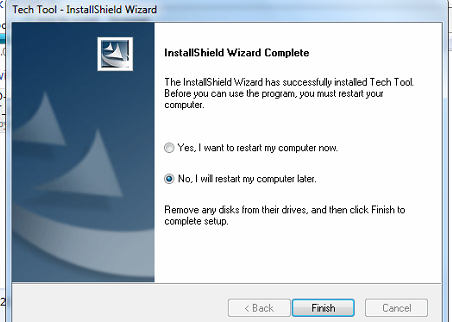
When the installation is complete, select NO.

Unzip the files of VTT1.12-KG

Open the vtt1.12-kg folder and run the software.
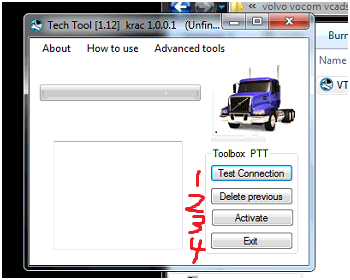
Click 1, 2, 3, 4
2.Open the software as administrator

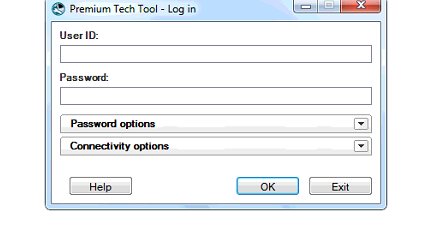
Input ID M311331
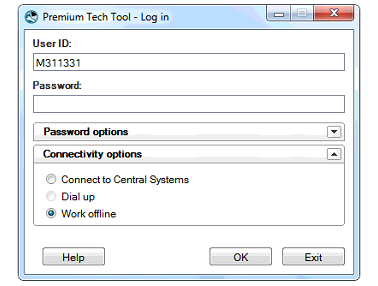
Click on the picture to select and click OK
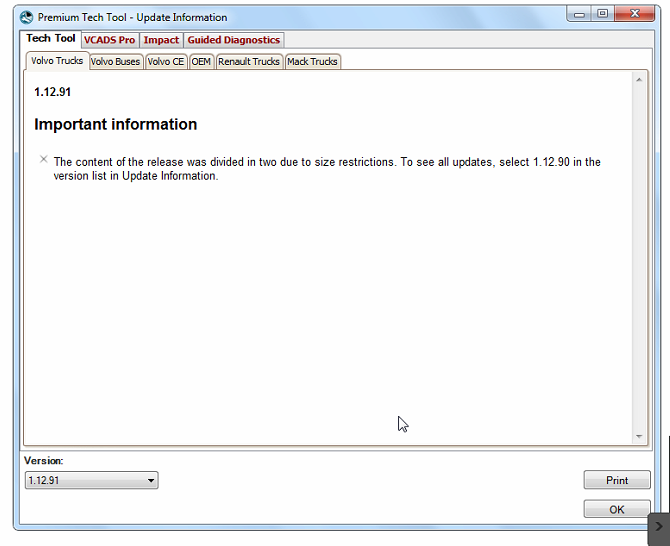
Pop up the picture above and select OK to open the software.
你可能會有興趣的文章:
限會員,要發表迴響,請先登入


