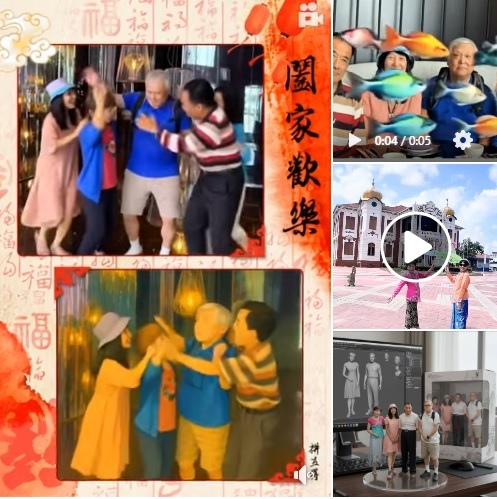
自從ChatGPT掀起「吉卜力風」與「像素風」AI生圖熱潮後,我便開始嘗試各式AI影像工具。除了製作AI公仔圖,每當臉書出現AI軟體的廣告推薦,我就會下載試用,利用免費版本將照片轉換成動畫風格。
本文所分享的三部動畫影片,除了影片中AI自動標示的軟體名稱外,其中一部的製作工具我一時想不起來,在此向各位文友們致歉。
另外,為了能夠轉貼在部落格的網頁中,必須先將動畫影片上傳至YouTube後,採用影片的方式轉貼在部落格中。
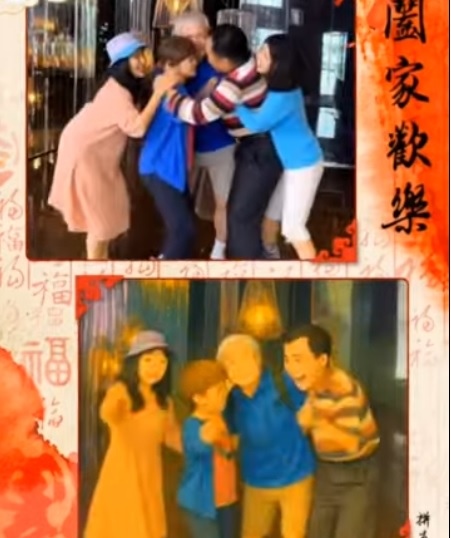
https://youtube.com/shorts/s7pvu3FiSiE?si=i2TbtgpwtpT5o5LO
影片被限制嵌入功能,請點選連結網址
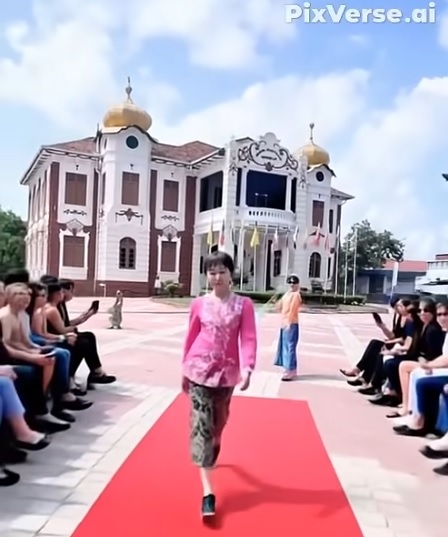
https://youtube.com/shorts/99jCb4Jc2Go?si=SwAE1VxPrfeaSrsf
影片被限制嵌入功能,請點選連結網址
https://youtu.be/DfxF1nI5OW0?si=VsVp8p2fK8zvSNwu
若網頁無法觀看,則請點選 YouTube連結網址,前往 YouTube觀看。
電腦桌公仔免費製作 Google AI Studio 網址:
https://www.elle.com/tw/life/hot-news/g65958692/google-ai/
繼ChatGPT掀起「吉卜力、像素風」生圖熱潮後,Google Gemini AI近期爆紅的Nano Banana公仔生成玩法,免費版就能輕鬆上手!
因為我的Gemini有問題無法使用,所以改採網路版的Google AI Studio製作,網址連結在留言處。
步驟1.
到 Google AI Studio,點選進入「Model Selection」,選擇Nano Banana。
步驟2.
上傳照片後,下達英文指令:
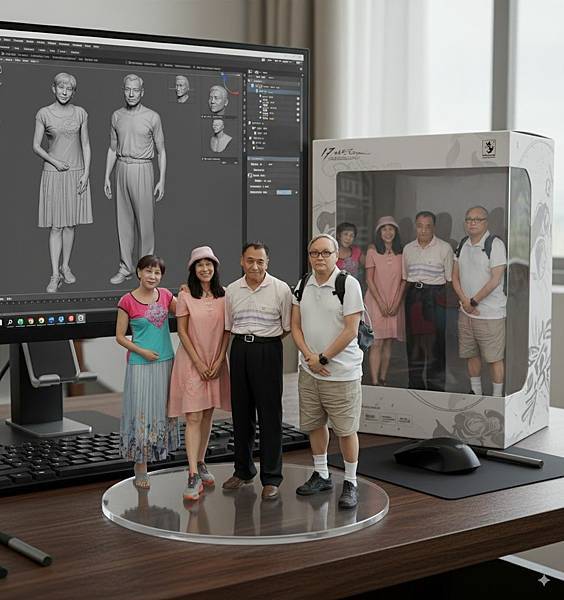
a 1/7 scale commercialized figurine of the characters in the picture, in a realistic style, in a real environment. The figurine is placed on a computer desk. The figurine has a round transparent acrylic base, with no text on the base. The content on the computer screen is the Zbrush modeling process of this figurine.Next to the computer screen is a packaging box with rounded corner design and a transparent front window, the figure inside is clearly visible.
中文翻譯:
製作圖片中角色的1/7比例商業化模型手辦,以寫實風格呈現,置於真實環境中的電腦桌上。模型底座為 圓形透明壓克力材質,且上面不含任何文字。電腦螢幕畫面顯示該模型在 ZBrush建模的製作過程。電腦螢幕旁擺放一個 圓角設計、正面帶透明視窗的包裝盒,盒內模型清晰可見。
●特別提醒:
請盡量選擇畫質清晰、背景簡潔的圖片,以避免 AI 製圖時出現辨識錯誤。


