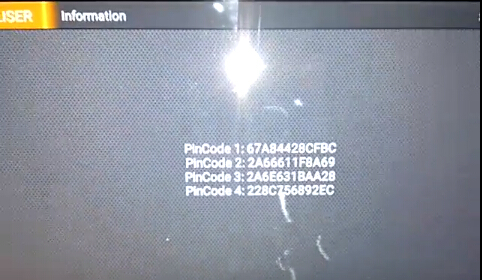
We’ve managed to use Obdstar x300 dp PAD key master to read pin code from Renault Grand Senic 5 key card successfully. Easy steps below:
This is X300 DP Standard Configuration,comes with these function :Immobilizer+ Odometer Adjustment+ EEPROM/PIC Adapter +OBDII
If you need more function ,please choose X300DP Full Configuration:Immobilizer+ odometer Adjustment+ EEPROM/PIC Adapter+ OBDII+ ABS+ TPS+ SRS Reset+ TPMS(Low Tire) Reset+ Steering Angle Reset+ CVT Learning/Value Reset+ EPB+ Oil/service Reset+ Battery Matching+ Diagnosis (Japanese and Korean Serials)
X300 DP Standard version is the first tablet of OBDSTAR, which has reached a higher level in key programming and diagnosis. Inheriting from OBDSTAR professional auto programming and advanced diagnosing technology, X300 DP is characterized by covering wide range of vehicles, featuring powerful function, and providing superior quality. Meanwhile, taking advantage of Android system, X300 DP integrates more application and service, such as Maintenance Database, remote assistant, and One Key Update etc.
Connect X300 DP Auto Key Programmer host with vehicle via diagnostic socket
Turn ignition on
Select Diag Program->Renault->Renault V30.11 -> PinCode Read->Type 2
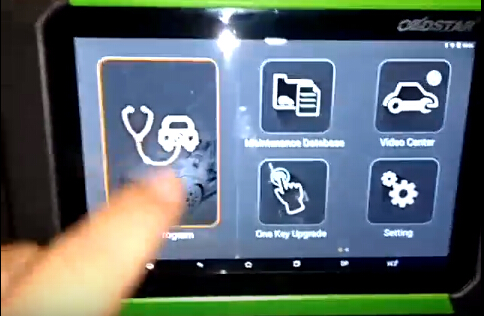
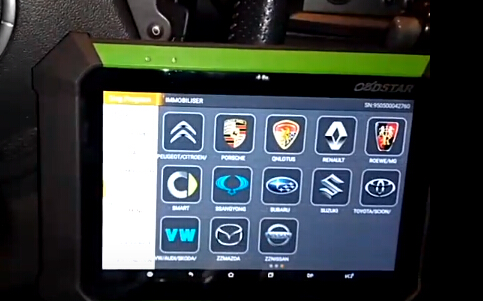
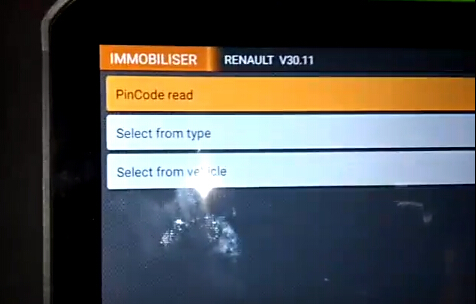
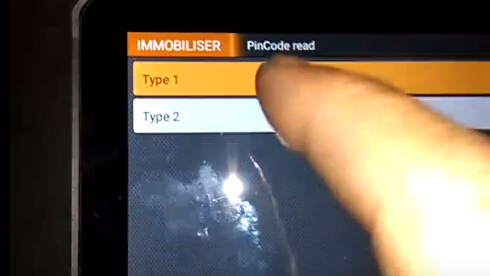
Remove the smart card, turn ignition off, press the Start button.
Press ENTER to continue
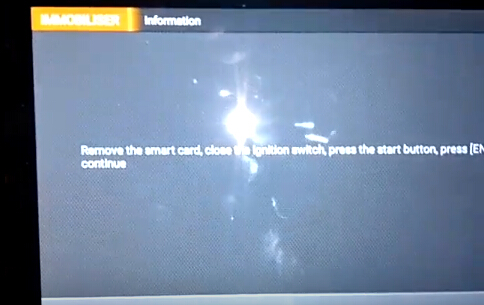
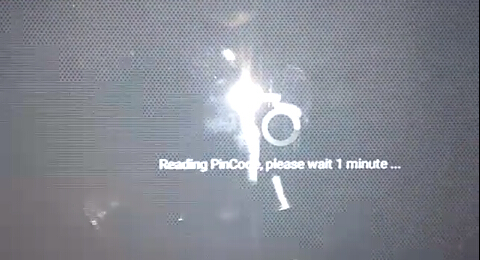
Reading pin code
OBDSTAR X300 DP read Renault Grand Senic from key card success.
下一則: Reviews For Super SBB2 OBD Full Immo Dash TPMS EPS Scanner
- Wie man ABS-Bremssysteme durch gm tech2 entlüftet
- Buick Regal Automatic Air Conditioner Control Einstellung Problem
- Wie funktioniert der GM Tech2 am Chevrolet C5?
- How To Used MB Star C4 to program Mercedes-Benz DRL
- Reviews For Super SBB2 OBD Full Immo Dash TPMS EPS Scanner
- How to read VW Pin code with Lonsdor K518, Xtool X100 Pad2 and VVDI2
限會員,要發表迴響,請先登入


