Xhorse Condor Dolphin XP-005 Key Cutting Machine Calibration Guide
2019/04/16 11:42
瀏覽207
迴響0
推薦0
引用0
Condor Dolphin XP-005 used on APP via bluetooth. And calibration of condor dolphin is similar like condor mini,here is the detailed steps.
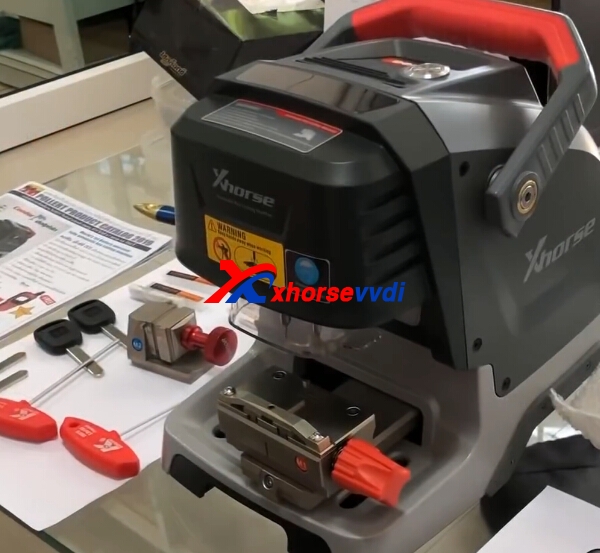
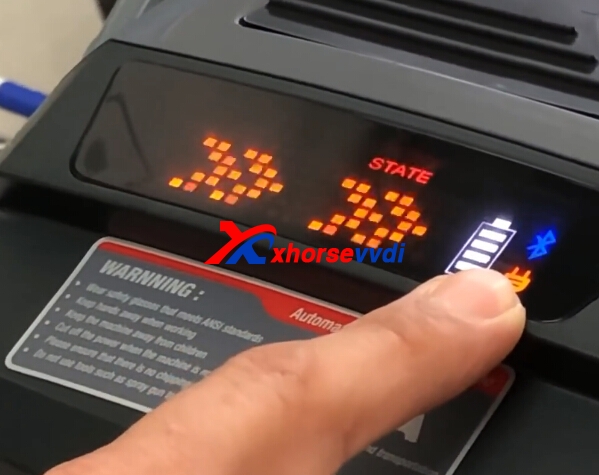
1.Install Xhorse APP.Turn on Condor Dolphin,connect condor dolphin with phone.
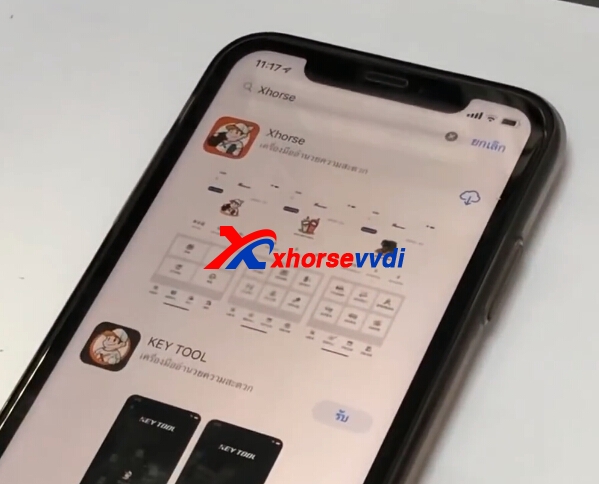
2.Register and log in.
Then choose Machine Parameter.
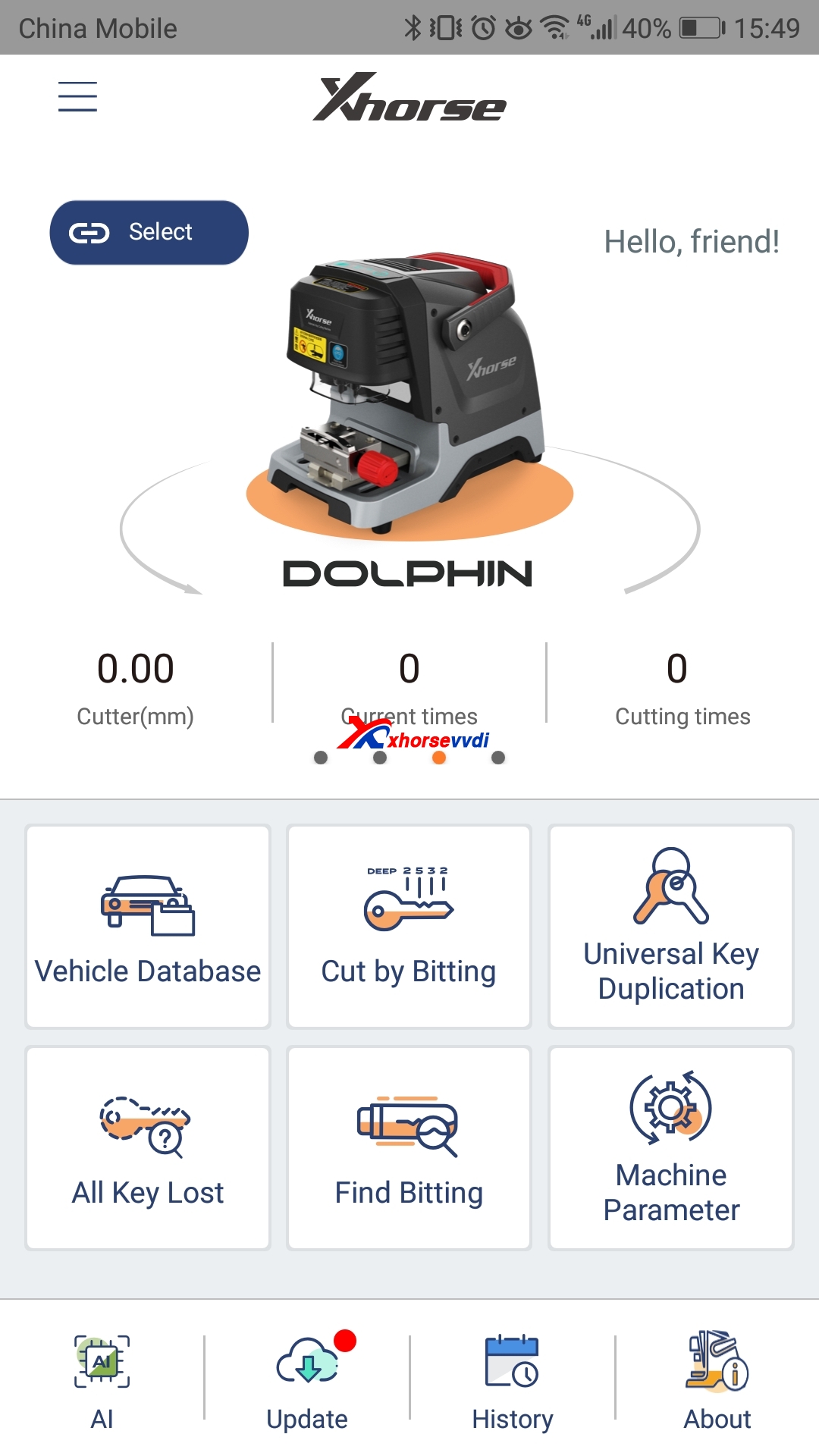
3.In Machine Parameter,you can check cutting setting.
Device calibration.
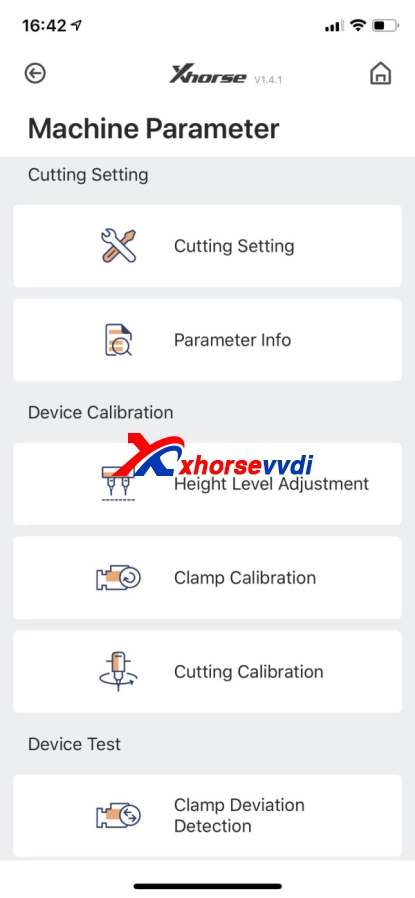
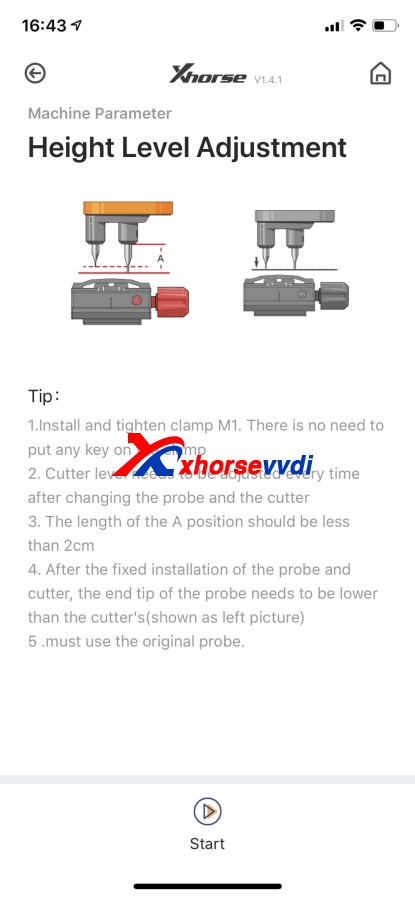
4.Height lever adjustment.
Please check the tips in APP.
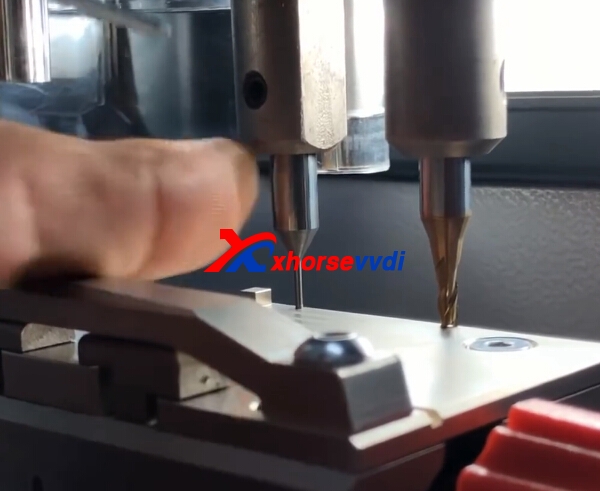
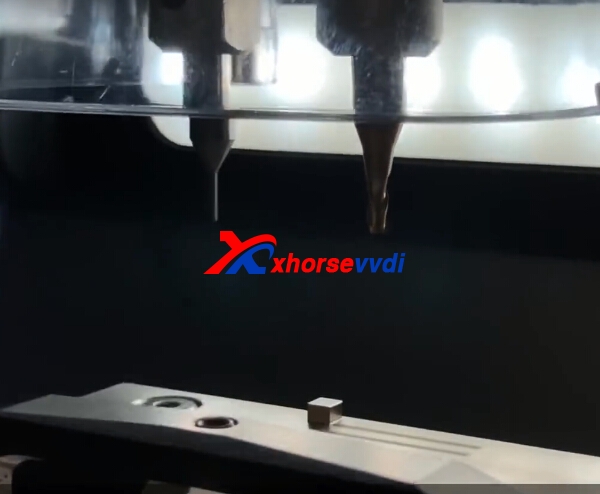
5.Clamp calibration.
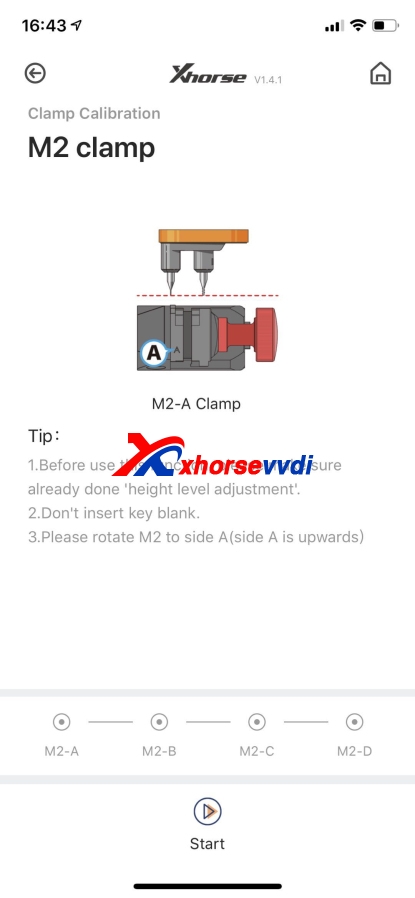
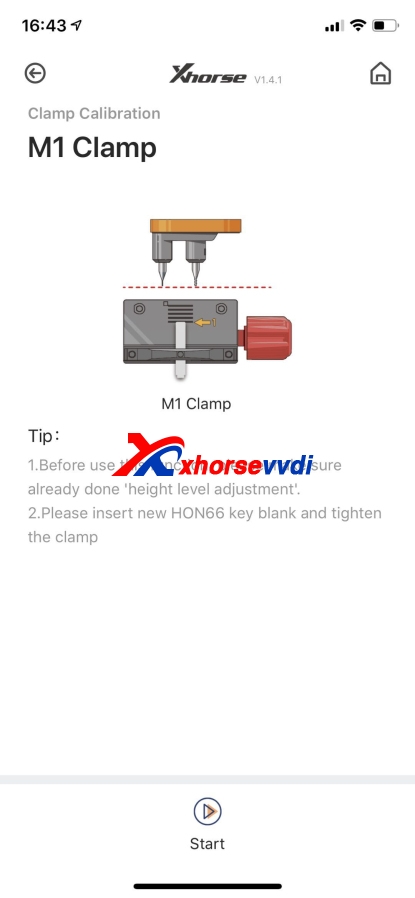
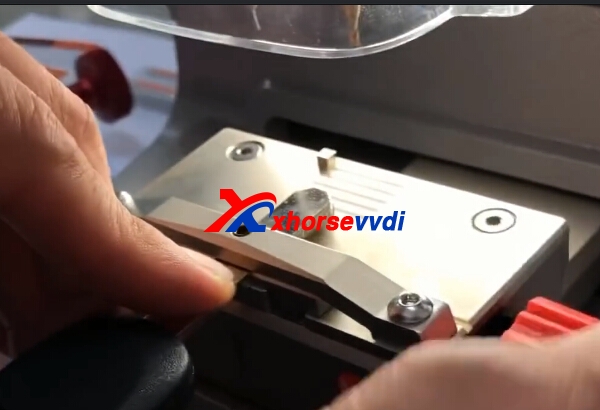
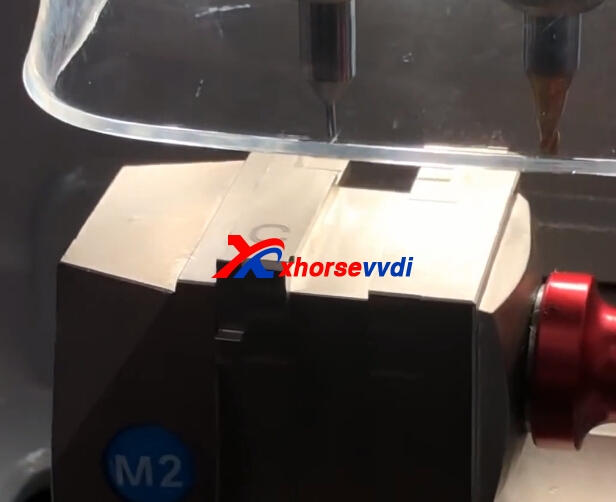
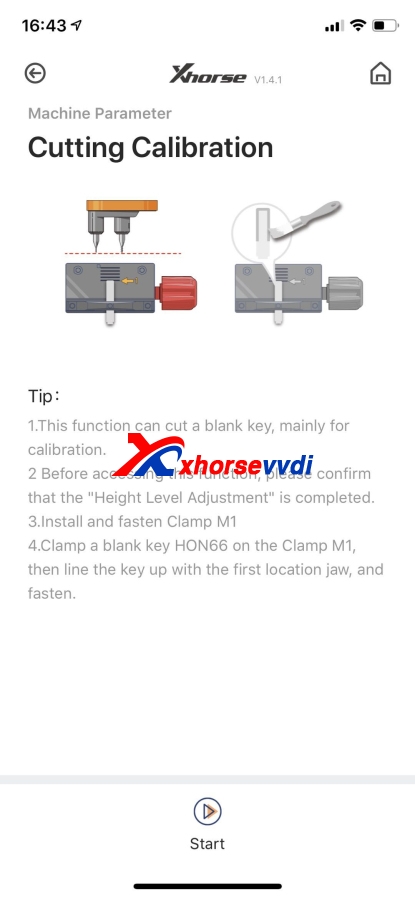
6.Cutting Calibration.
你可能會有興趣的文章:
- Foxwell NT510 Elite Vs NT530 Scanner - foxwellstore.com
- Xhorse VVDI Key Tool Max Test Functions Preview
- VVDI Max and VVDI MINI OBD Tool Add Honda HR-V 2018 Key
- 2019 SDconnect C4 PLUS vs 2018 SD connect C4
- What kinds of chips does Lonsdor KH100 support
- Lonsdor K518S is cheaper? Same as Lonsdor K518ISE?
限會員,要發表迴響,請先登入


