How does Xhorse Dolphin cut Suzuki with M1 clamp?
2019/02/14 17:39
瀏覽126
迴響0
推薦0
引用0
Xhorse Dolphin cut Suzuki with M1 clamp 100% ok, and the whole process is controlled by connecting to your phone by Bluetooth.

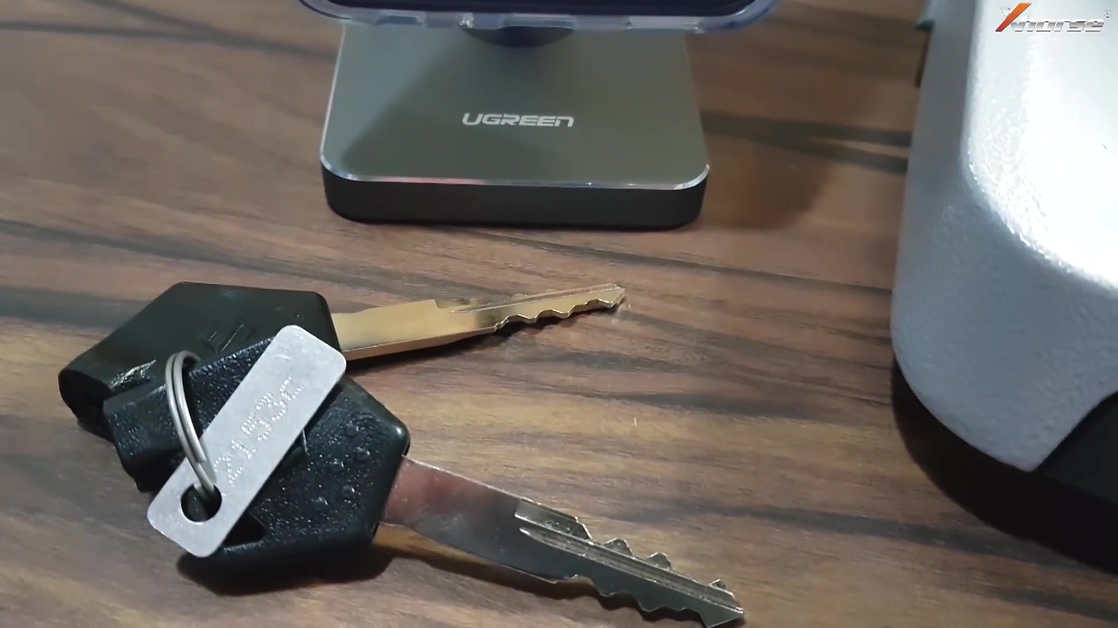
Suzuki 2135
Here we go for procedure:
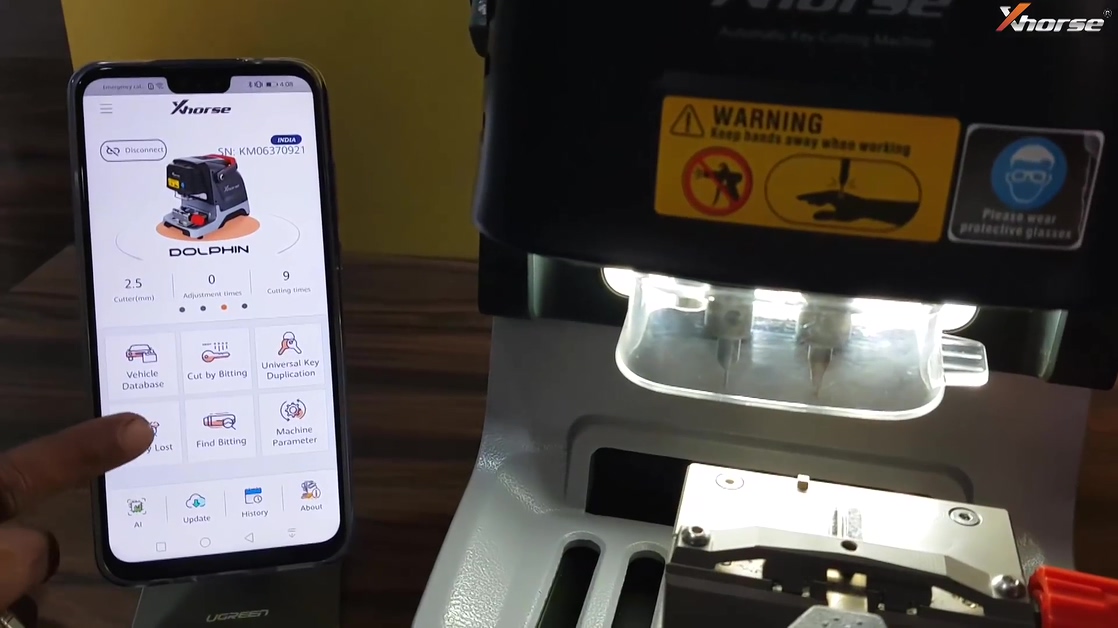
Tap "Setting" to connect Bluetooth.
Tap "All keys lot".
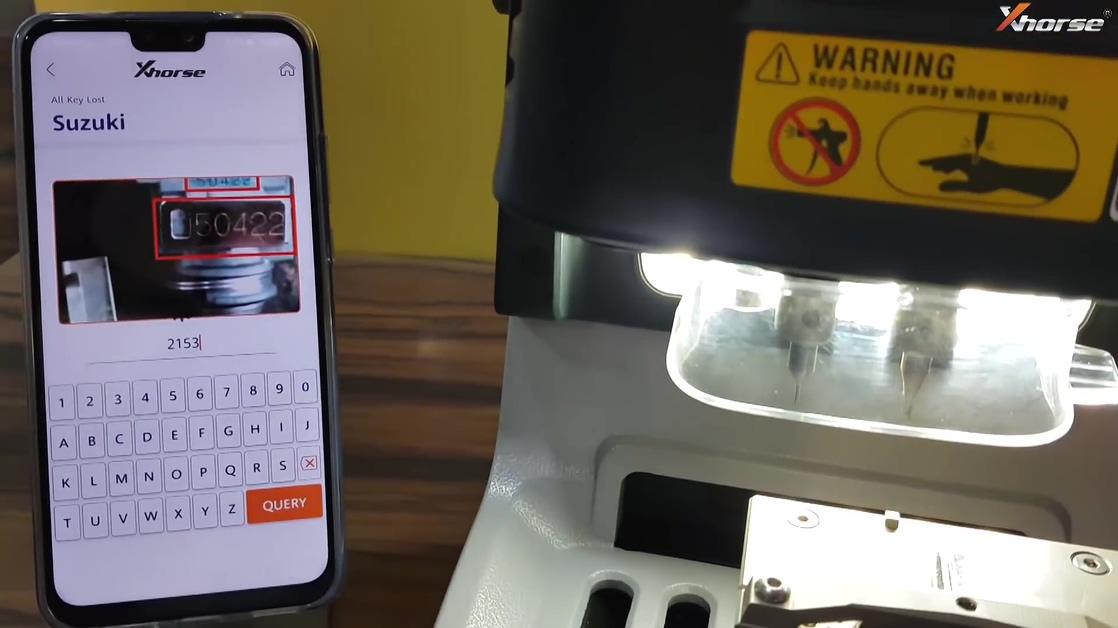
Choose "Suzuki".

Input "2153" and tap "Query".
NI02T (6 Bitting 770 * 2450 M1 Clamp...)
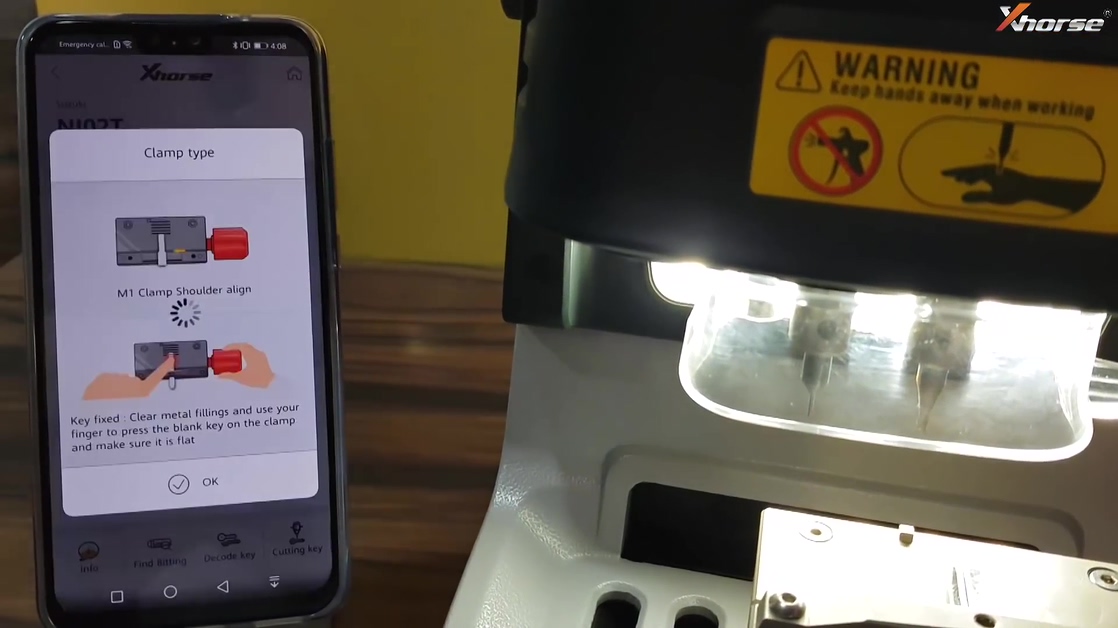
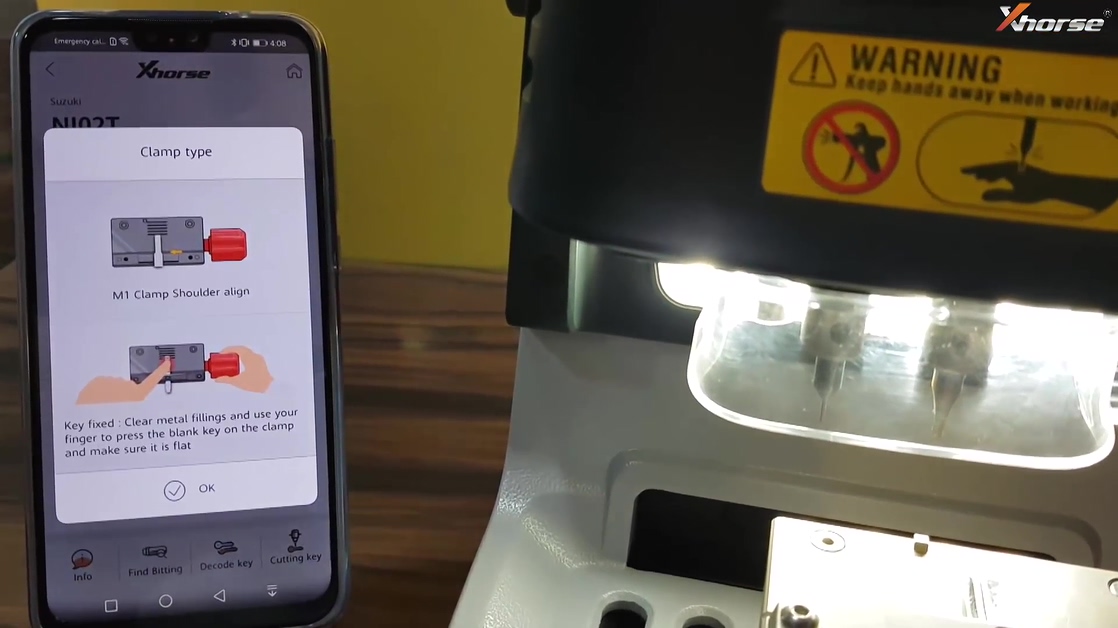
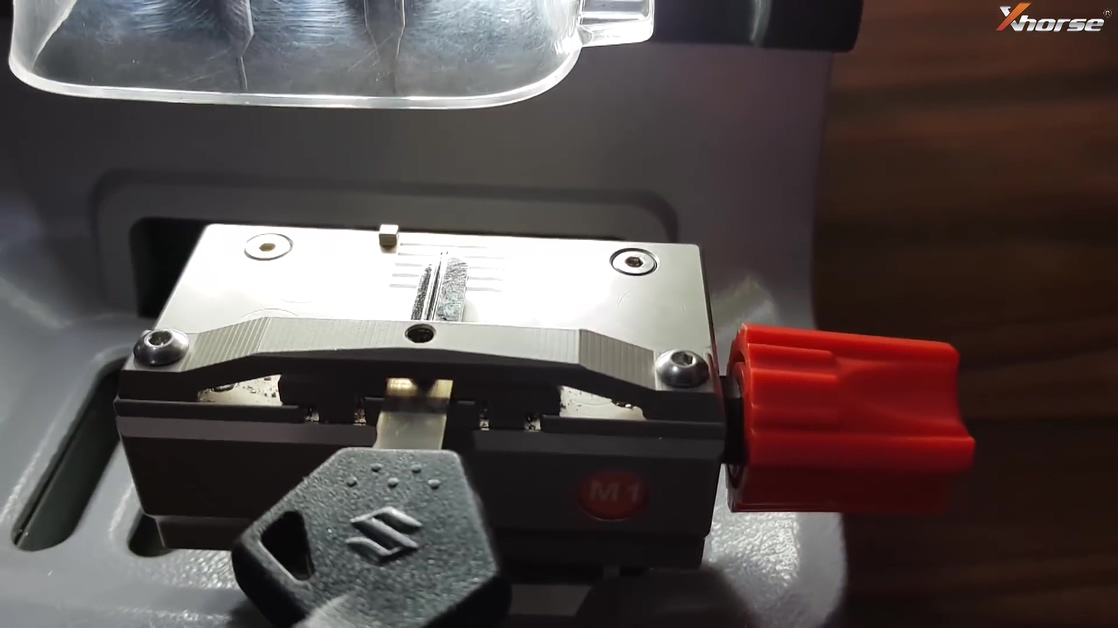
Follow the diagram to fix the key into the M1 clamp.
Choose "Cutting key".
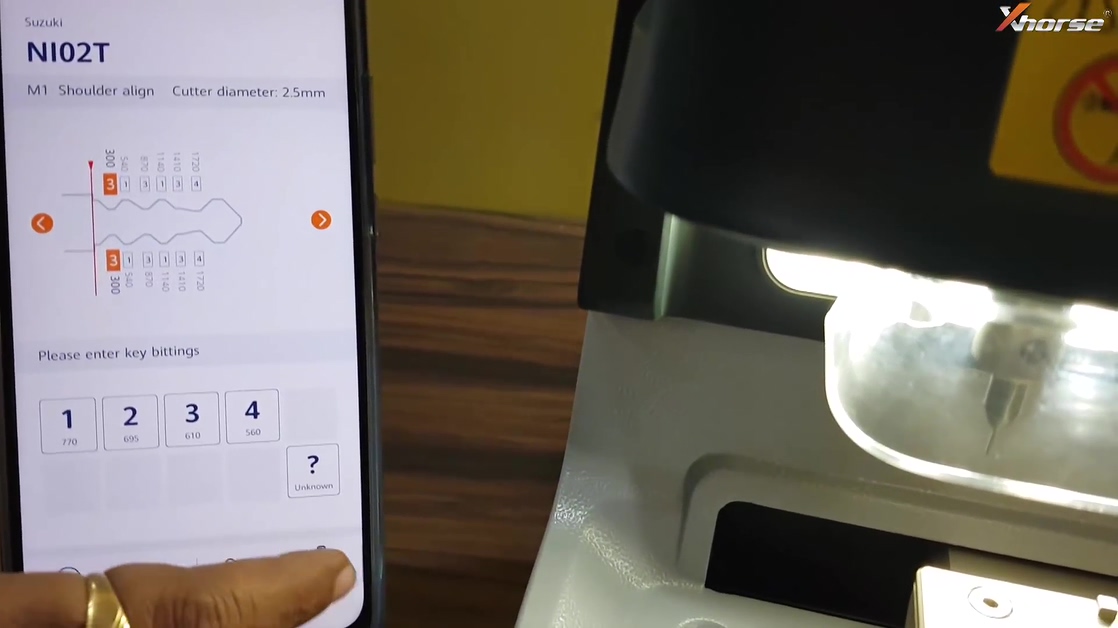
Continue.

Cutting key.

The cutting process can be seen on the phone and meanwhile on the Condor Dolphin display screen.
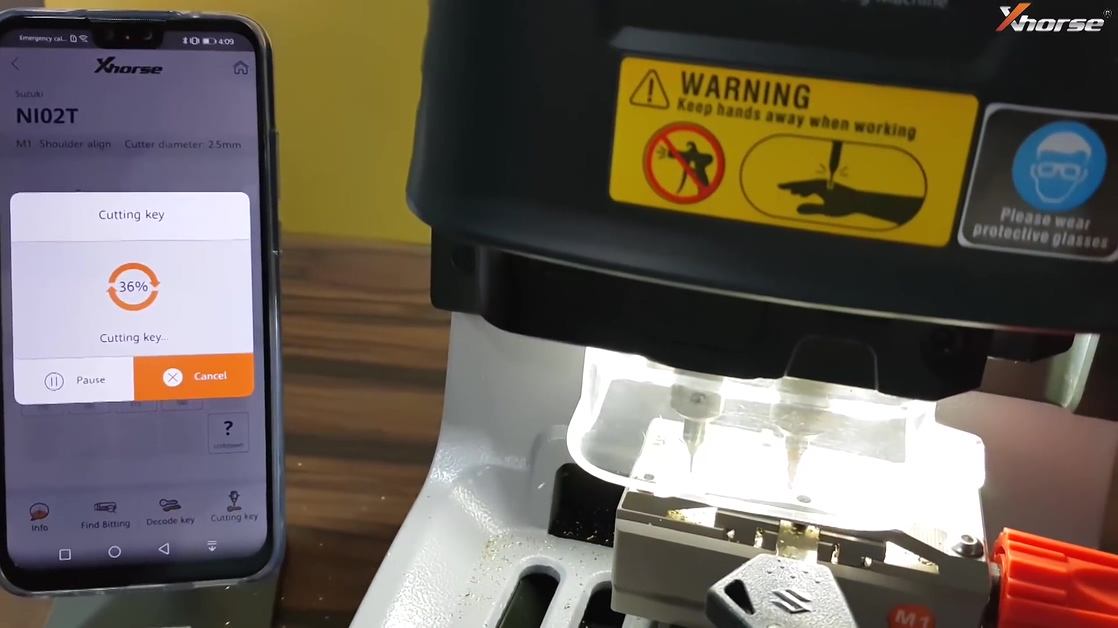
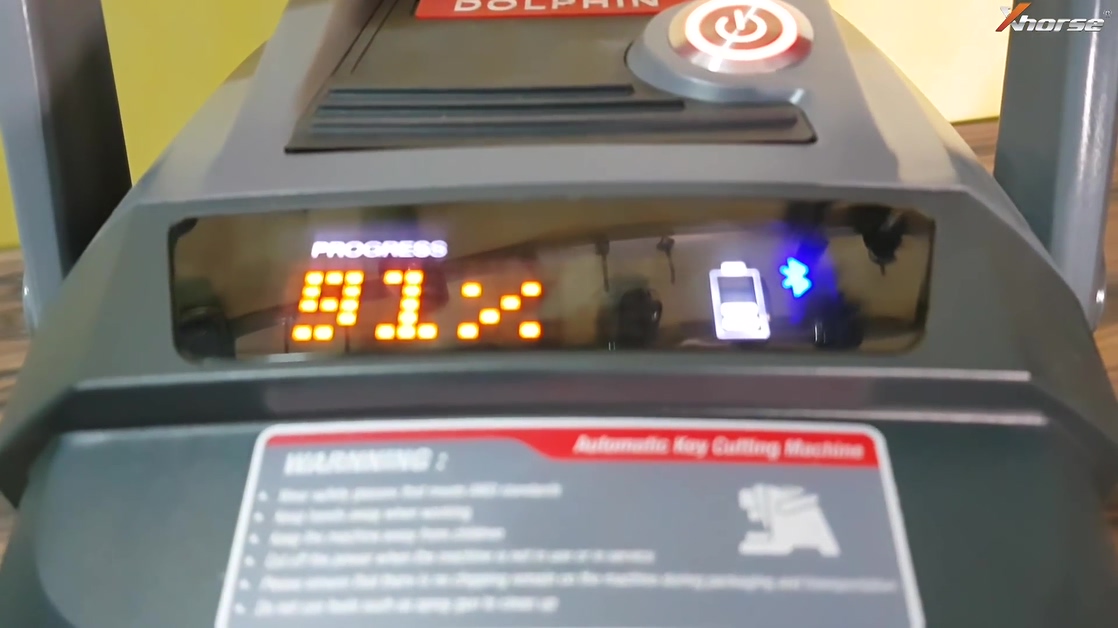
Cutting key completed.
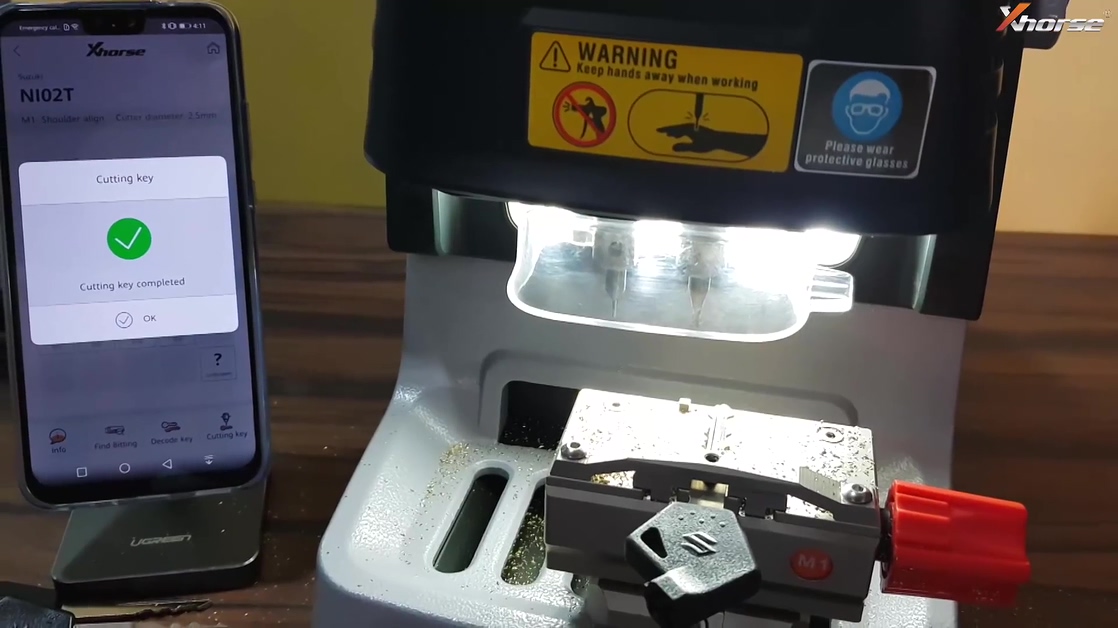
Take out the key and insert into the EIS to test if it is working.
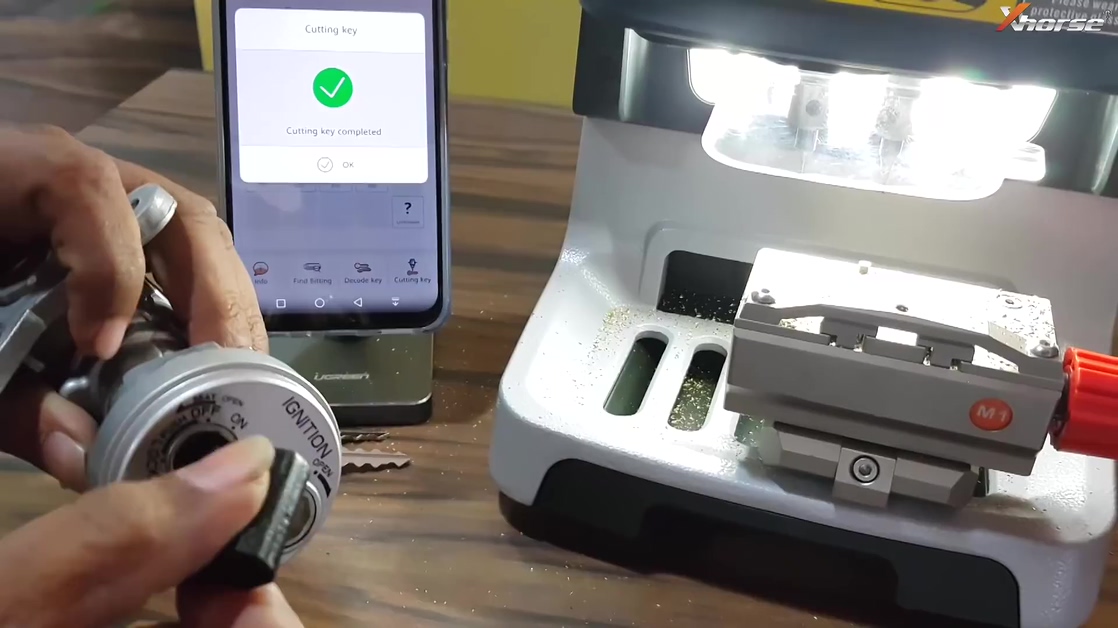
Done.
上一則: CG Pro 2.1.0.0 software download + released notes (03.2019)
下一則: TabScan S7 on Megane: read and clear codes successfully!
下一則: TabScan S7 on Megane: read and clear codes successfully!
你可能會有興趣的文章:
- VVDI Key Tool Max and VVDI MINI OBD Tool Program Kia Picanto Remote
- What can you do with Vident iAuto702 Pro on Peugeot?
- What kinds of chips does Lonsdor KH100 support
- CG Pro 2.1.0.0 software download + released notes (03.2019)
- Xhorse Merry Christmas Promotion for VVDI2 authorization
- How to update TMPro2 hardware
限會員,要發表迴響,請先登入


