Problem: "vvdi mb can not find device after update software"
VVDI MB Tool newest version is V4.5.0,and after download newest software to run,vvdi mb tool connect with computer with usb cable,and green light is on,but got "error-can't find VVDI-MB Tool,reconnect VVDI-MB and try again",just like following pic shows:
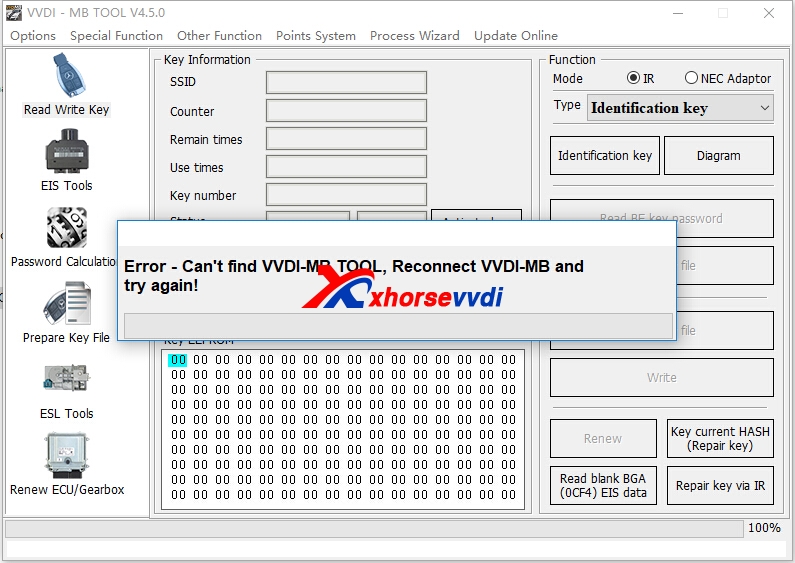
How to solve Can't Find VVDI-MB Tool error?
1.Please use xhorse update kit software to update firmware and check again.
Please click find device firstly,after computer recognize your device serial number and firmware version,then click upgrade.
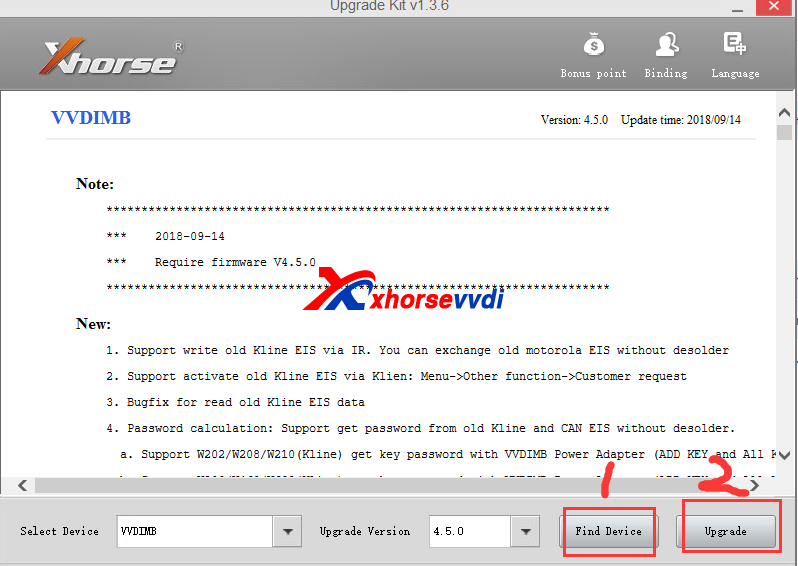
If can find device,and update successfully,ususaly it is OK to run vvdi mb software.
2.If after click "Find Device',still got not found error like following display.
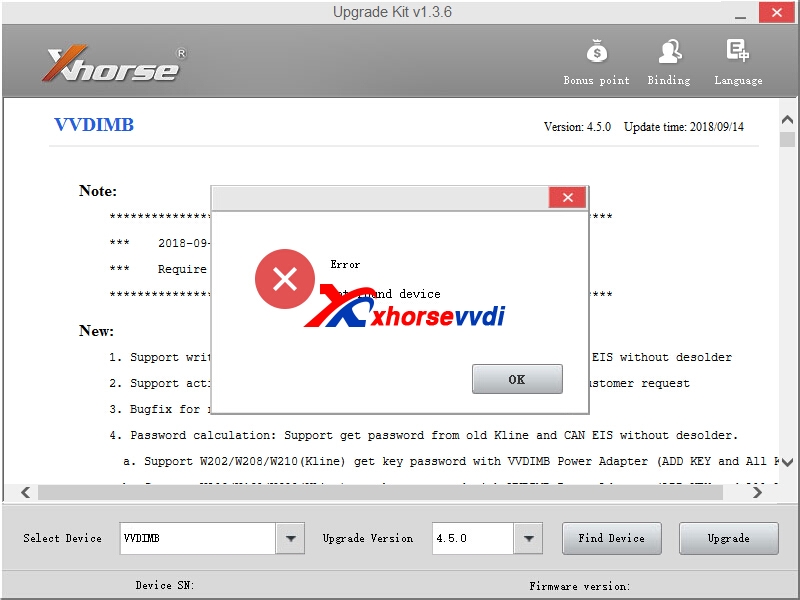
Please download the two driver,run the first one,if not working,try the second driver.
Here is download link :
contact us to get password
Whatsapp:+86-13983756354
Driver 1:
Driver 2:
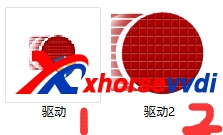
If first driver working OK,then continue to do update process.
If first driver get error,like this
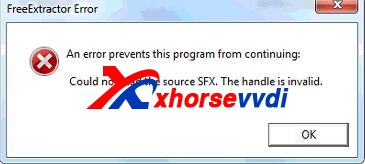
Run Second Driver
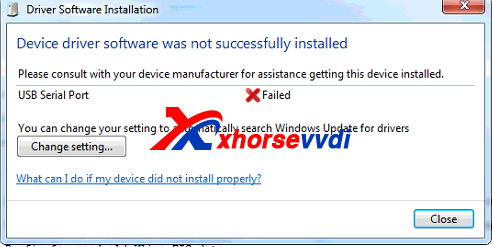
If second driver got the error,please click change setting,then choose "automatic..."one,and try run second driver.exe again.Then it will be OK.
After install driver successfully,find device is OK,and click upgrade.
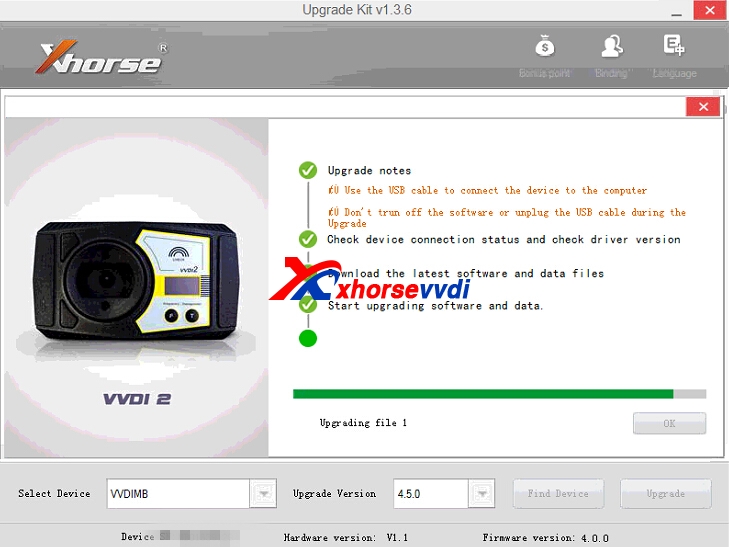
Please confirm the update process succeed.If failed,please try again update.Then test vvdi mb tool software is working OK.
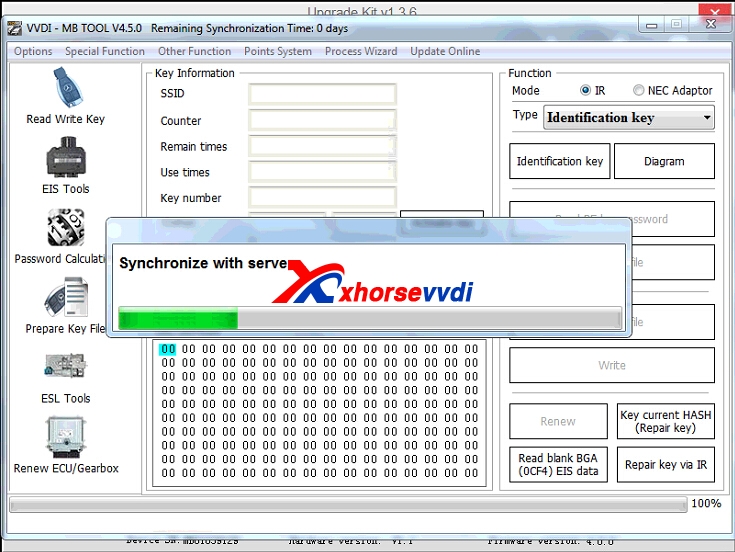
VVDI MB Tool Password calculation one year unlimited tokens 380USD,we activate online in 1-2 hours when we are on work
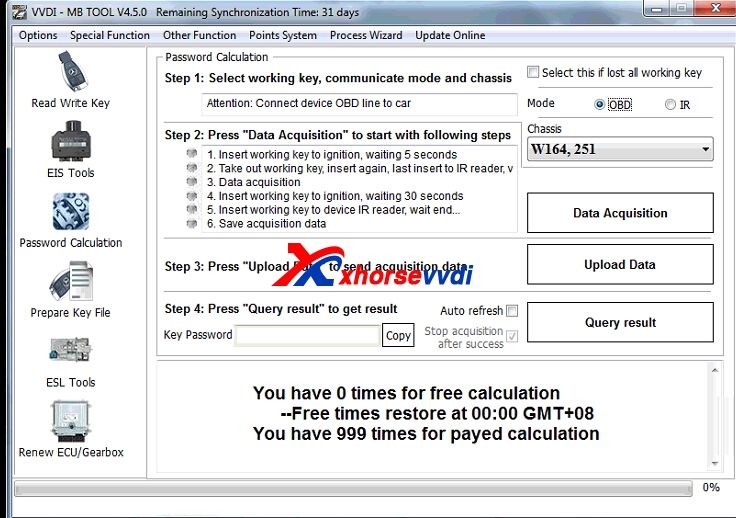
Here we attach newest V4.5.0 VVDI MB Tool software and Xhorse update kit software download link:
VVDI Benz Latest Version:V4.5.0
Free Download V4.5.0 VVDI Benz Software [Password:123456]
Xhorse Upgrade Kit Software[Please close your anti-virus software,as it contact .exe application,may recognise as virus.It is clean to use.]
original:How to solve VVDI MB Tool Can Not Find Device Error?
下一則: VVDI2 BASIC VS VVDI2 Full VS VVDI2 Full Authorization
- Foxwell NT510 Elite Vs NT530 Scanner - foxwellstore.com
- Xhorse VVDI Key Tool Max Test Functions Preview
- VVDI Max and VVDI MINI OBD Tool Add Honda HR-V 2018 Key
- 2019 SDconnect C4 PLUS vs 2018 SD connect C4
- What kinds of chips does Lonsdor KH100 support
- Lonsdor K518S is cheaper? Same as Lonsdor K518ISE?
限會員,要發表迴響,請先登入


