Xhorse VVDI Key Tool Plus is coming soon! Today, I’ll show you how to use this PAD tablet to match a Toyota Ralink.
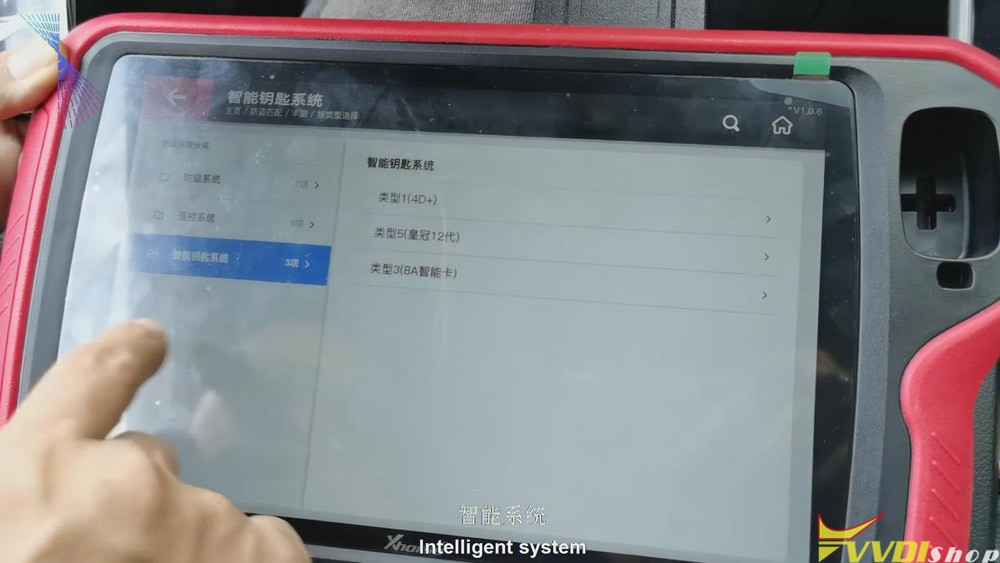
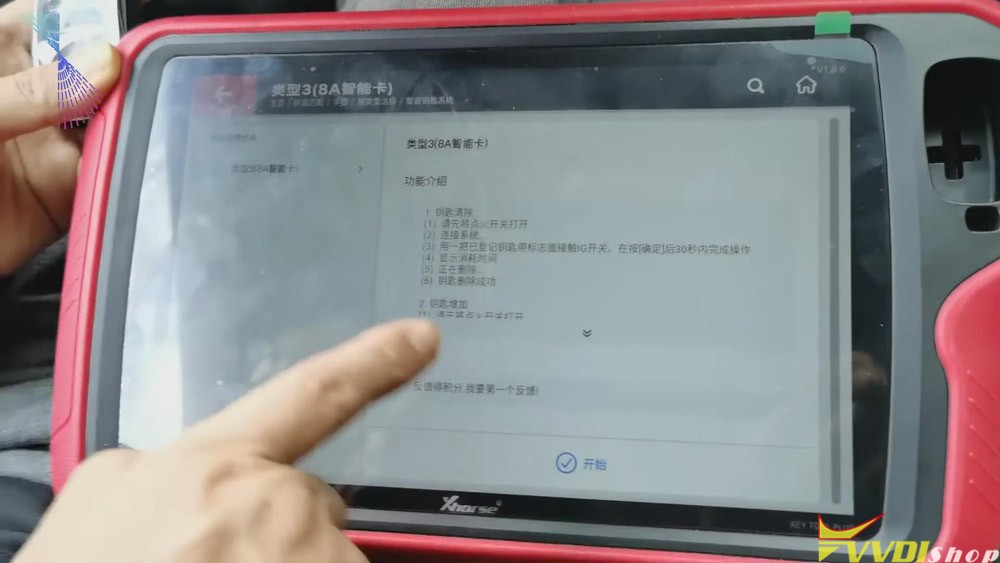
1. Click “Immo match”>>“Asia”>>“Toyota”>>“Select by type”>>“Intelligent key
system”>>“8a smart card”>>“start”>>“Add key” .
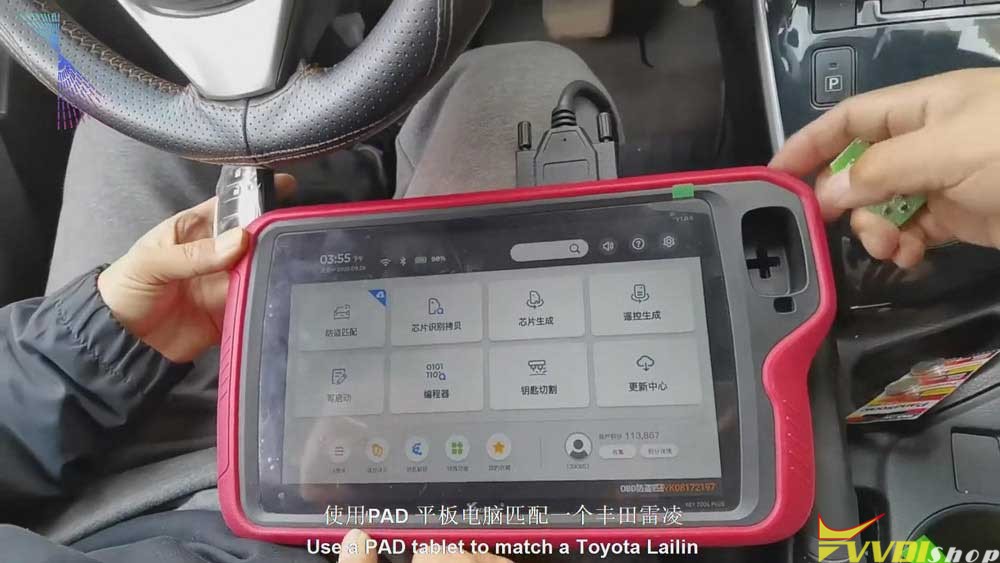
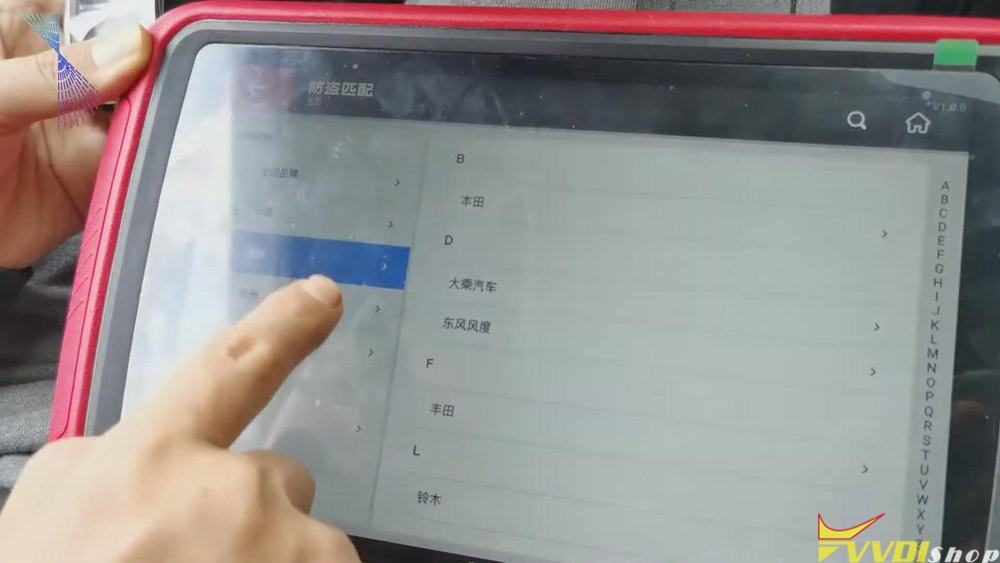
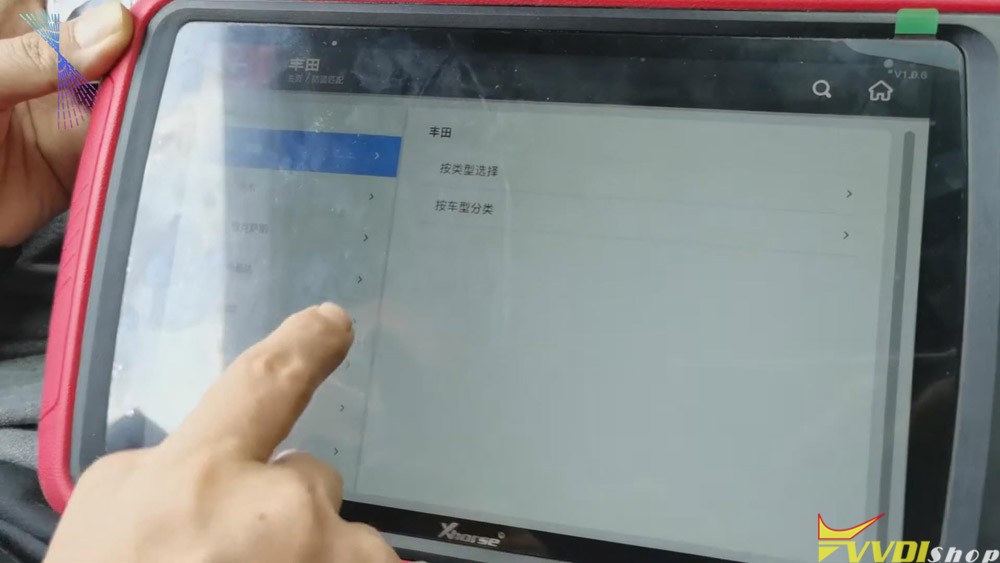
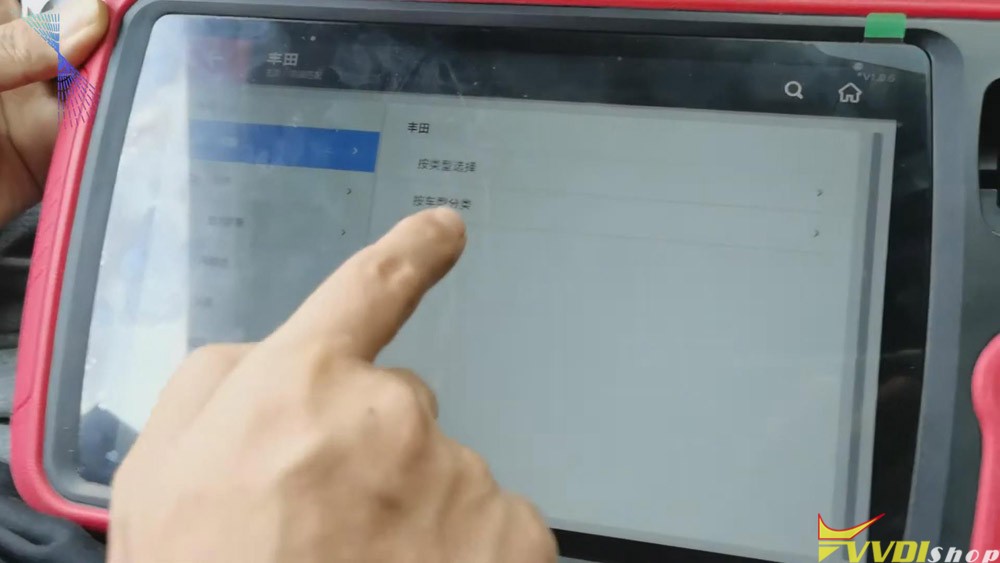
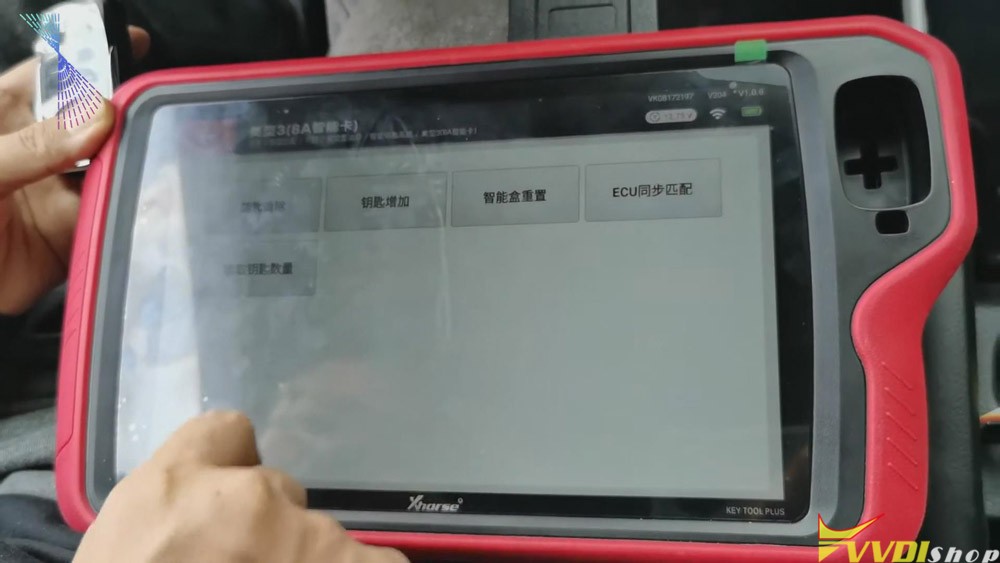
2.Follow the tablet guide to turn on the ignition of the vehicle, attach the original VVDI Toyota 8A smart card to the start button, and then click on "Confirm" on the tablet.
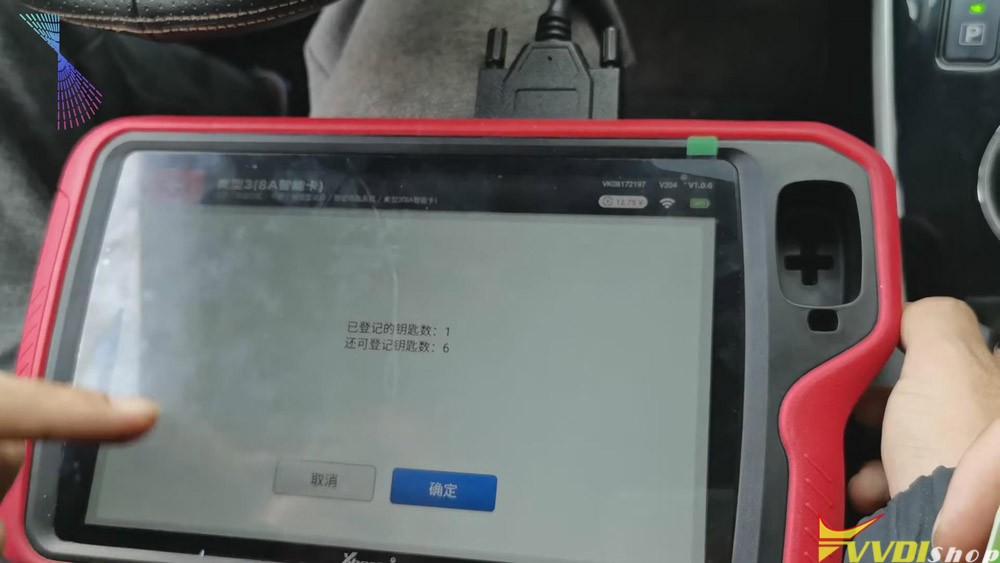
2. After hearing the sound, it will prompt to attach a new card to the start button of the vehicle. Then attach a new VVDI Toyota smart card to the start button of the vehicle. And then click “Confirm”.
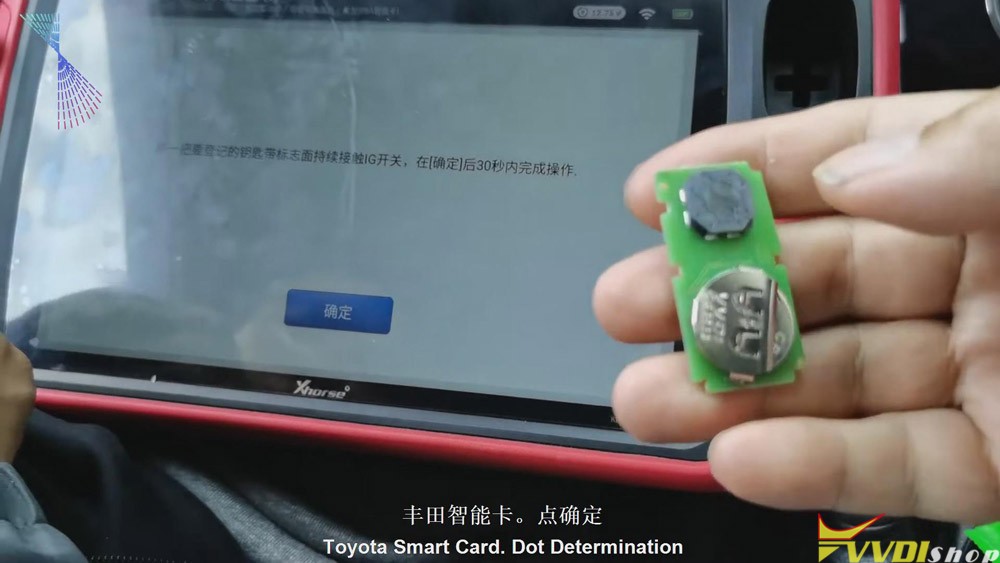
3. After the registration step is finished, take the original VVDI Toyota 8A card out of the car. Turn the ignition off and click “Confirm”. We’ll have to click “Confirm” for several times. And it should be a synchronization process. Click “Confirm” twice.
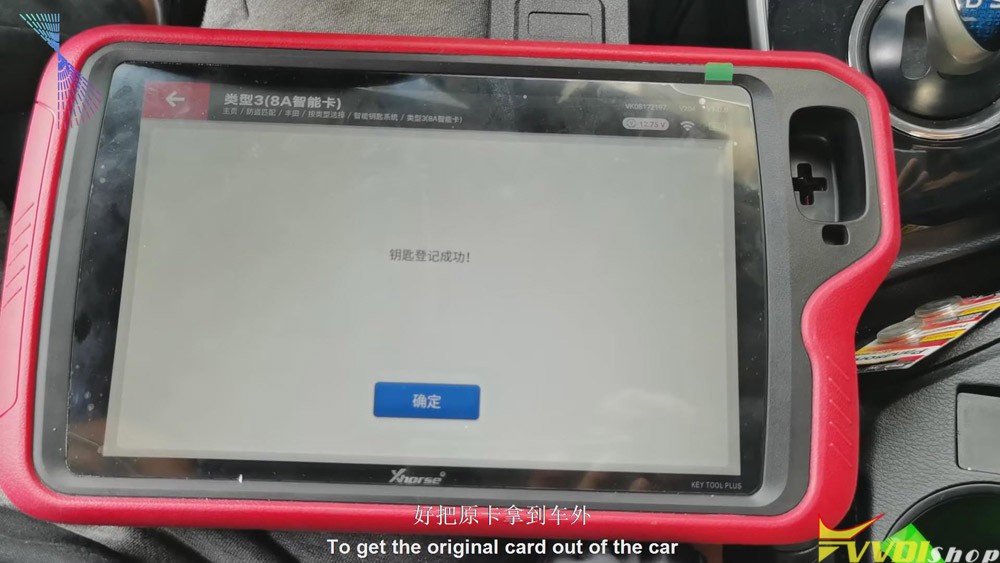
From the steps above we can easily see that it is quick and convenient for you to use Xhorse VVDI Key Tool Plus to match VVDI Toyota 8A smart card. Thumb up Xhorse VVDI Key Tool Plus!
http://blog.vvdishop.com/xhorse-vvdi-key-tool-plus-matches-vvdi-toyota-8a-smart-card/
下一則: Renew/clone EIS on w906 with VVDI MB BGA
- Renew/clone EIS on w906 with VVDI MB BGA
- Autel MaxiIM IM508 Key Programmer Reviews in 2020
- Launch Thinkcar Pro professional OBD2 scanner: every car owner needs
- Launch Thinkdiag vs ThinkCar 2 vs Thinkcar Pro
- VCX Nano GDS2 not run after updating VXManager 1.8.0
- How to Fix VXIDIAG NANO GM Cannot Program Seat Module
限會員,要發表迴響,請先登入



