Launch X431 V is able to do Service Interval on Hyundai I10 I20, here is the step-by-step guide for you:
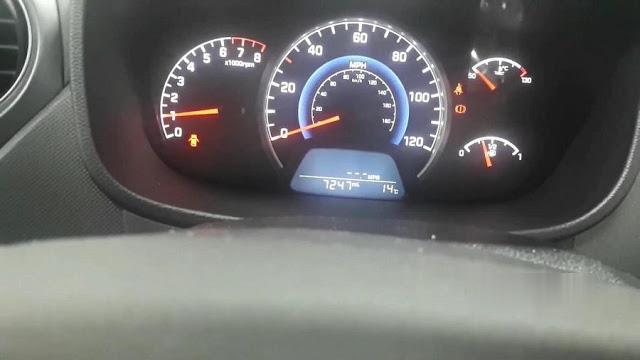
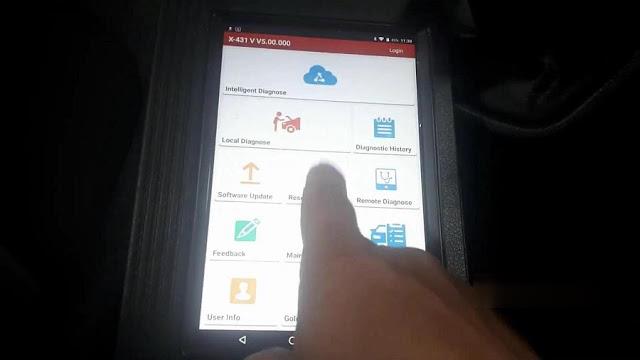
Go to “Reset”.
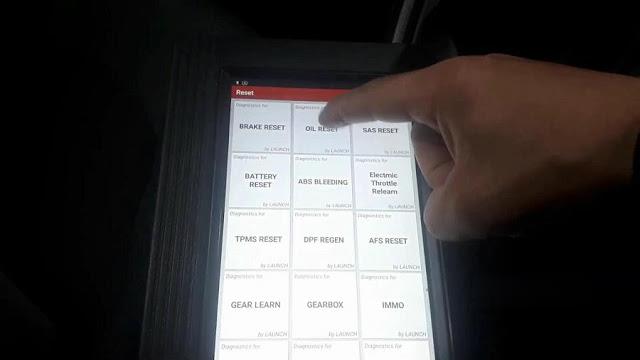
Oil reset.
.Launch x431 V Enables Hyundai Service Interval
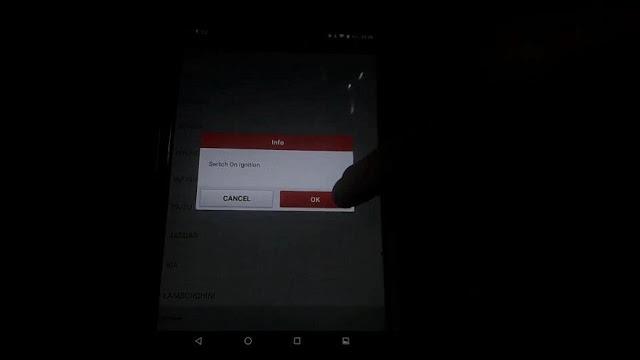
Tap “OK”.
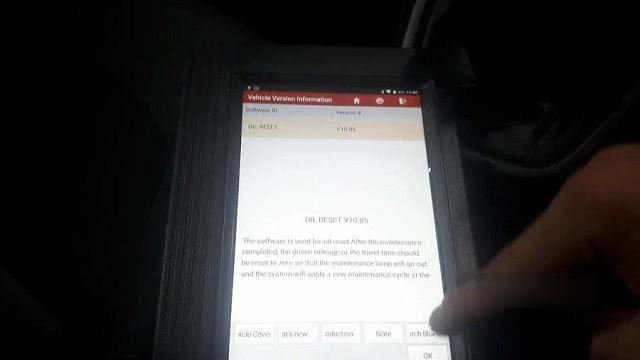
Go to “Hyundai”.
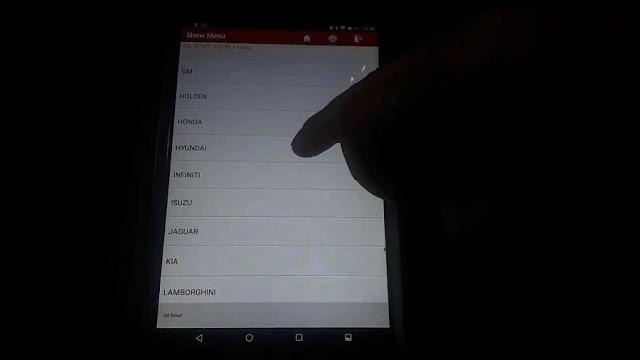
Switch on ignition as the screen pops up.
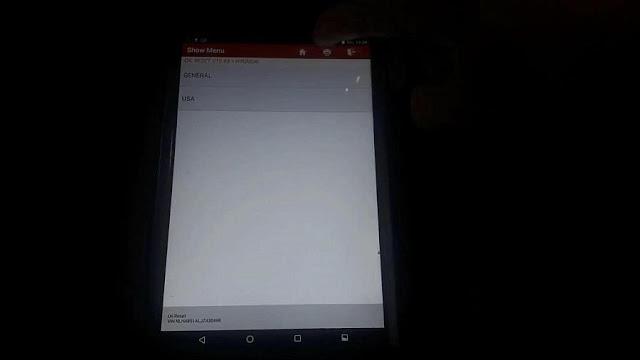
It will automatically read out the Vin number.
Tap “General”.
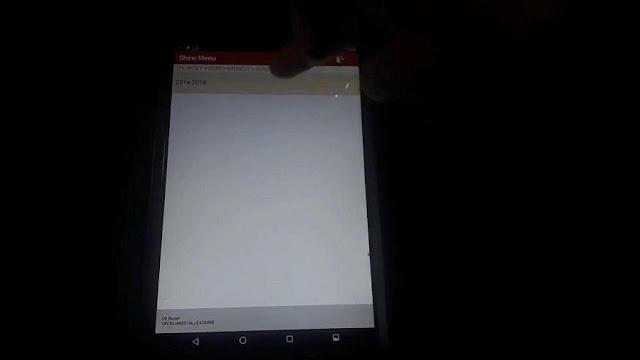
Tap “I10 (IA)”.

2014 – 2018.
Special function.
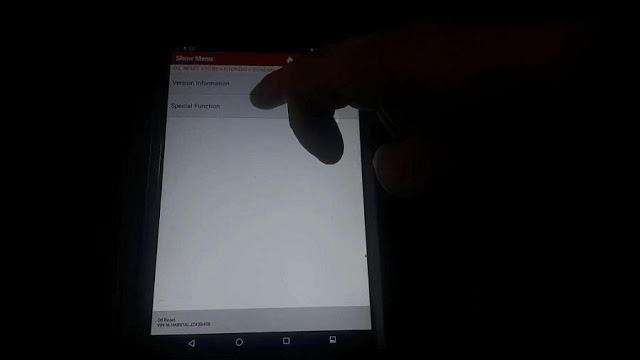
Service reminder setting.

Tap “OK”.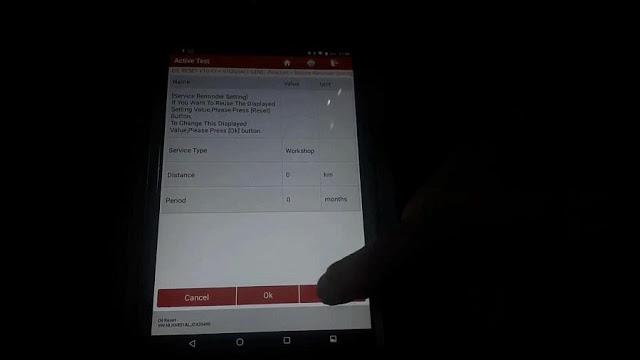
You see “Coding Not completed”, tap “Workshop”.
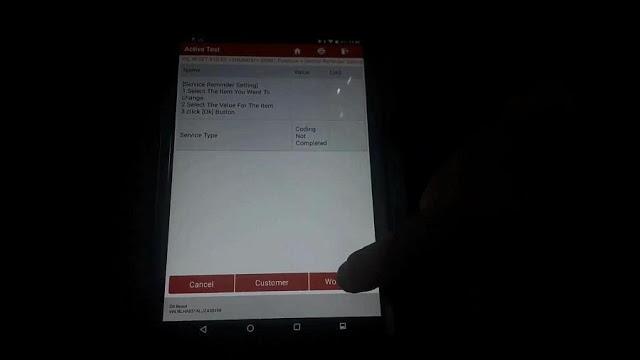
Tap “OK”.
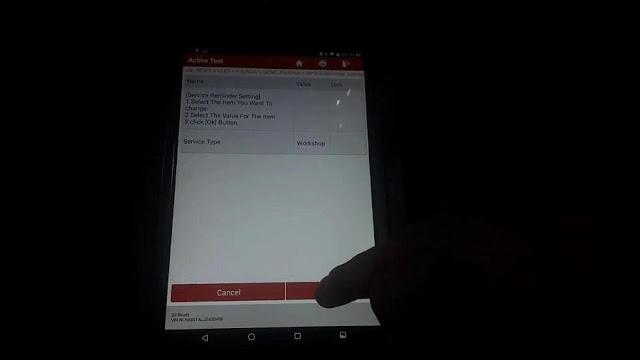
Save completed!
Press [OK] button.
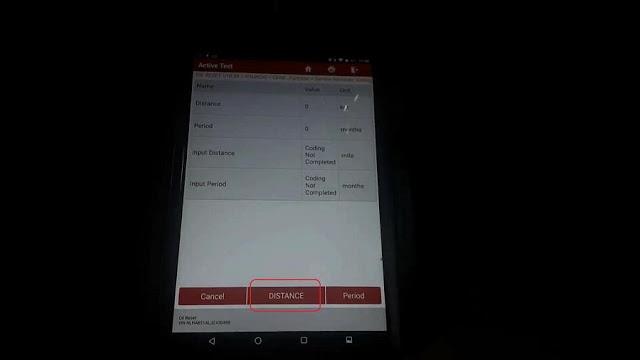
Tap “Distance”.
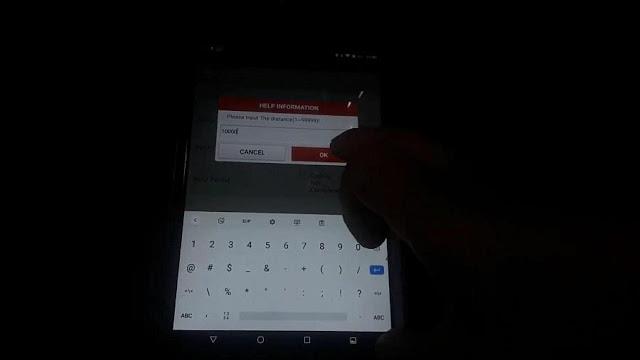
Please input the distance.
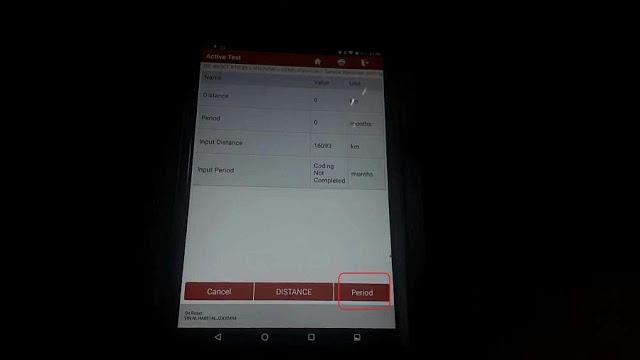
Go to “Period”.
Input the period “12”.
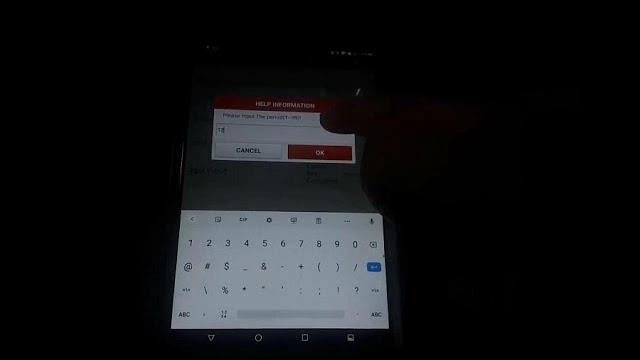
Tap “OK”

Save completed!

Tap “Cancel”.

If you go down on the dash, let me write up a bit, let’s go drip drip drip and 365 days and 10000 miles.

So this is how you set up the Service Interval, if it has not been setup, unfortunately you can only do it with the diagnostic machine like X431 V pro.
All right, thanks, hope it helps.
下一則: JEEP Compass 2018 Key Programming by OBDSTAR Key Master Plus
- How to configure a VOCOM to WLAN wireless mode using an access point
- Tacho Programmer Digital Tachograph Programmer CD400 TRUCK TACHO Speedometer
- Jungheinrich EJD 220 Travel Acceleration Parameter Setting by CanCode
- AUTEL OTOFIX IM1 AUTOMOTIVE KEY PROGRAMMING
- MINI ACDP BMW “Verify Bin file MD5 failed” on BMW F11 520D 2012 Solution
- HOW TO UPDATE MB SD CONNECT C4 FIRMWARE
限會員,要發表迴響,請先登入


