XTOOL X100 PAD “Stay on the loading page” Solution
2022/01/22 21:14
瀏覽88
迴響0
推薦0
引用0
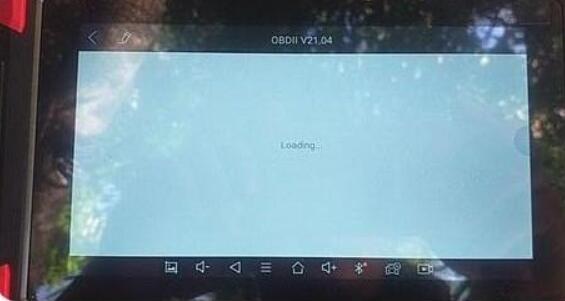
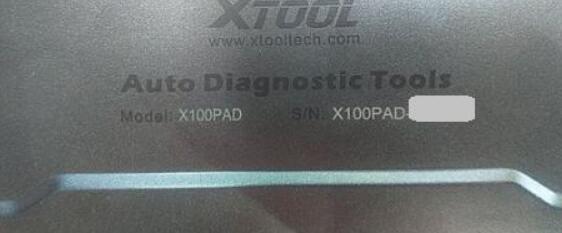
Problem: after booting the XTOOL X100 PAD, I select the OBD2 function, unfortunately, it stays on the loading page.
Obd2tool Solution:
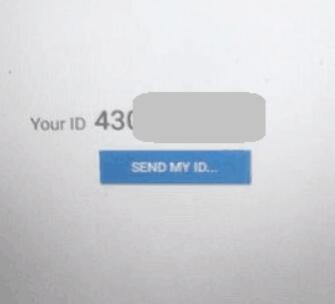
1. Open “quicksupport” on the tablet, and you will have one ID (shown as below), click on “Send my ID”.
2. Accept the request from Xtool Tech Supportto connect your tablet.
3. Wait to download the software remotely.
4. Alright, the bug is fixed.
Hope it helps!
自訂分類:car diagnostic tools
上一則: BMW F-CHASSIS AUTO STARTSTOP PERMANENT OFF CODING BY LAUNCH X431 PAD VII下一則: OBDSTAR X300 Pro4 Program Toyota Fortuner 2019 8A All Key Lost
你可能會有興趣的文章:
- How to Install Cummins INLINE 6 Software Driver
- Launch X-prog3 Program Mercedes-Benz W204 W207 All key Lost Successfully
- How to Solve All Software Lost for Xtool X100 PAD&PAD 2& PAD 3
- Xhorse VVDI Key Tool Plus VS Zed-full
- mb sd c4 xentry data can not save? how to solve?
- STAR C3 XENTRY FAULT (1.2)-2.503.13003 SOLUTION
限會員,要發表迴響,請先登入


