Look at TOY.T Universal Smart Key : 
Open Xhorse VVDI2 software, click on "Prepare proximity remote". 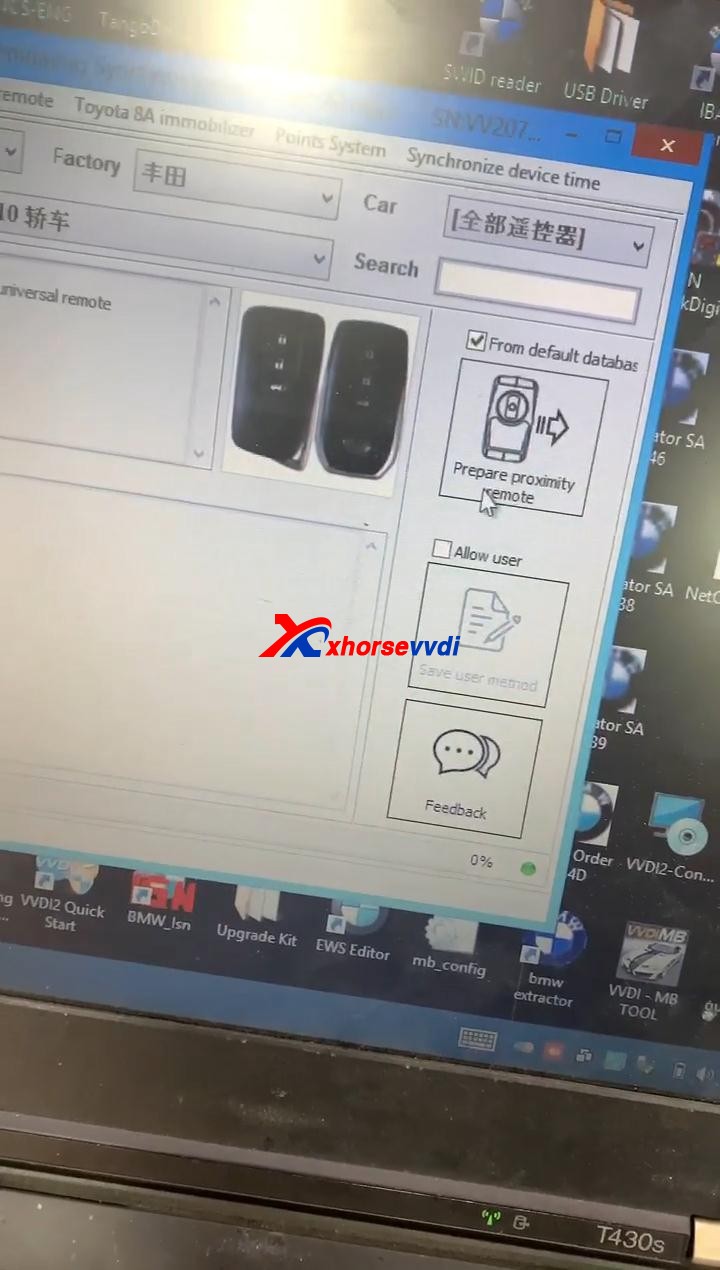
Read the following attentions and follow it:
Attention 1: This type require special Xhorse XM Smart Key, the procedure require internet support.
Attention 2: it needs some bonus points for each XM Proximity remote first use.
Attention 3: Toyota Proximity remote (XM special) don't have bonus points.
Input XM proximity remote to device coil before continue.
After reading the above attention, click on "Yes".


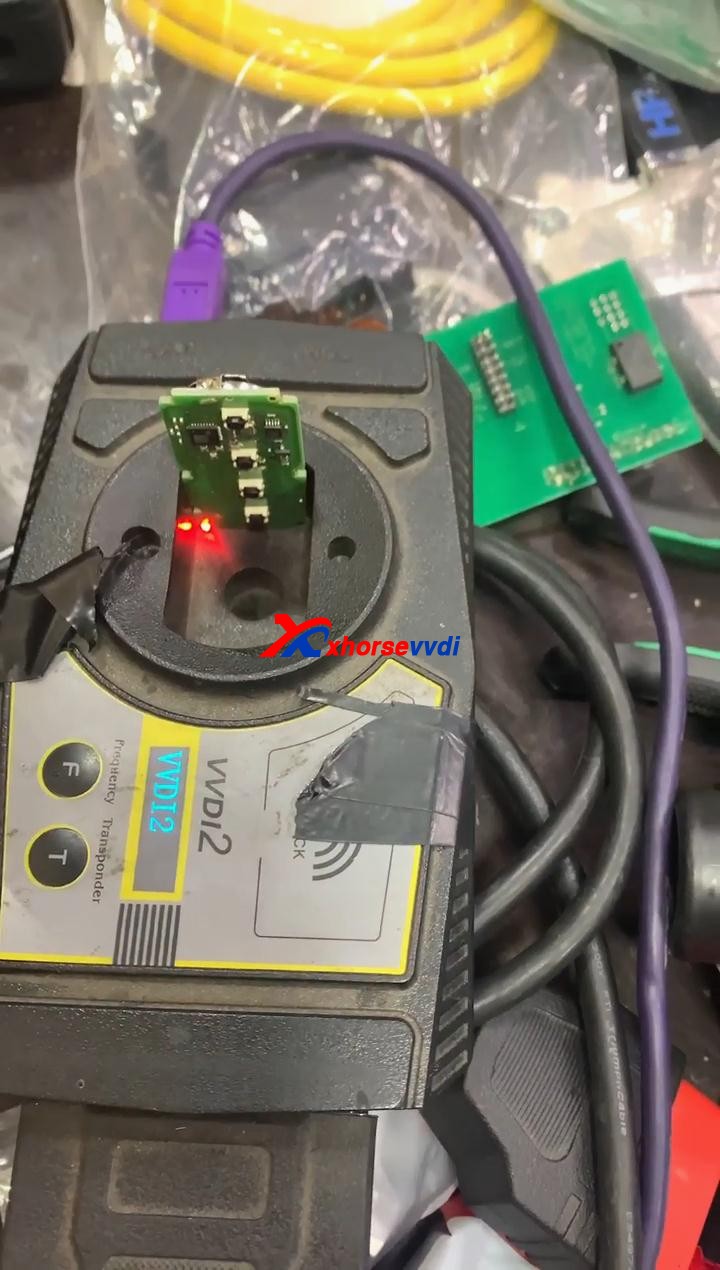
Synchronize with server.
Please wait...
Query result...
Calculating, require 5 seconds, query after 10 seconds... (Cannot be cancelled)
Prepare remote - XM proximity mode...5 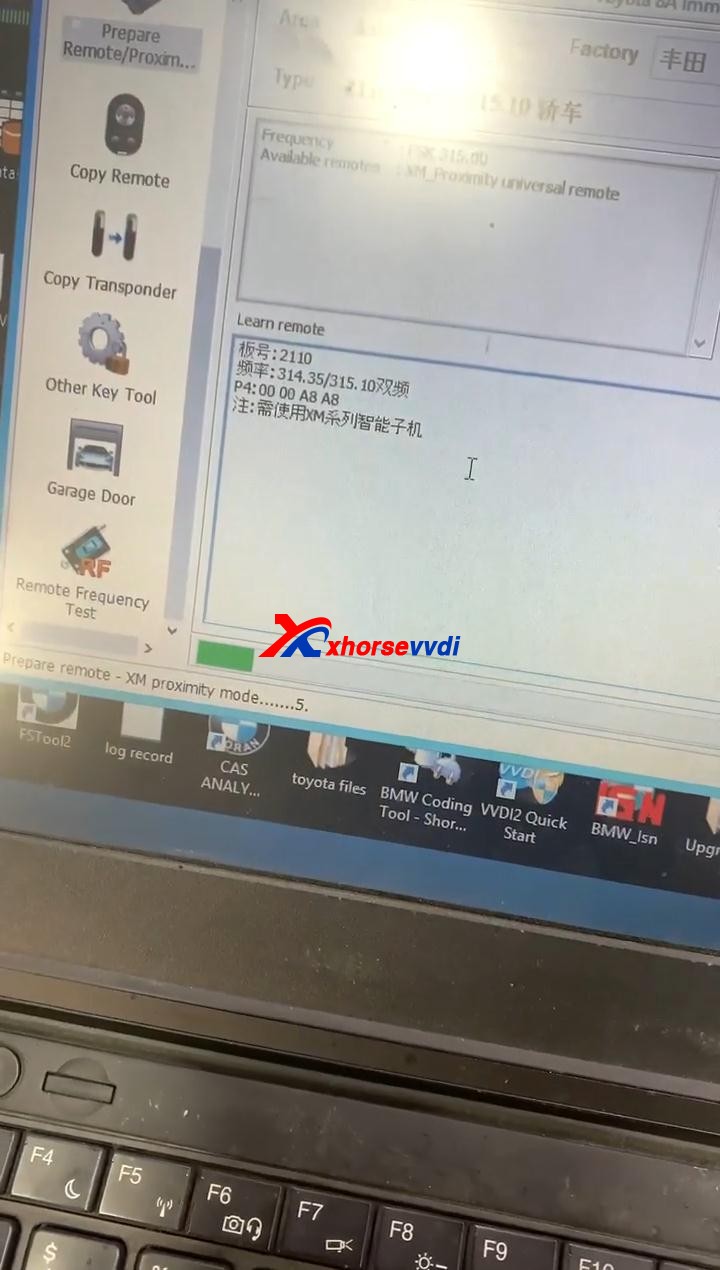
Enjoy!
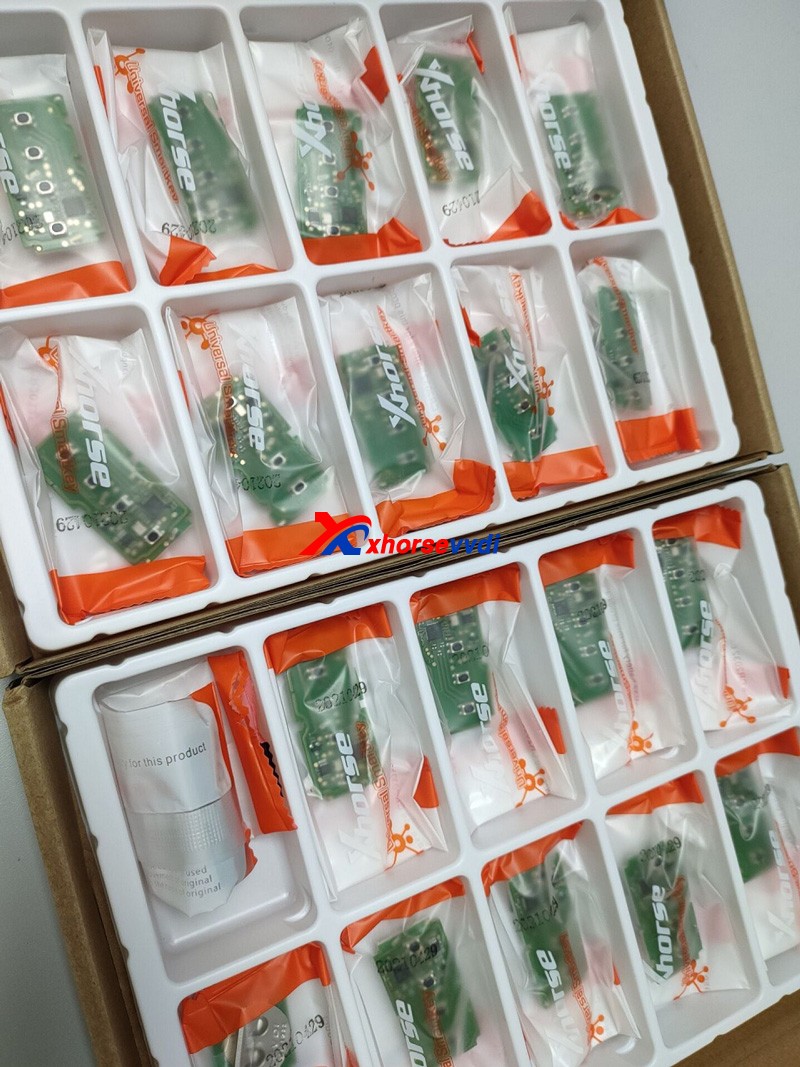
TOY.T Universal Smart Key is available here:
https://www.xhorsevvdi.com/wholesale/xhorse-smart-key-for-toyota.html

Source:http://blog.xhorsevvdi.com/how-to-generate-toyota-xm-remote-with-vvdi2-and-toyt/
下一則: VVDI Mini Key Tool read write chip, generate remote wired / wireless
- Program 2011 Porsche Cayenne All Lost Key by VVDI Key Tool Plus
- Program Mazda Type 5 smart Keys with Xtool X100 PAD3
- XTOOL X100 PAD3 Add New Key to 2017 Renault Duster (Dacia)
- Xhorse MINI PROG Read BMW CAS4+ and Land Rover RFA
- How to Update Autel MaxiVCI Mini VCI FIRMWARE
- Xtool Key programming / IMMO Update In February.2021
限會員,要發表迴響,請先登入


