


Next part is about how to use TF card to extend memory in X431 V:
Prepare:
* Launch X431 V (for example)
* One TF card: Over 8 gigabyte (GB), with the speed of Class 10 (which is over 10 megabyte per second).
* One screwdriver
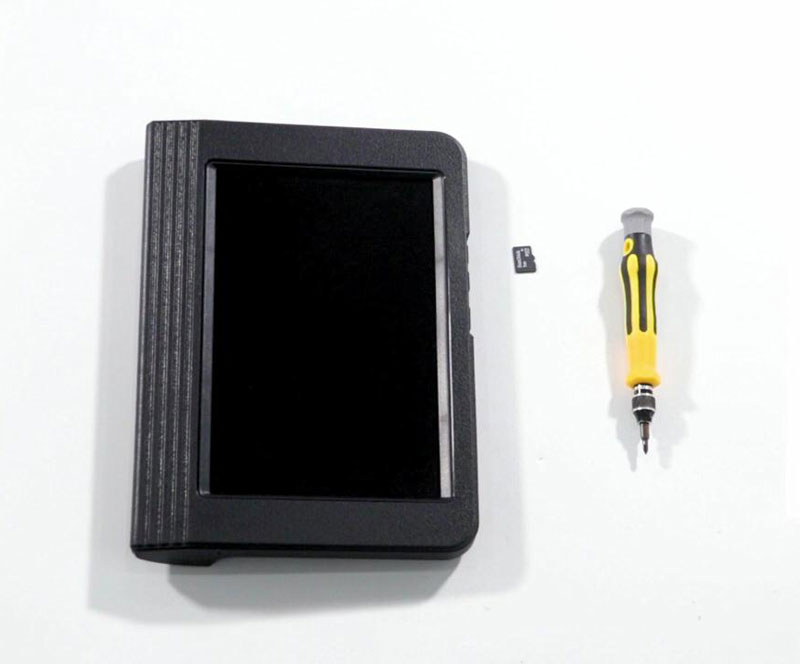
Simple procedure:
* take off the plastic protection sleeve from its backside.
* Remove all the screws.
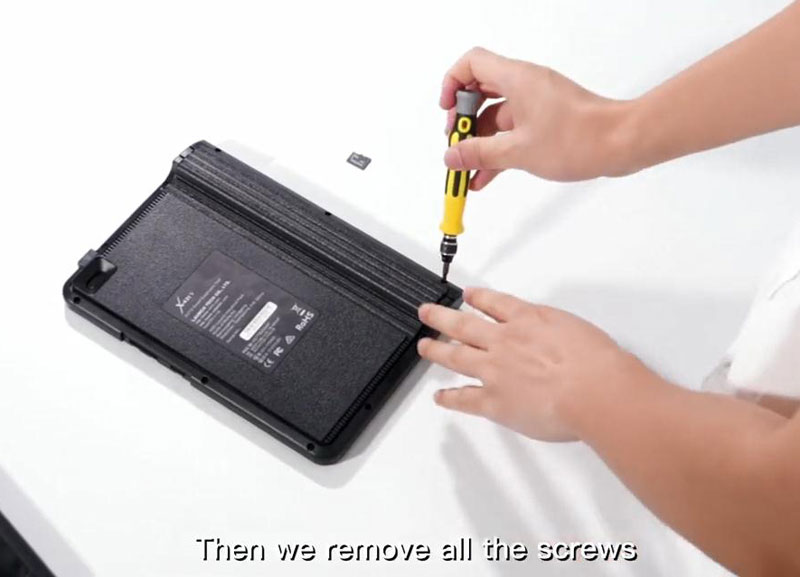
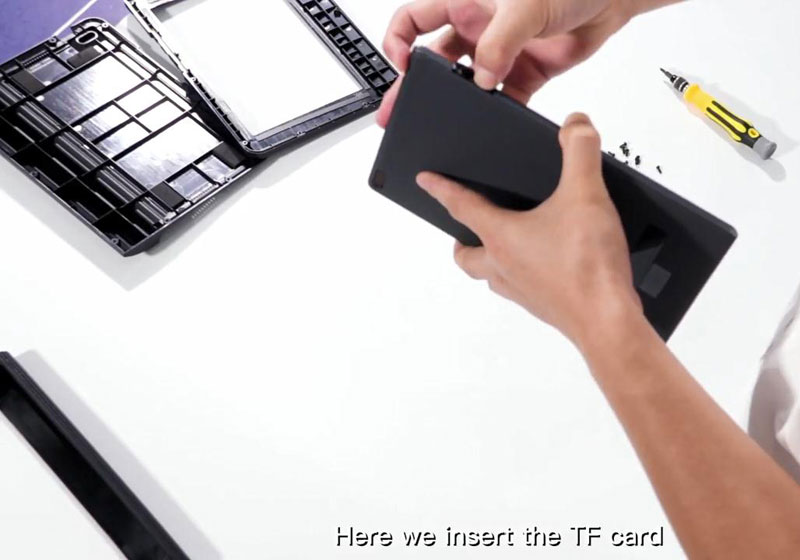
* Set aside the back cover and take out the tablet.
* There is a TF card socket at the right side of the tablet where we insert the TF card.
* Start up the tablet.
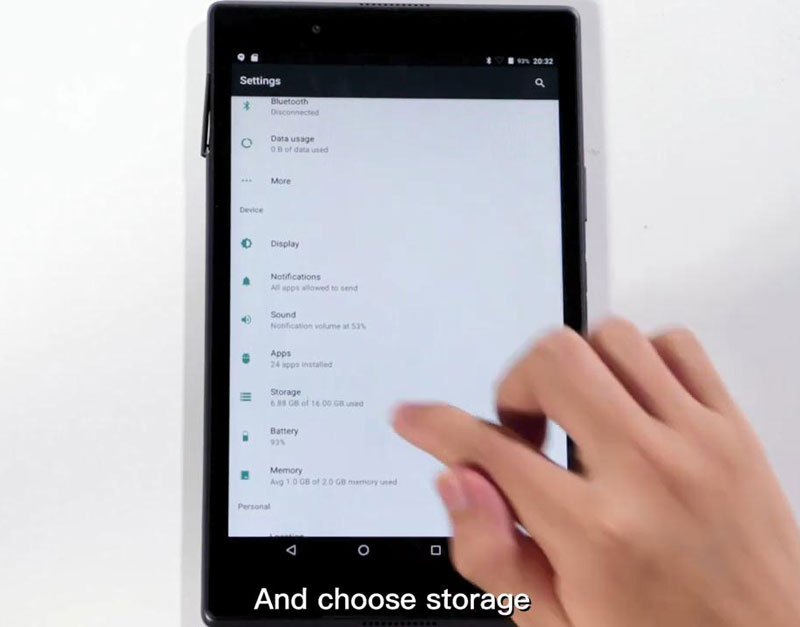
Open “Setting” and choose “Storage”.
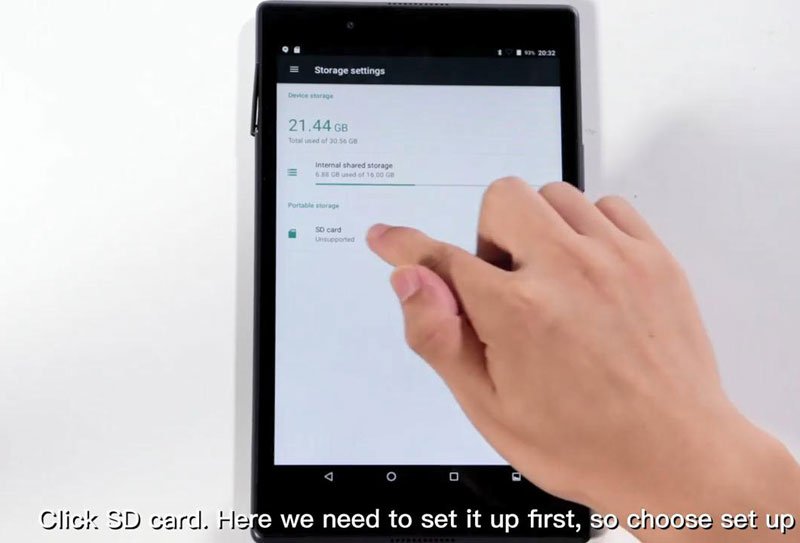
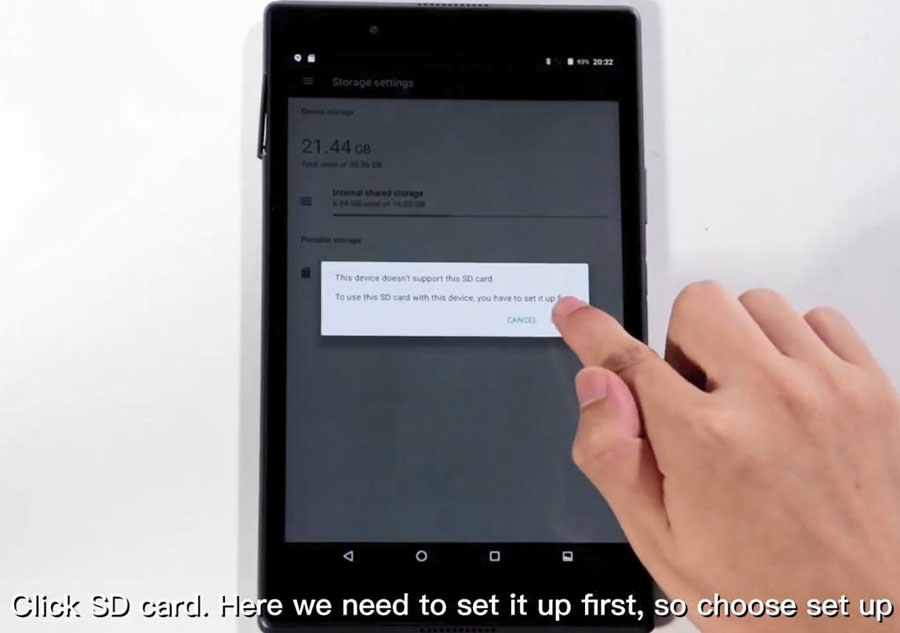
Click on “SD card”, here we need to set it up first, so choose “Set up”.
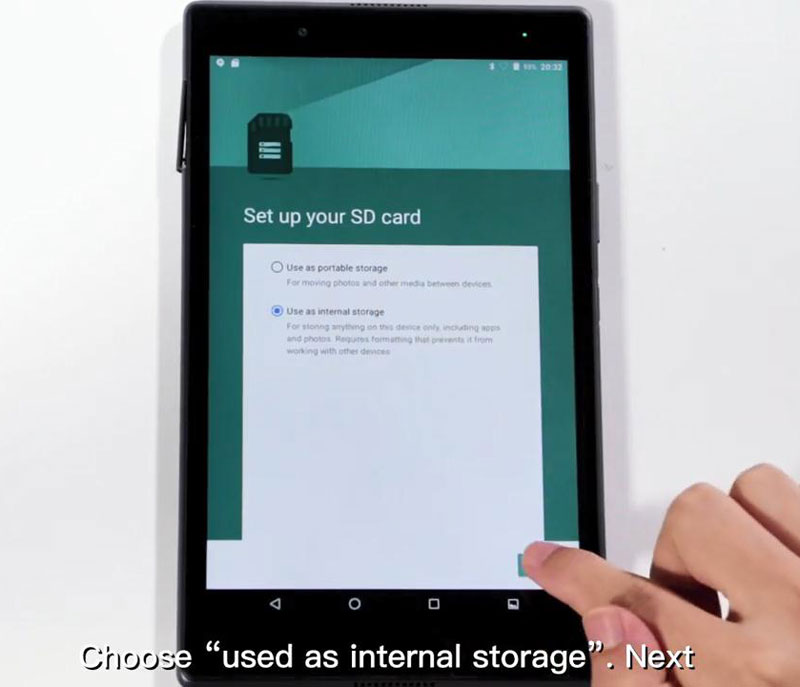
Choose “Used as internal storage”;
Next is “Erase and format”, it takes a few minutes in this step;
Next is to choose “Move now”, it takes a few minutes according to the data size.
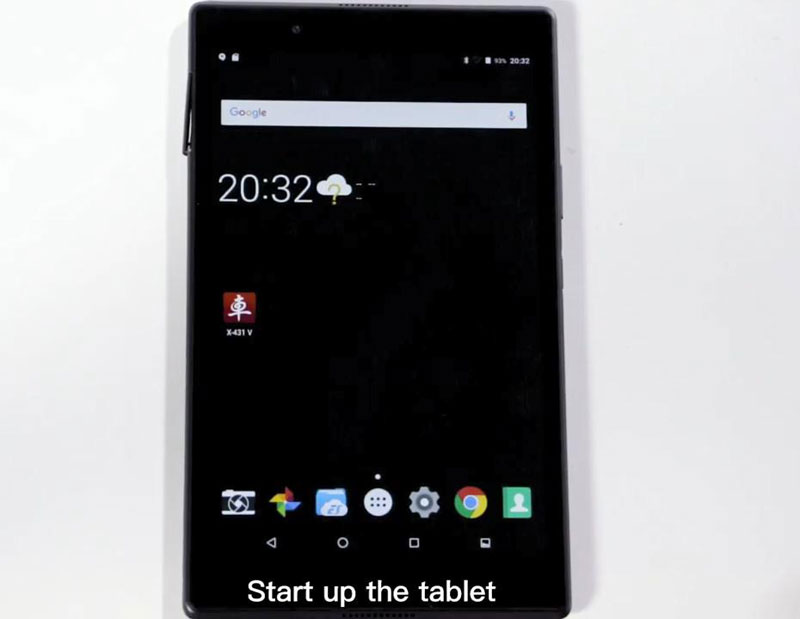
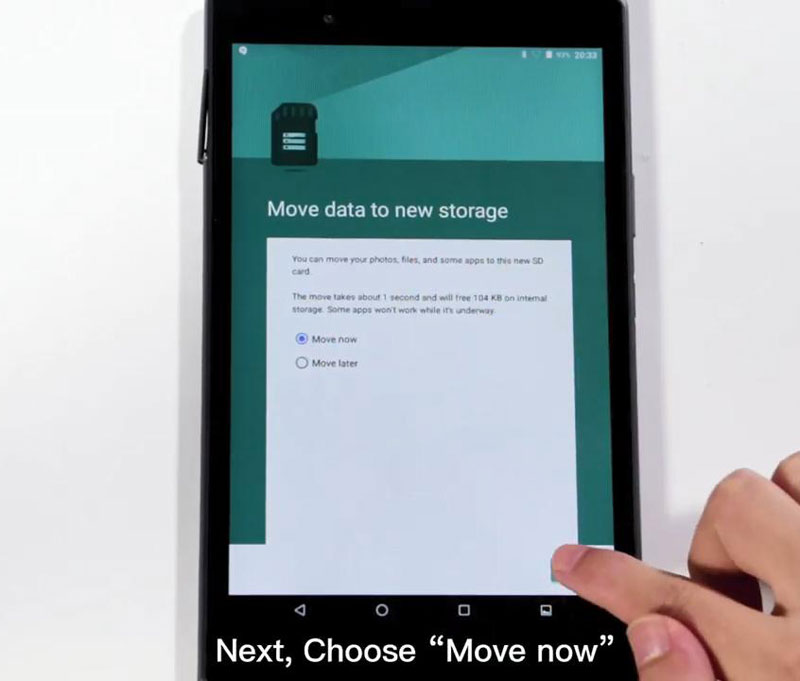
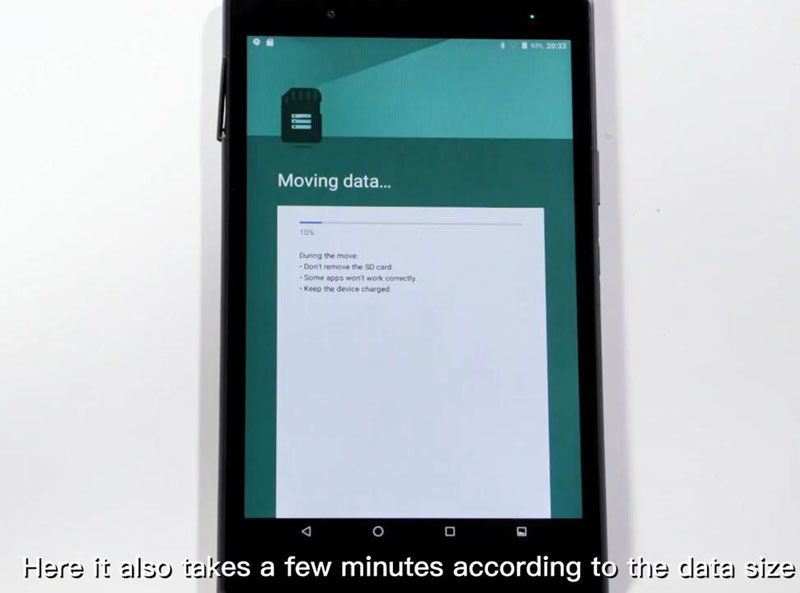
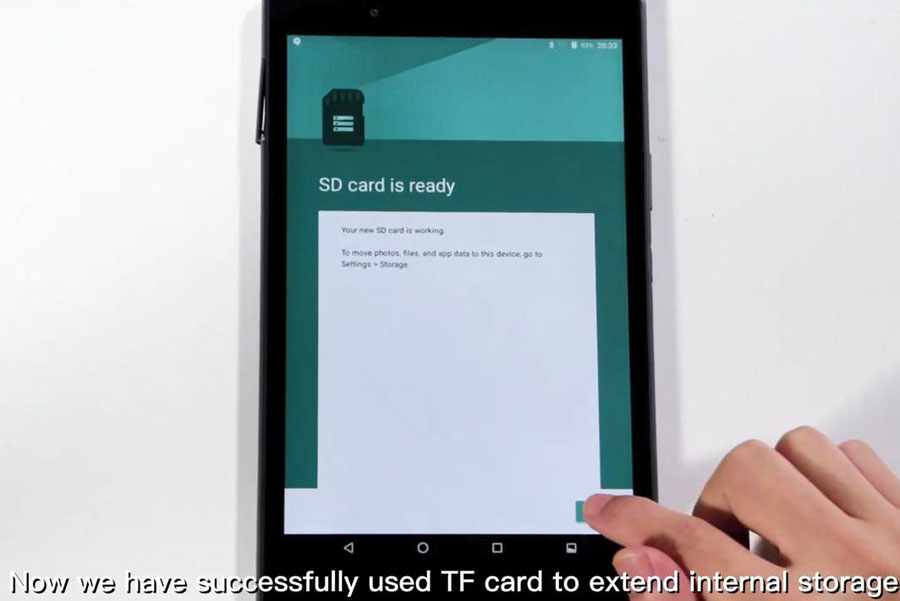
* Job is done. Launch X431 V successfully used TF card to extend the internal storage, and the procedure is applied to X431 V+ and any other X431 tools.
Good luck!
