2013 VW NEC24C64 Color Screen Type 2 Cluster Calibration with OBDSTAR Odo Master
Steps:
Use the OBD2 cable to OBDSTAR X300 DP PLUS plug into the 16pin port of 2013 VW.
The dashboard light up.
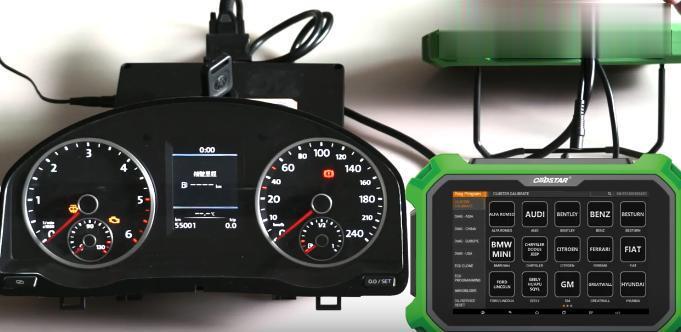
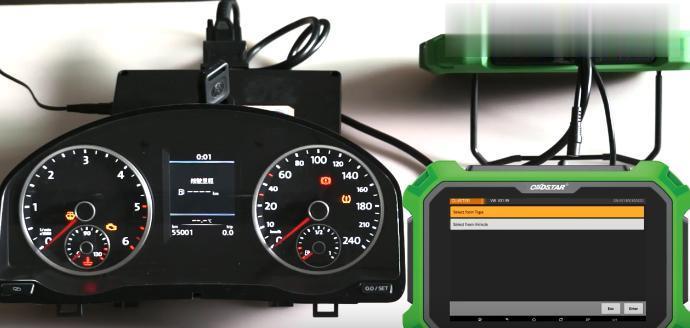
Select “Cluster calibrate” menu option of odo master, search VW.
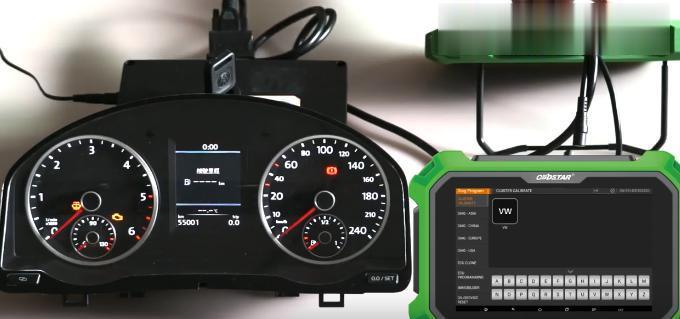
Newest version VW v31.99.
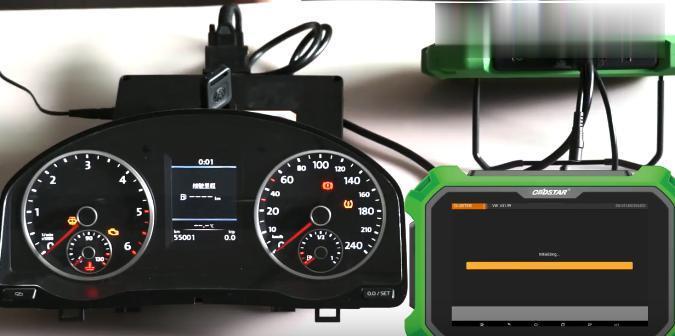
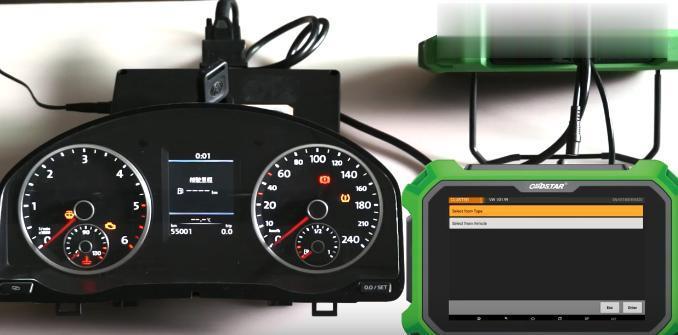
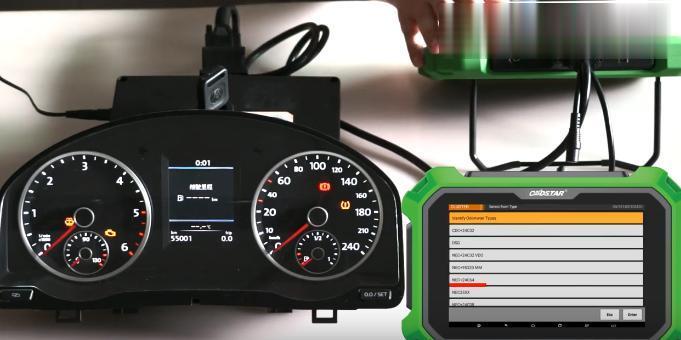
Select from type.
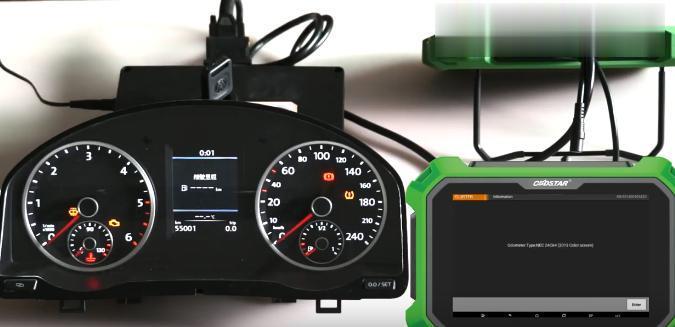
Odo master type: NEC24C64 (2013 color screen).
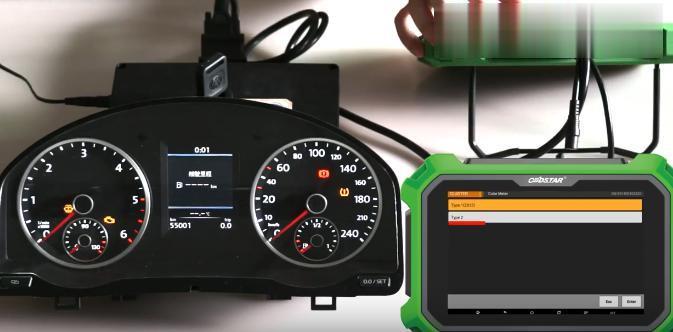
Color meter.

Type 2.
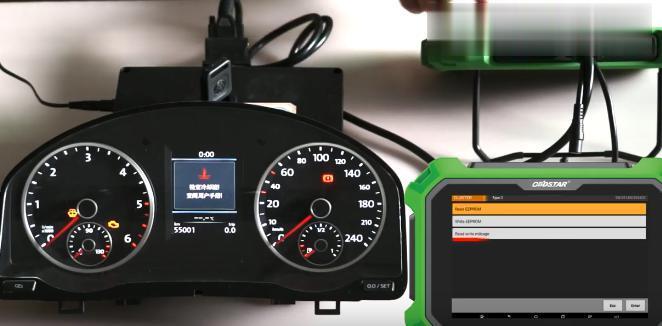
Read EEPROM.
Please turn on ignition first, if it is a smart key, please turn off ignition and then turn it on, press “ENT” key continue.

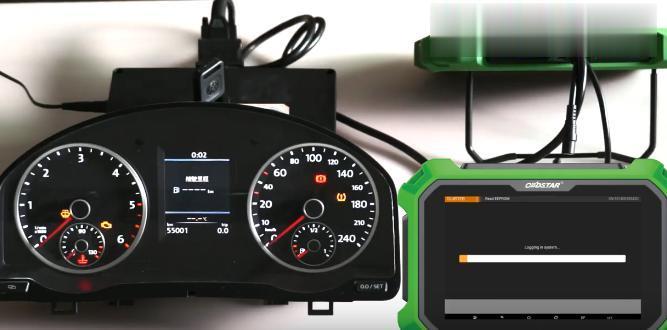
Reading data.
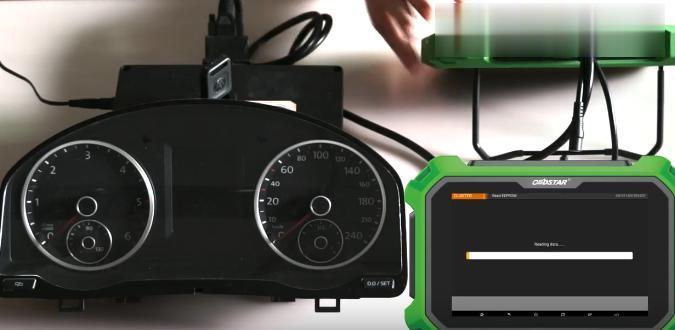
Enter a file name to save.
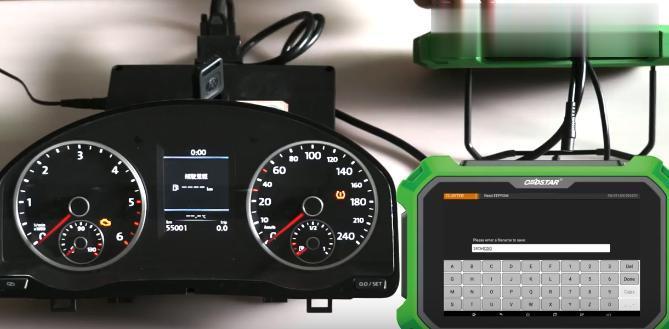
Input value 24C64COD.

Finish.
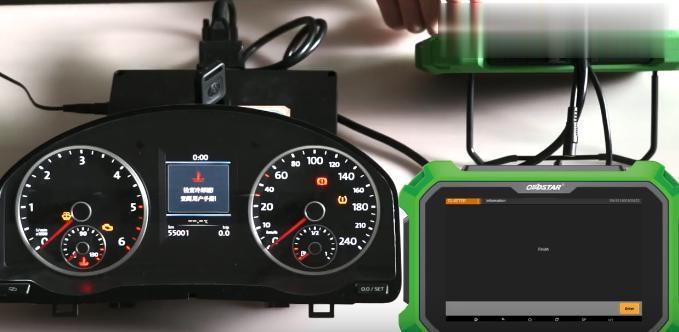
Read write mileage.
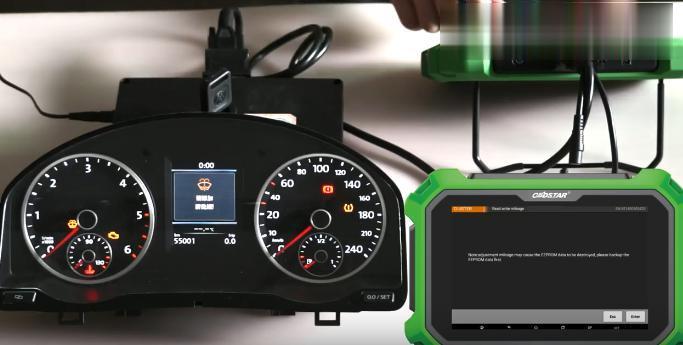
Note: adjustment mileage may cause the EEPROM data to be destroyed, please backup the EEPROM data first.
Logging in system.

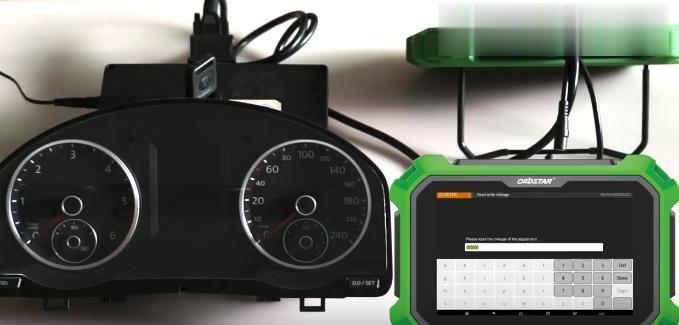
Please input the mileage of the adjustment.
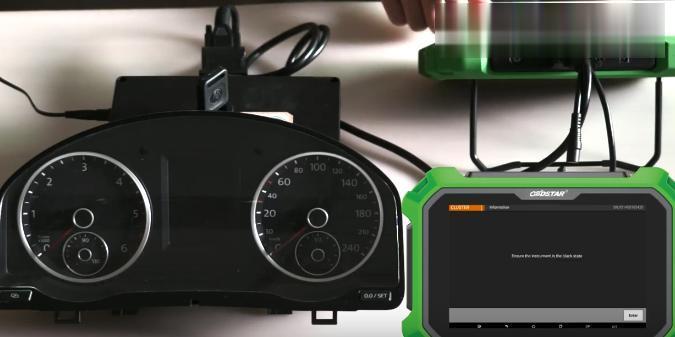
Ensure the instrument in the black state.
Writing data
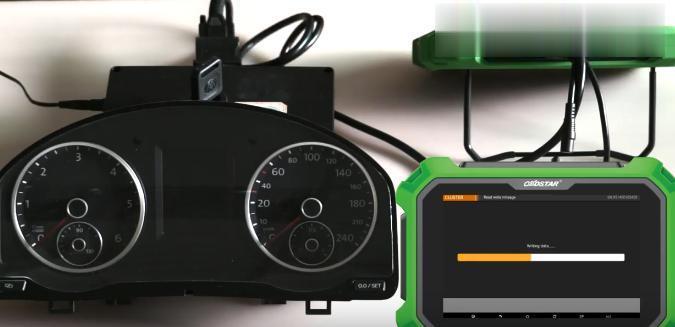
Finish
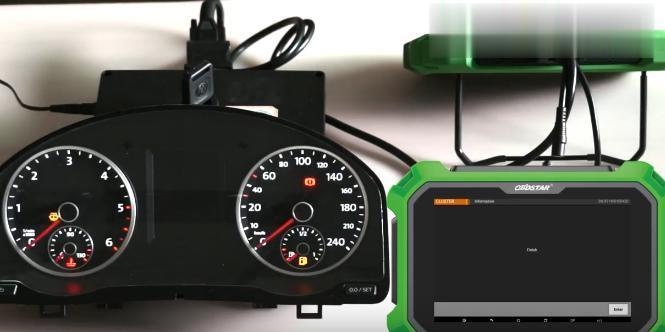
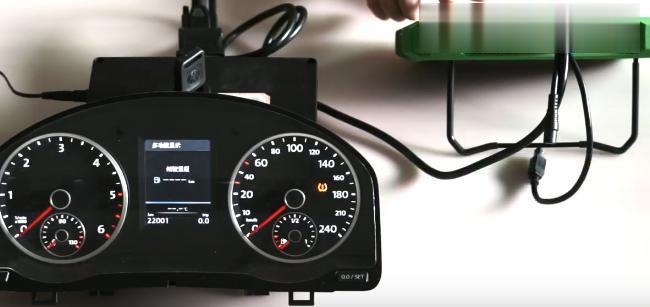
on the dashboard there is the new mileage value.
下一則: Porsche Cayenne 2011 EPB Programming after Replacement by Launch X431
- BMW Coding & Programming
- Autocom CDP+ Diagnostic tool for trucks and cars with bluetooth
- Guide to use CG FC 200 ECU Programmer
- MINI ACDP BMW “Verify Bin file MD5 failed” on BMW F11 520D 2012 Solution
- Hyundai Accent(RB) 2017 ABS Brake Bleeding via Autel MK808
- XTOOL A80 Pro, A80 H6, and X100 PAD3, Any difference?
限會員,要發表迴響,請先登入


