HOW TO USE LAUNCH X431 TO READ OUT IMMOBILIZER SYSTEM SECURITY PASSWORD
2021/12/15 16:30
瀏覽104
迴響0
推薦0
引用0
Remove, reinstall BCM system, or the key lost a new matching key, the key registration function for the vehicle needs to be performed, and the key registration steps need to get the security password and calculate system security password for Nissan Sylphy 2008. For Nissan repair diagnostic work, please check here : Nissan Trouble Repair
What You Need?
Procedures:
The following is the 2008 Nissan Sylphy based on the steps of anti-theft password read and calculating operation:
1.Turn on the ignition
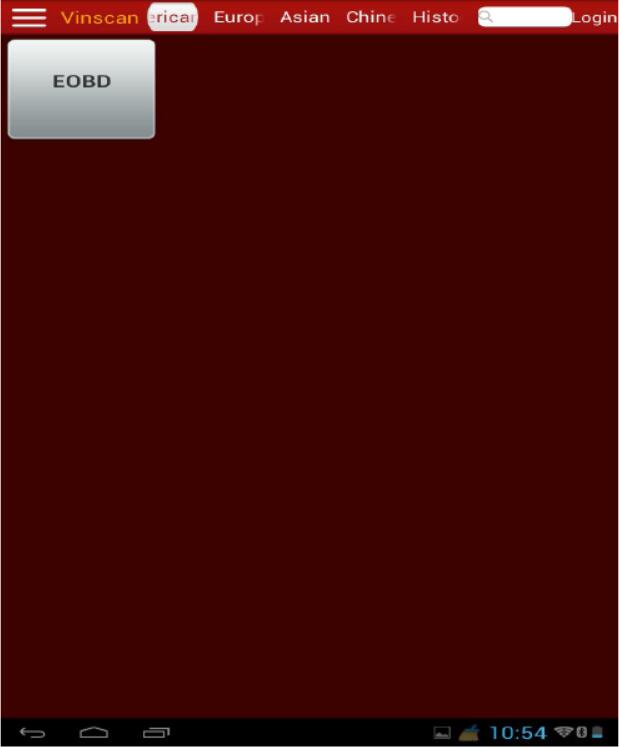
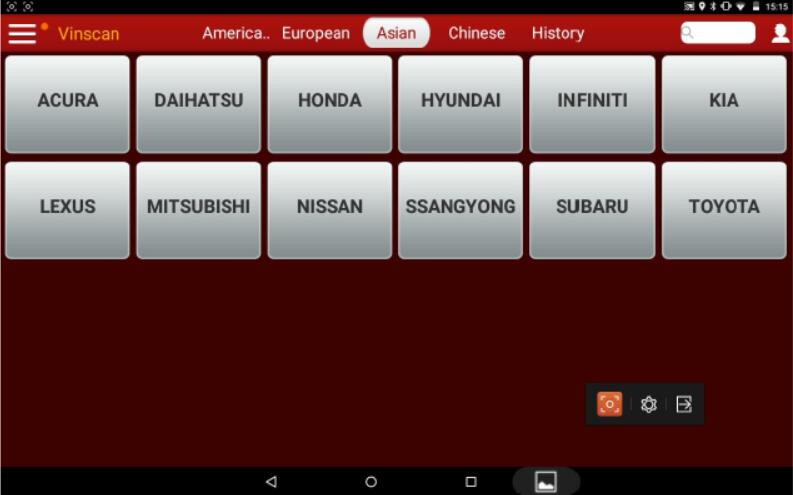
2.Select ” NISSAN”
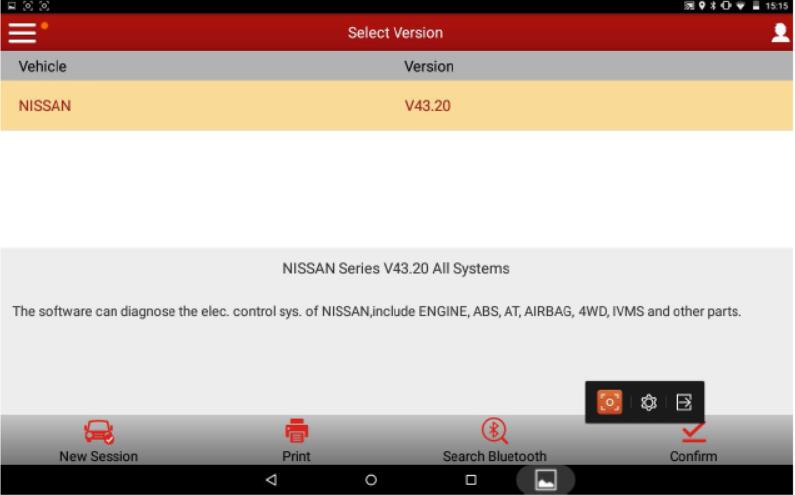
3.Select “V43.20” version
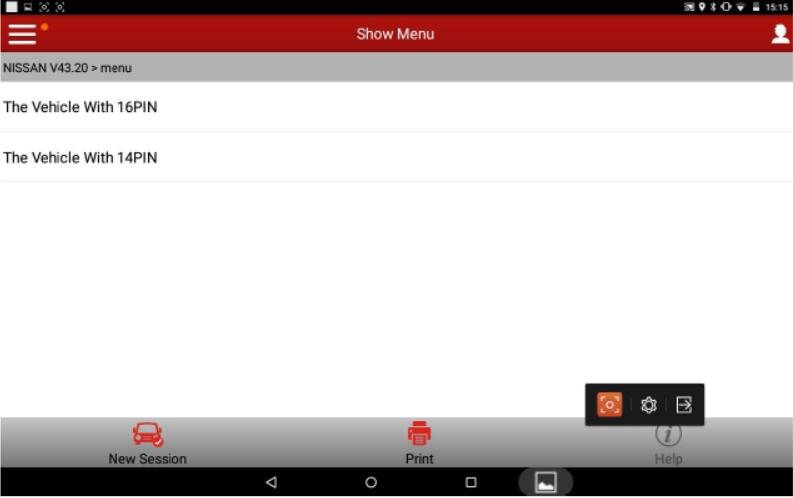
4.Select “16PIN”
5.Select “Maintenance”
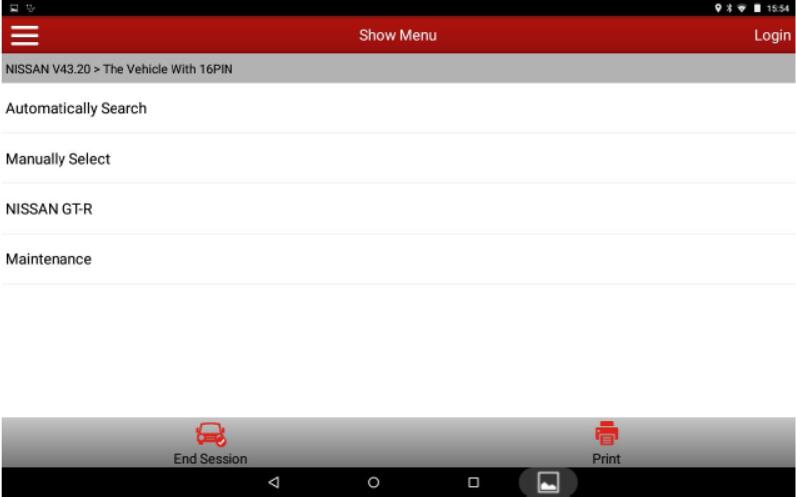
6.Select “NATS”
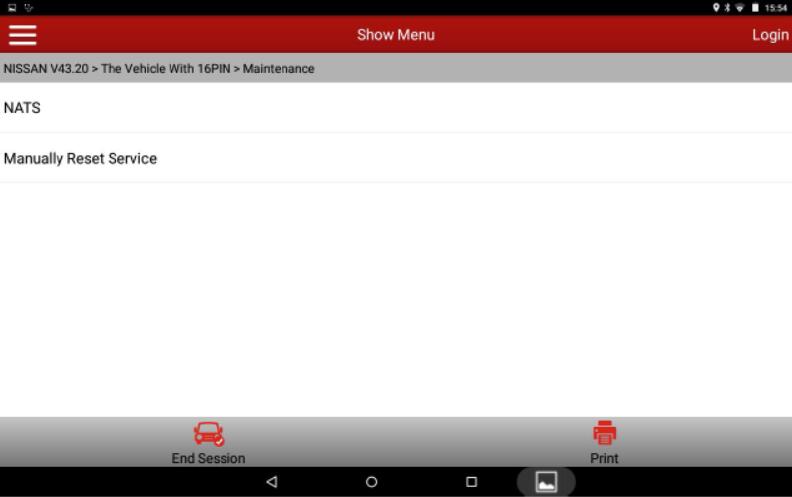
7.Select “General Mode”
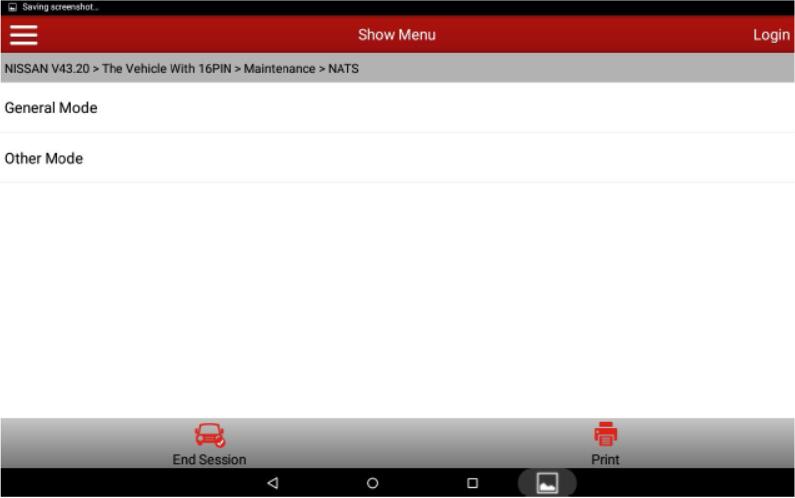
8.Select “Pin Code”
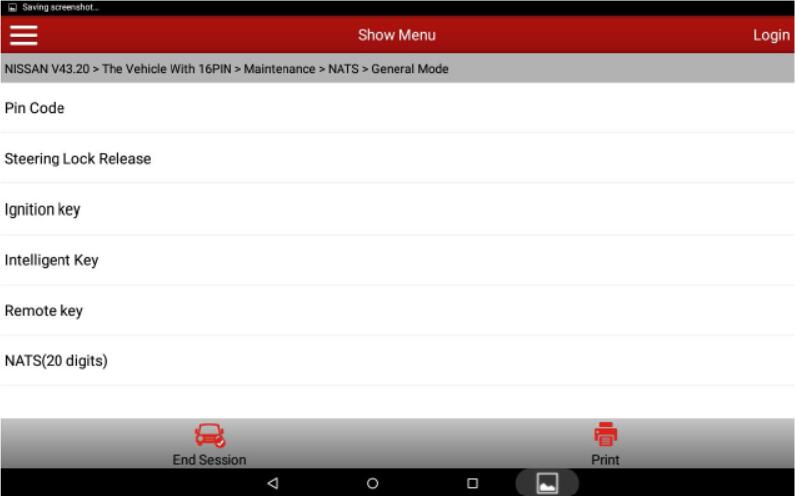
9.It displayed PIN CODE
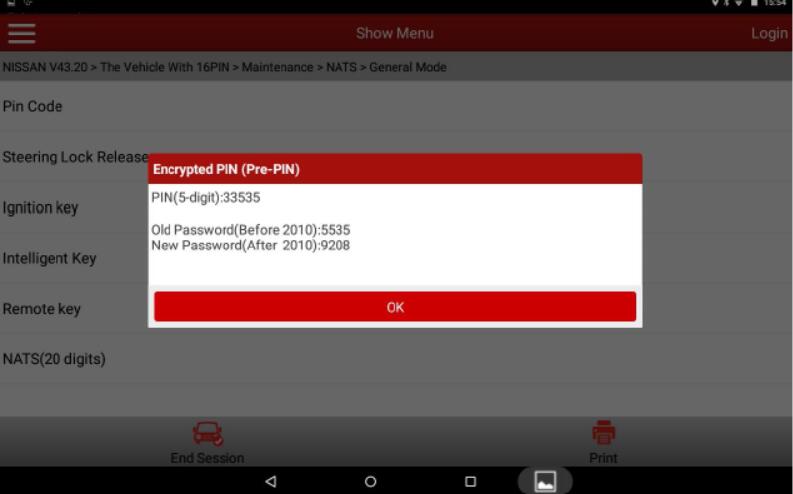
10.Select OK
More test report about Launch X431 please check:Launch X431 Test report
自訂分類:不分類
上一則: VXDIAG VCX NANO GM SGM RDS File Verification Failed下一則: Mercedes Benz C6 Vs SD Connect C4 review
你可能會有興趣的文章:
限會員,要發表迴響,請先登入


