Here’s the guide on how to disable AdBlue for Mercedes Benz AXOR 375.4 truck using MB Star diagnostic software DAS
Preparations:
Benz DAS Diagnostic Software (older version)
MB Star SD Connect C4 multiplexer
Benz FDOK VeDoc & Special Functions Calculator
Procedures:
Note: Here test this function in the simulation mode
Connect DAS diagnostic interface to Benz truck,it is 16 pin connector
Then enter menu to select “Truck”–>”AXOR”–>”AXOR 375.4”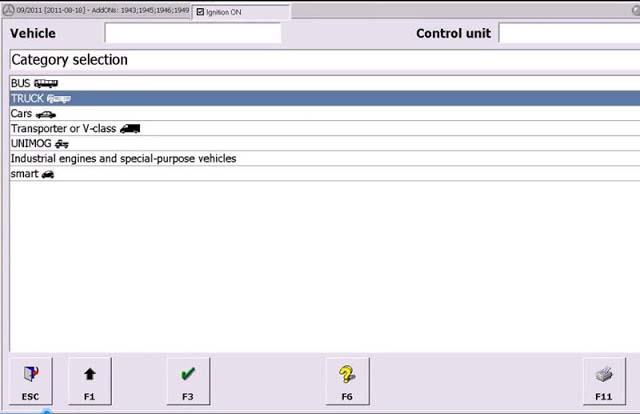
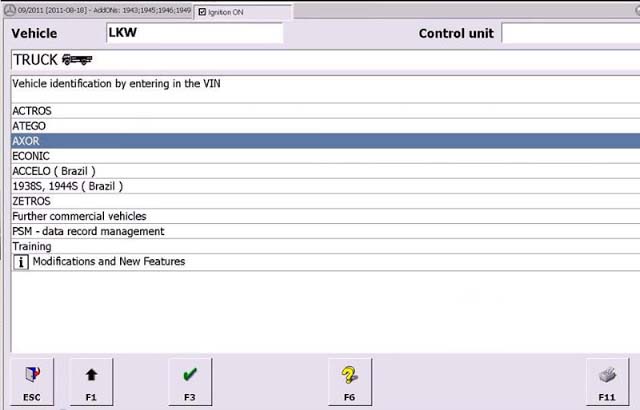
Select “System recognition”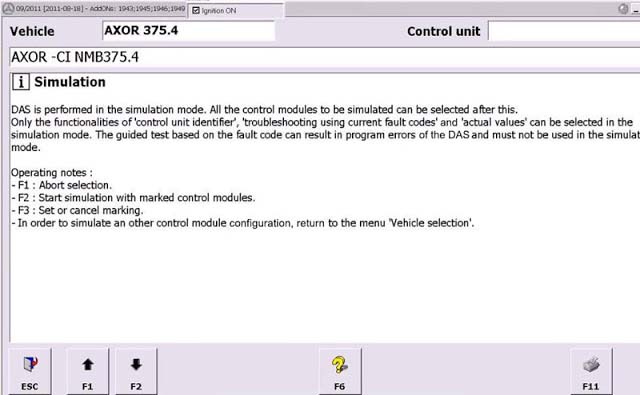
Select “FR driver control”–>”Control unit adaptations”
Select “Vehicle parameter”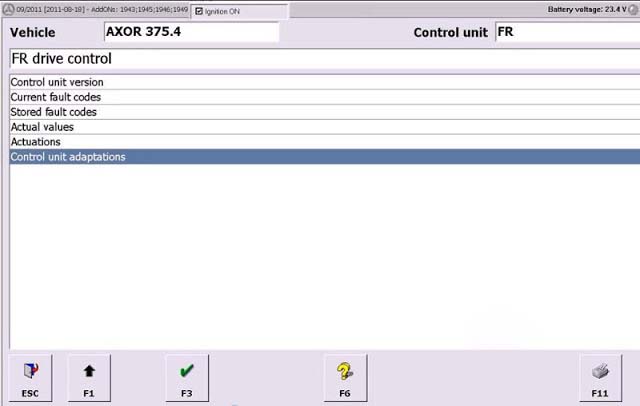
Select “NOx Torque limit”
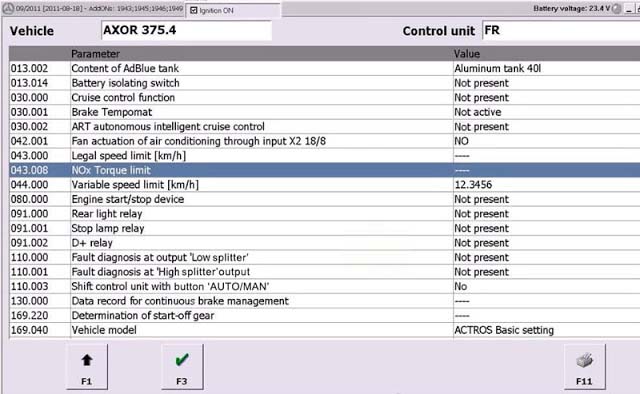
Select “100% of maximum torque for vehicle”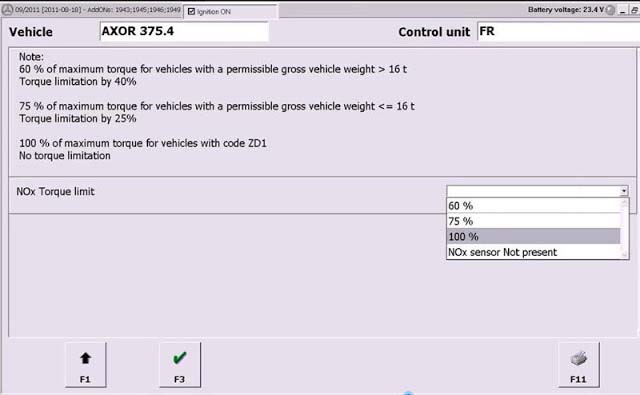
Then it will show you
Random number:0131
ID Code:13121110
Calculation type:XT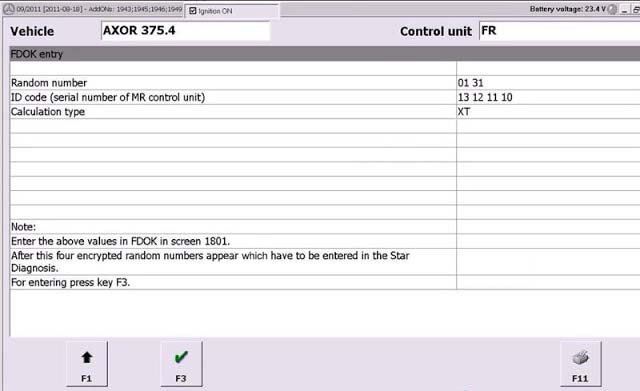
Now run Benz FDK VeDoc calculator software,input the random number,ID code and calculation type,then you will get the two codes.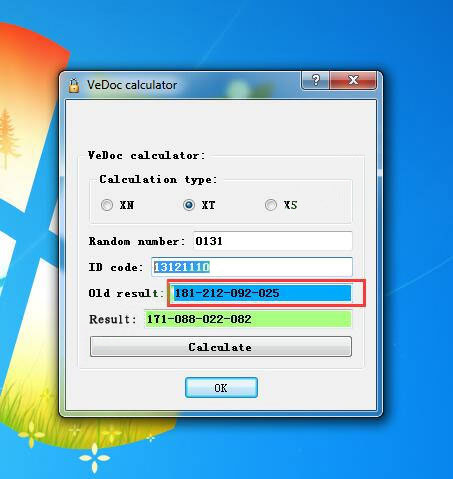
Now input the Old result:181-212-092-025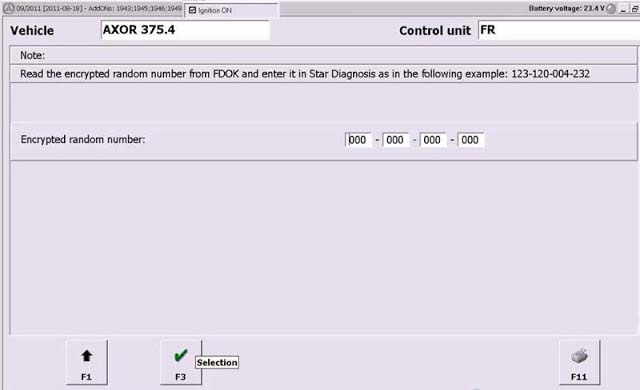
Click continue,it will show you with message below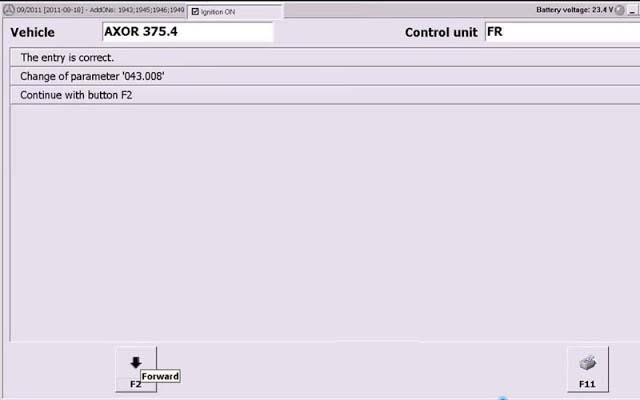
Now AdBlue have been removed
Done!
限會員,要發表迴響,請先登入


