Condor XC-mini Customize Key File
2018/07/27 10:03
瀏覽154
迴響0
推薦0
引用0
Guide: mini condor key machine customizes a key in 6 steps
Guide:
1.Open the Key Data Customize Tool
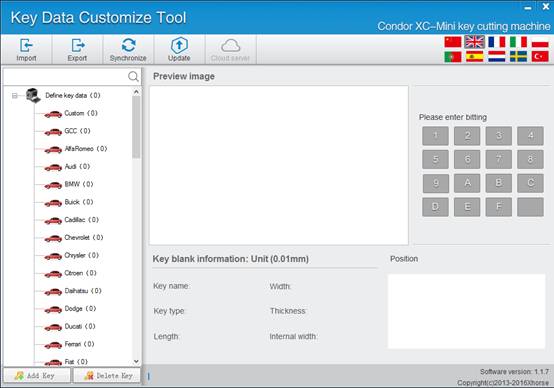
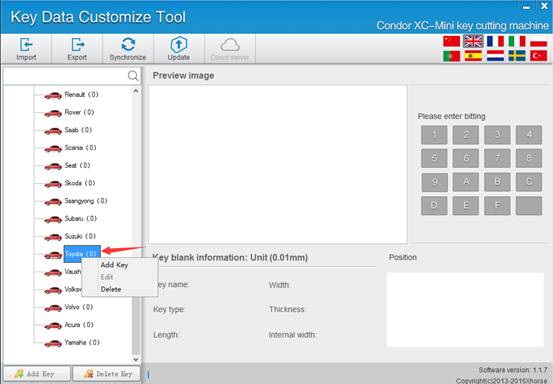
2.For example, customize a corolla,right click mouse on “Toyota” to choose “Add key”
3.Measure the values following the schematic diagram and fill in the corresponding place.
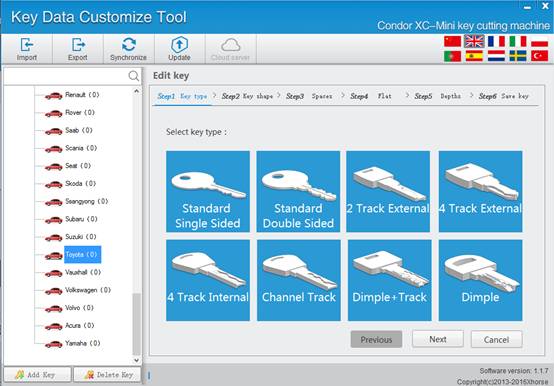
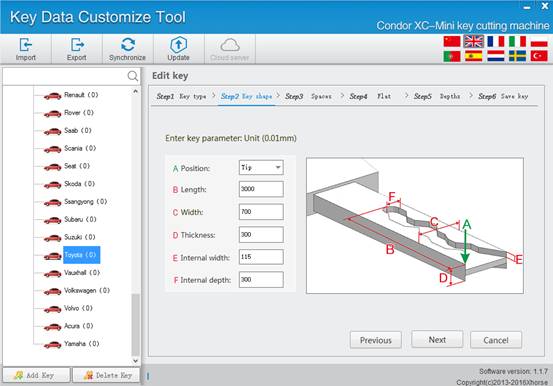
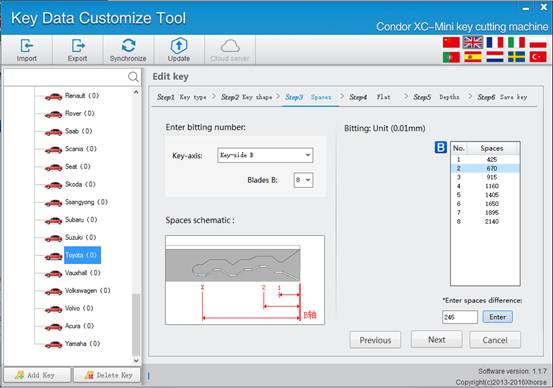
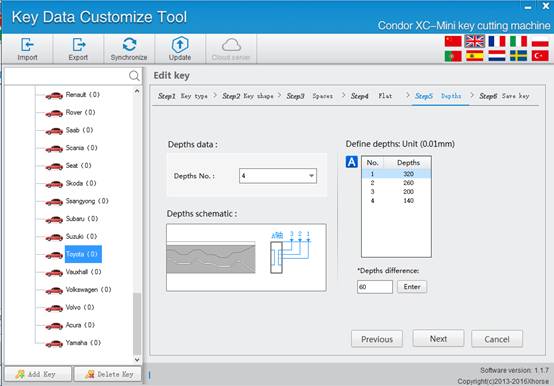
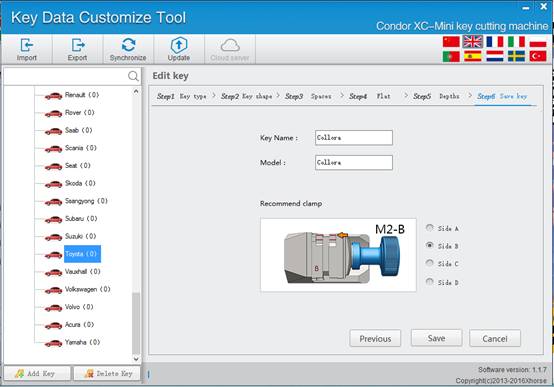
4.Click save, add a key file successfully.You can see it on your list.and you can export the data out and import to another customize tool,then Synchronize it to condor
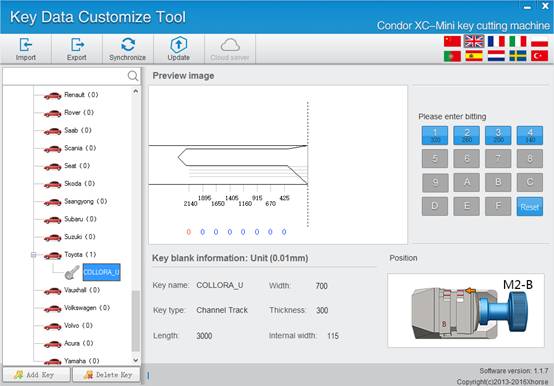
5.Connet the condor USB to the computer,click “Synchronize”
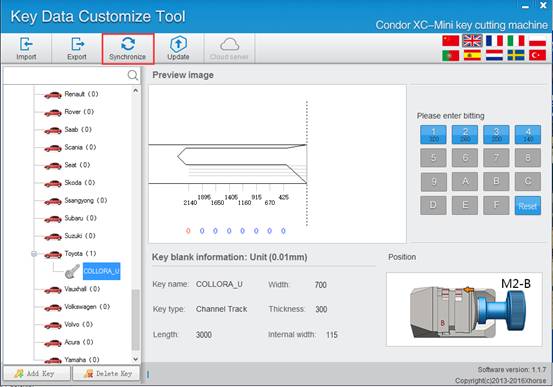
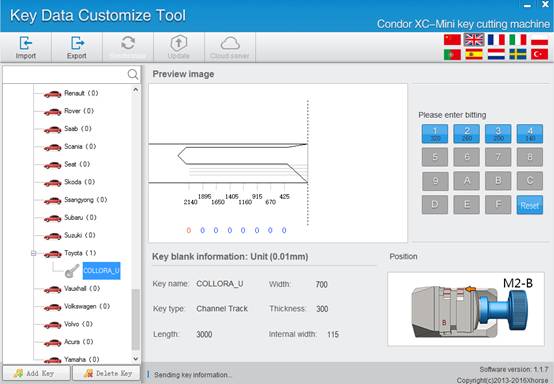
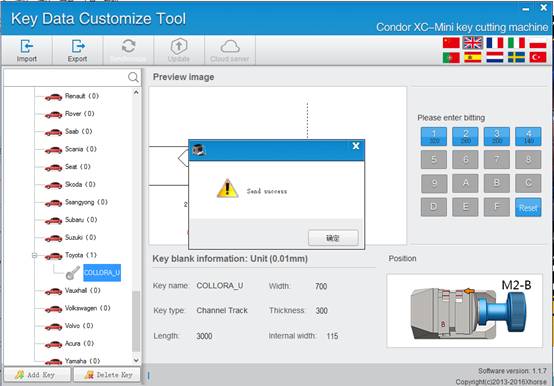
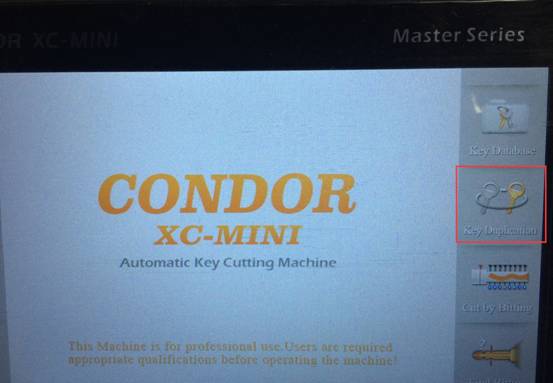
6.you can find the file you customized in the “Key Duplication”
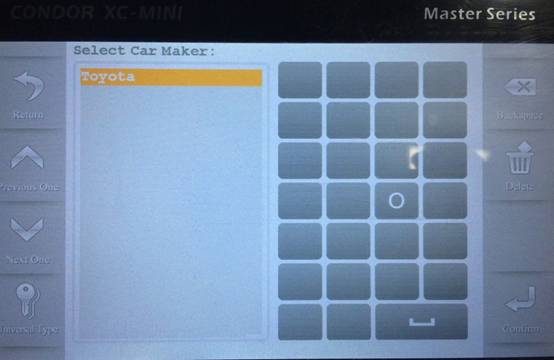

Done.
Condor XC-mini Customize Key File successfully.
Edit by http://www.xhorsevvdi.com/ :Condor XC-mini Customize Key File
自訂分類:不分類
上一則: VVDI MB Tool and VVDI Prog Program Benz W906 Key下一則: Vxdiag SUBARU SSM 3 Download FREE with Reviews: 100% Tested
你可能會有興趣的文章:
限會員,要發表迴響,請先登入


