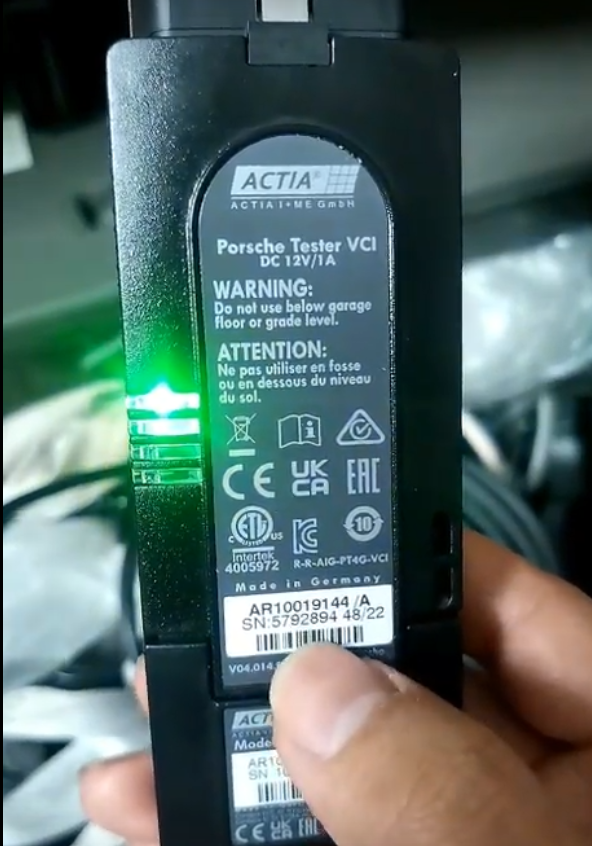
Porsche Piwis 3 is a professional diagnostic tool used to diagnose and troubleshoot Porsche vehicles. It can be used in conjunction with the PT4G VCI (Vehicle Communication Interface) to perform diagnostics and programming functions on Porsche vehicles.
To use Porsche Piwis 3 with PT4G VCI, you will need to follow these steps:
– Connect the PT4G VCI to the vehicle’s OBD2 port and the Porsche Piwis 3 device to the PT4G VCI via USB.
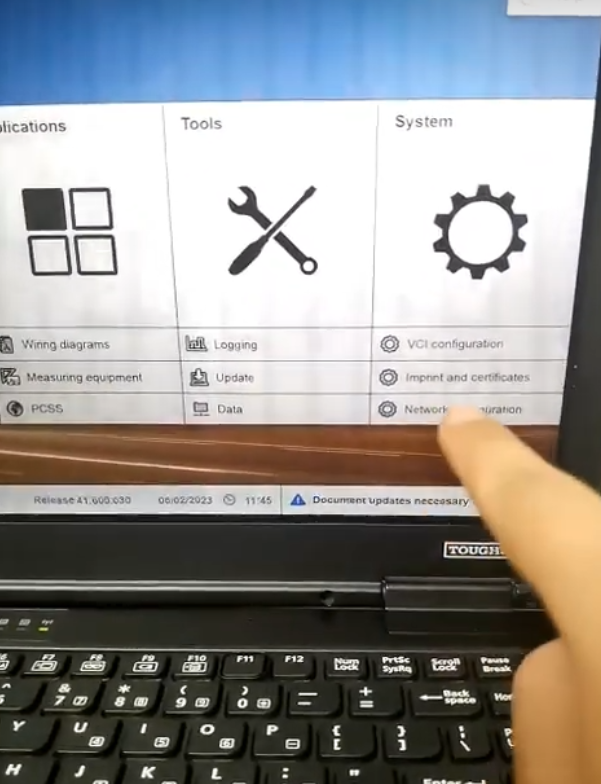
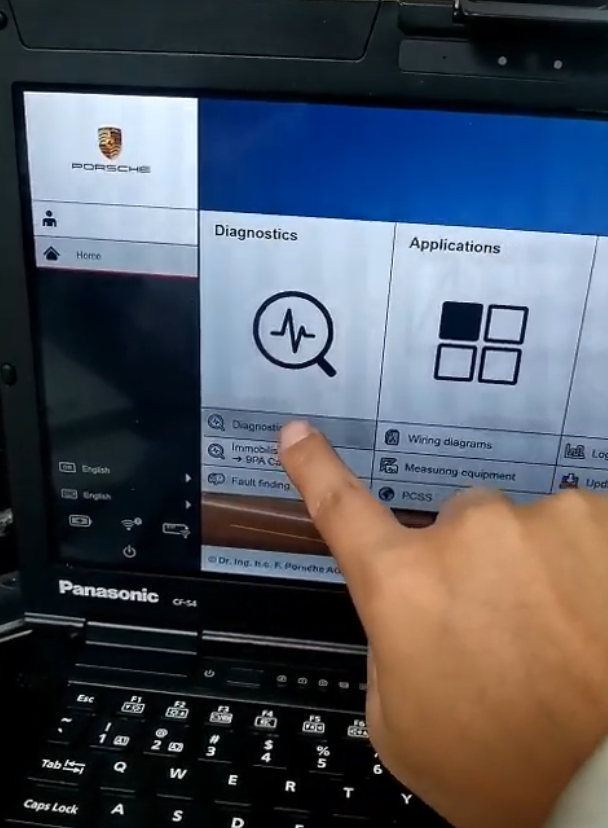
– Turn on the vehicle and start the Porsche Piwis 3 software.
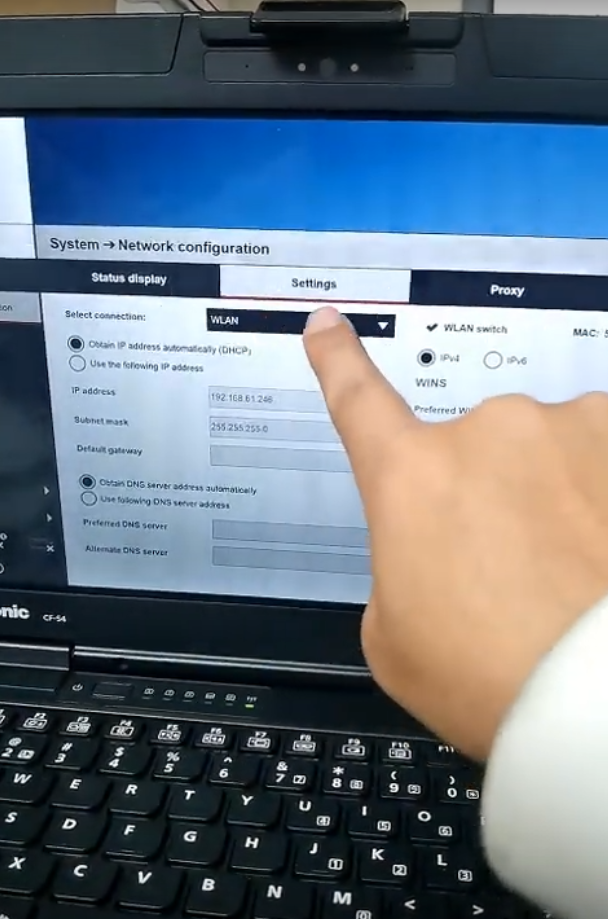
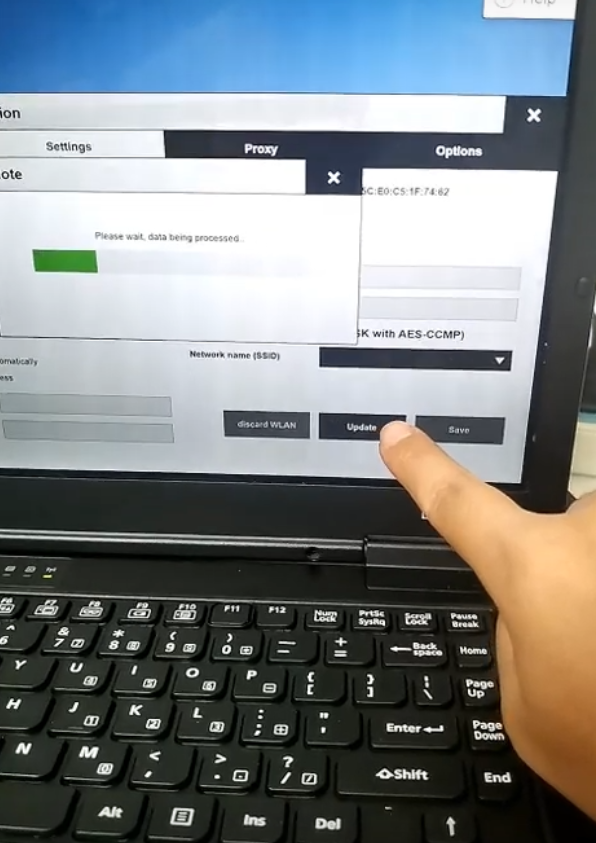
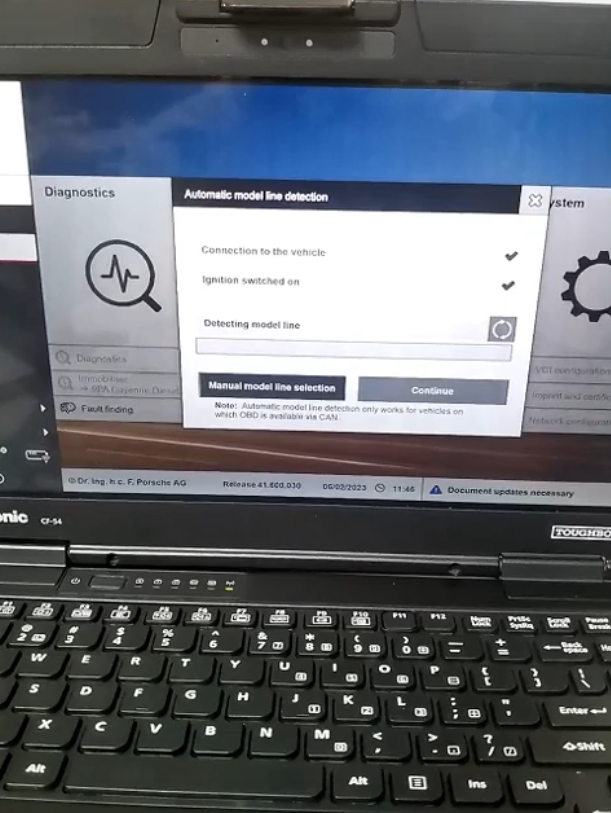
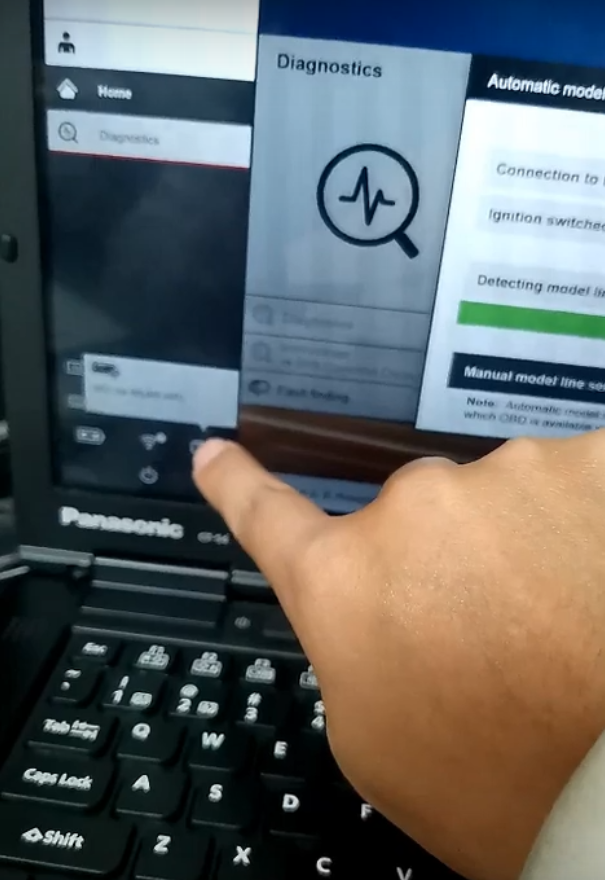
– Select the vehicle you want to diagnose from the Porsche Piwis 3 software and connect to the vehicle through the PT4G VCI.
– Once the connection is established, you can access the various diagnostic functions and perform tests on the vehicle’s systems.
– Use the Porsche Piwis 3 software to read and clear diagnostic trouble codes, perform system scans, and access the vehicle’s programming and coding functions.
– Follow the instructions provided by the Porsche Piwis 3 software to complete the diagnostic or programming procedures.
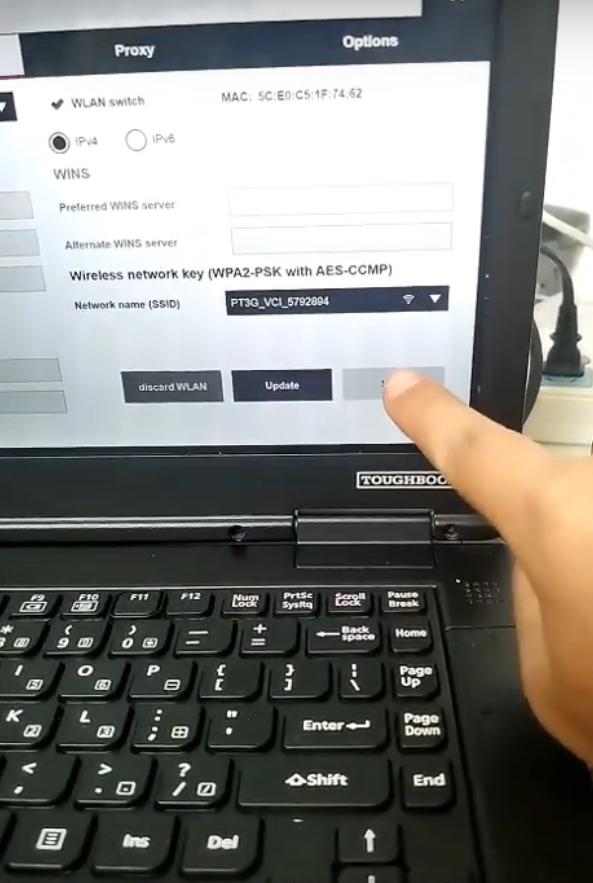
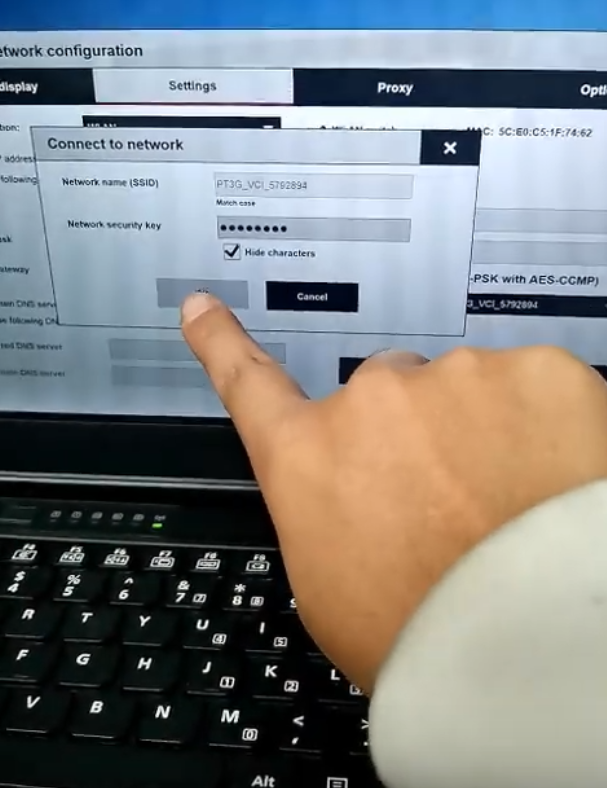
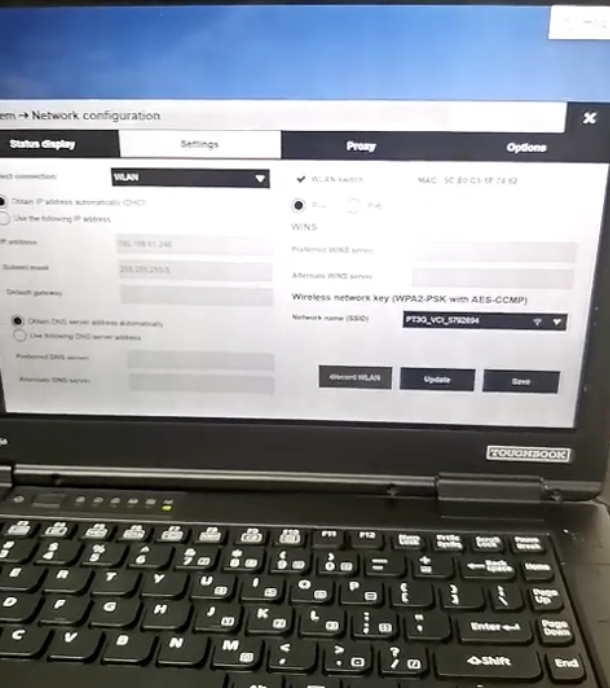
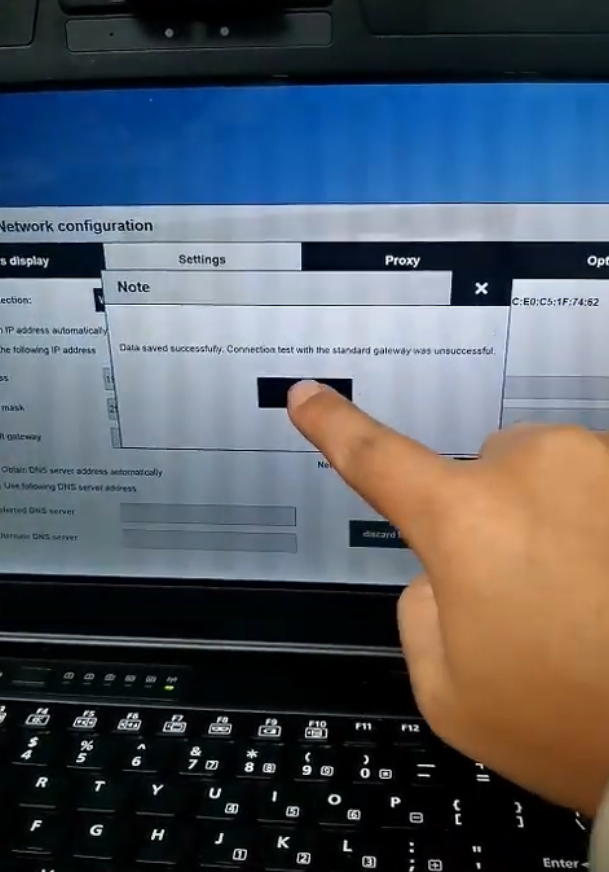
It is important to note that using Porsche Piwis 3 and PT4G VCI requires technical knowledge and training. If you are not familiar with automotive diagnostics and programming, it is recommended to seek assistance from a professional mechanic or dealership.
https://www.autonumen.com/blog/how-to-use-porsche-piwis-3-with-pt4g-vci/
- How to Configure a VOCOM to WLAN Wireless Mode
- Xtool X100 PAD2 Tested Ok on Renault 2009 Megane
- John Deere Diagnostic Kit EDL Diagnostic Adapter
- What can you do with Porsche Piwis Tester III?
- How to Using BMW ICOM A2+b+c to program BMW F-Series chassis models
- OBDSTAR X300 DP PAD Tablet Key Programmer Full Configuration
限會員,要發表迴響,請先登入


